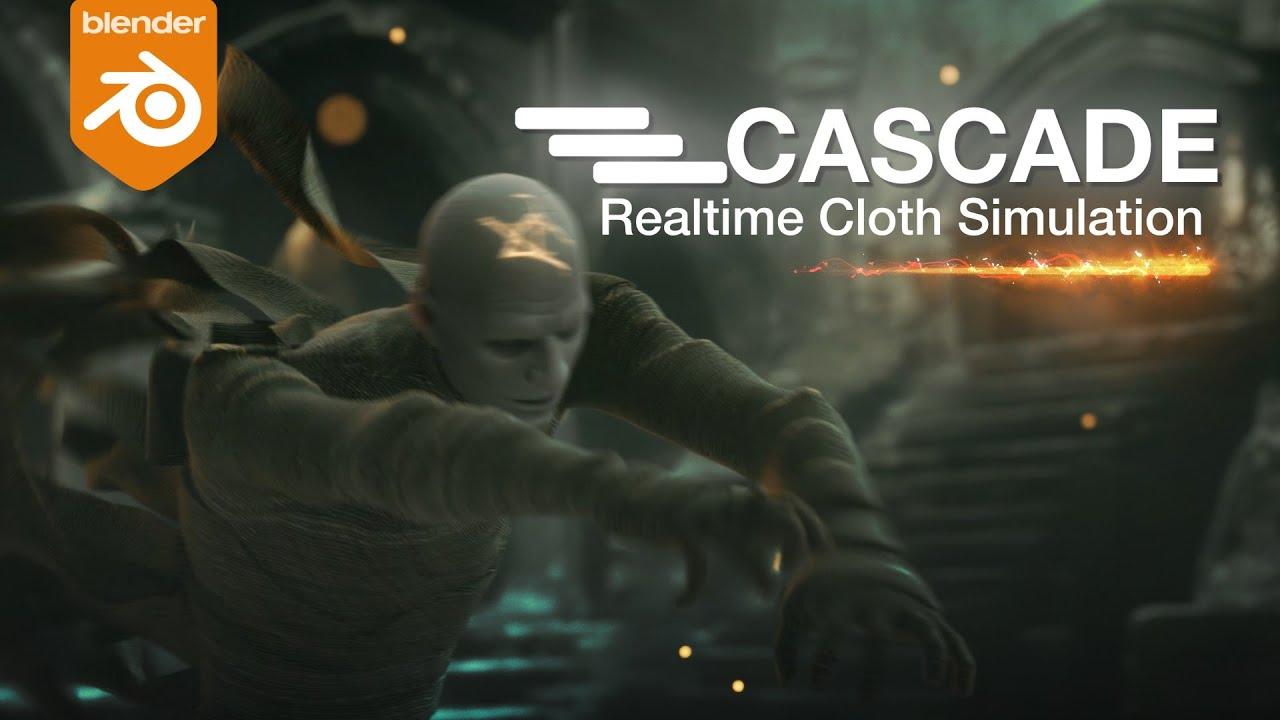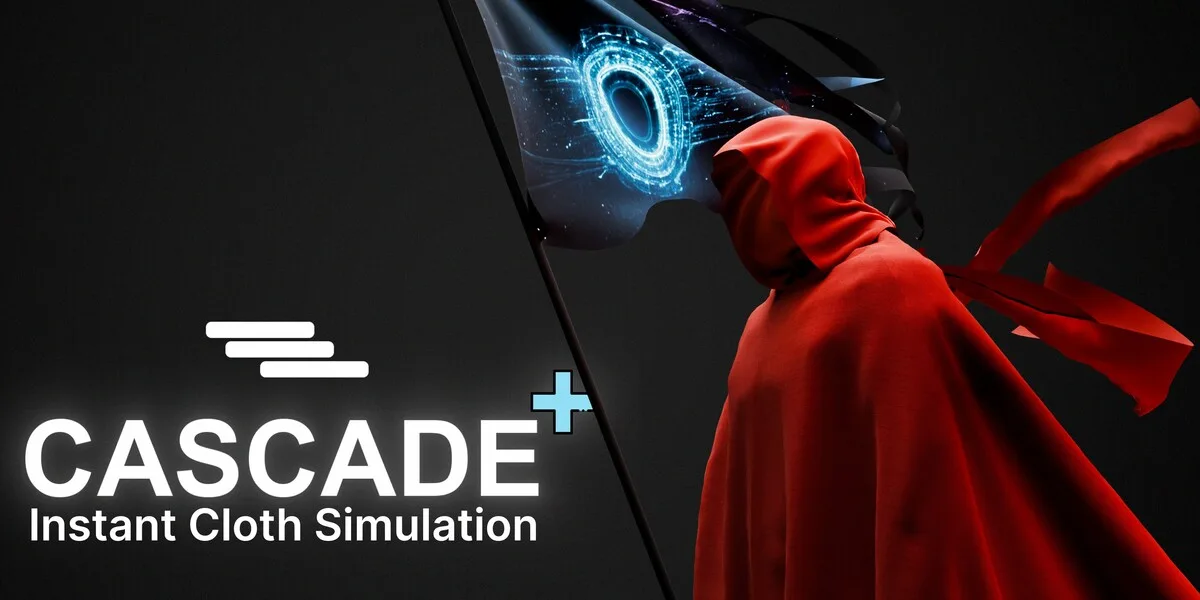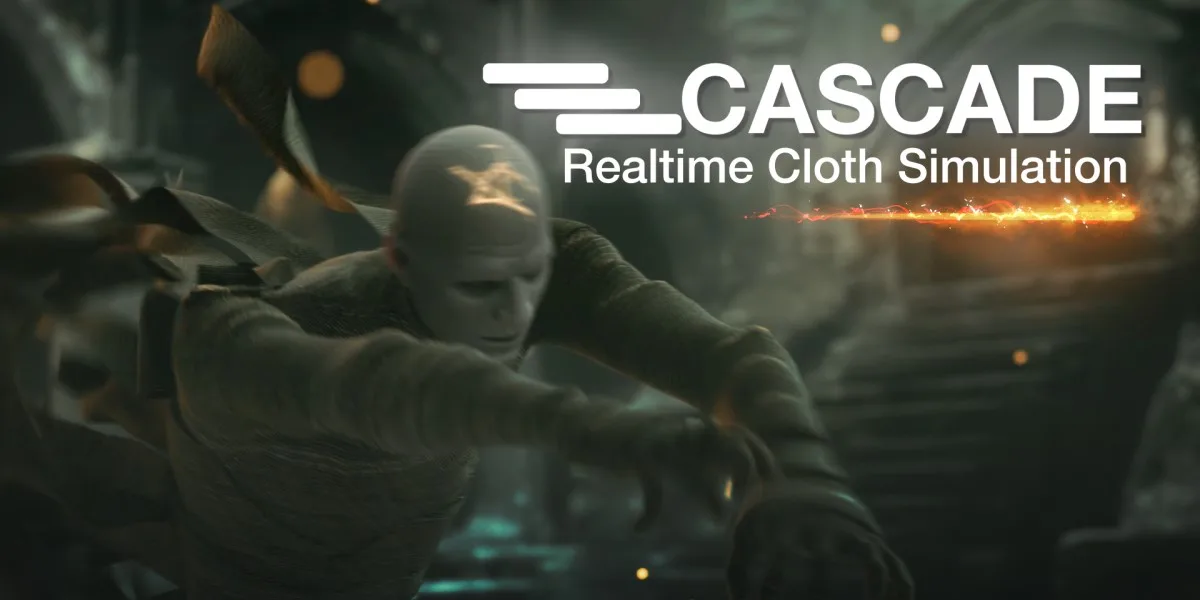
Cascade - Cloth Simulation Library is a Blender asset library with 37 real-time cloth simulations built with real-life parameters, plus a bonus pack of 55 textures. You add the library through Blender’s Asset Browser, then drag simulations into a scene. Its modular design lets you combine simulations to build larger cloth effects. The product listing describes its simulations and setup.
Simulation uses and Blender compatibility
The simulations are intended for uses such as character animation and architectural renders. The creator also lists banners, flags, tents, ship masts, character hair, seaweed, cobwebs, jellyfish, portals and other scene elements as possible applications. These examples describe the range of uses; check the product preview to see whether a particular asset suits your shot.
The product listing records compatibility with Blender 3.0 through 5.2. If you use a release outside that range, check the listing for current compatibility before relying on the library.
Add Cascade to Blender
- Extract the ZIP file to a folder and copy that folder’s path.
- In Blender, open Edit > Preferences > File Paths. Add the copied path under Asset Libraries.
- Open the Asset Browser, choose Cascade from the library dropdown, then drag an asset into your scene.
Retexture or loop a simulation
To apply your own image textures, remove the premade UV maps under Object Data Properties > UV Maps, create new UVs with Smart UV Project, then add image textures.
For cyclic playback, select the MeshSequenceCache modifier, enable Override Frame under Time, and enter #(frame-1)%1000+1.
Who might use it
Cascade may suit Blender artists who want ready-made cloth motion for animation or scene dressing and need several simulations that can be mixed together. Setup adds the library through Blender’s File Paths preferences, then uses the Asset Browser; retexturing and cyclic playback have separate steps. Review the product listing and its preview to check the included assets against your scene’s needs.