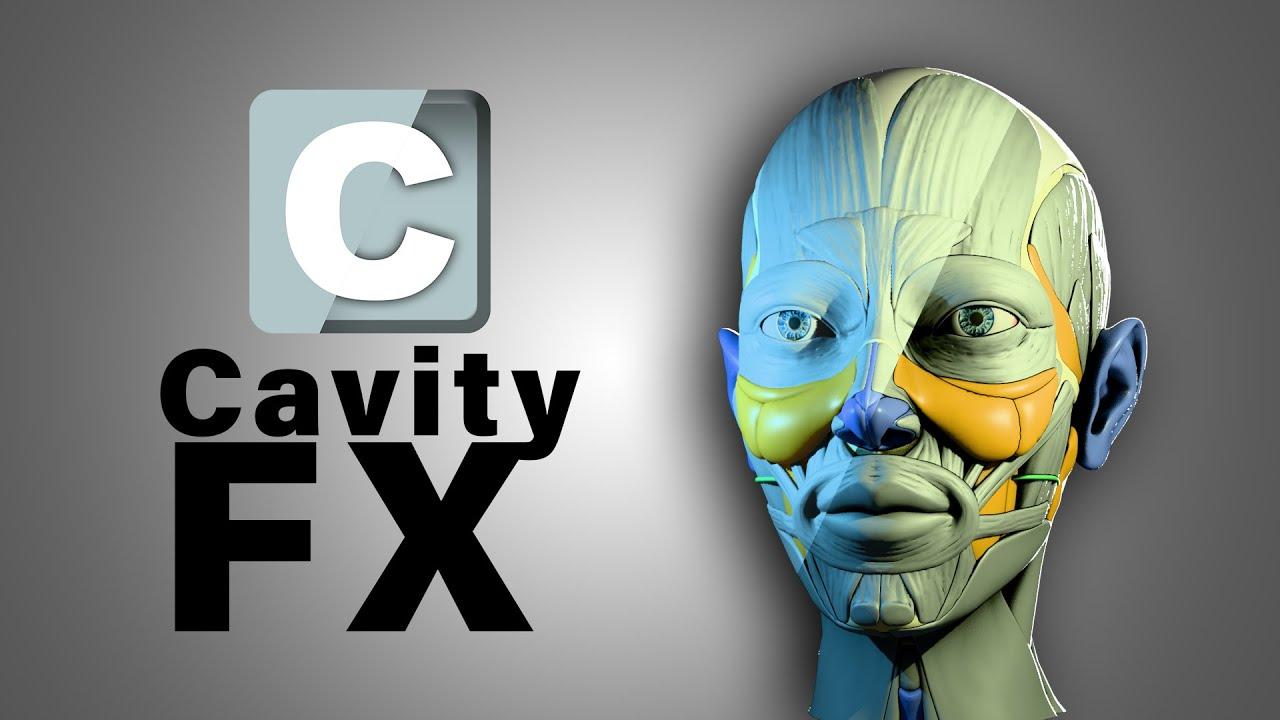
Cavity FX is a Blender add-on from Flidoh Animations that brings solid-viewport cavity shading into the compositor for rendered output. The Superhive product listing names EEVEE and Cycles as supported render engines.
How Cavity FX adds cavity shading
After you enable the effect, Crease and Edge controls let you adjust its intensity. You can preview the result or bake the cavity effect across an animation. Realtime FX refreshes the compositor image at a configurable interval. The add-on creates a compositor node group called Cavity control and manages its related temporary files and nodes.
Cavity FX supports both World and Screen space. Its effect is screen-space-based, so the result depends on the active camera view. PNGs and objects using alpha transparency do not respond to the cavity effect.
Setup and compatibility
In Blender 4.4 or later, install the add-on ZIP through Blender's Edit > Preferences > Add-ons panel, then enable it. Keep the included Cavitylib.blend file in the same directory as the add-on. Find the controls in the 3D Viewport Sidebar under the CavityFX tab. The Cavity FX documentation lists the installation steps and panel controls.
An active scene camera is required to use the effect. Windows 11 is recommended; Linux and macOS support is partial. A 3.5 GHz or faster processor is suggested for the best Realtime FX performance. Cavity FX is licensed under the GNU General Public License v3.