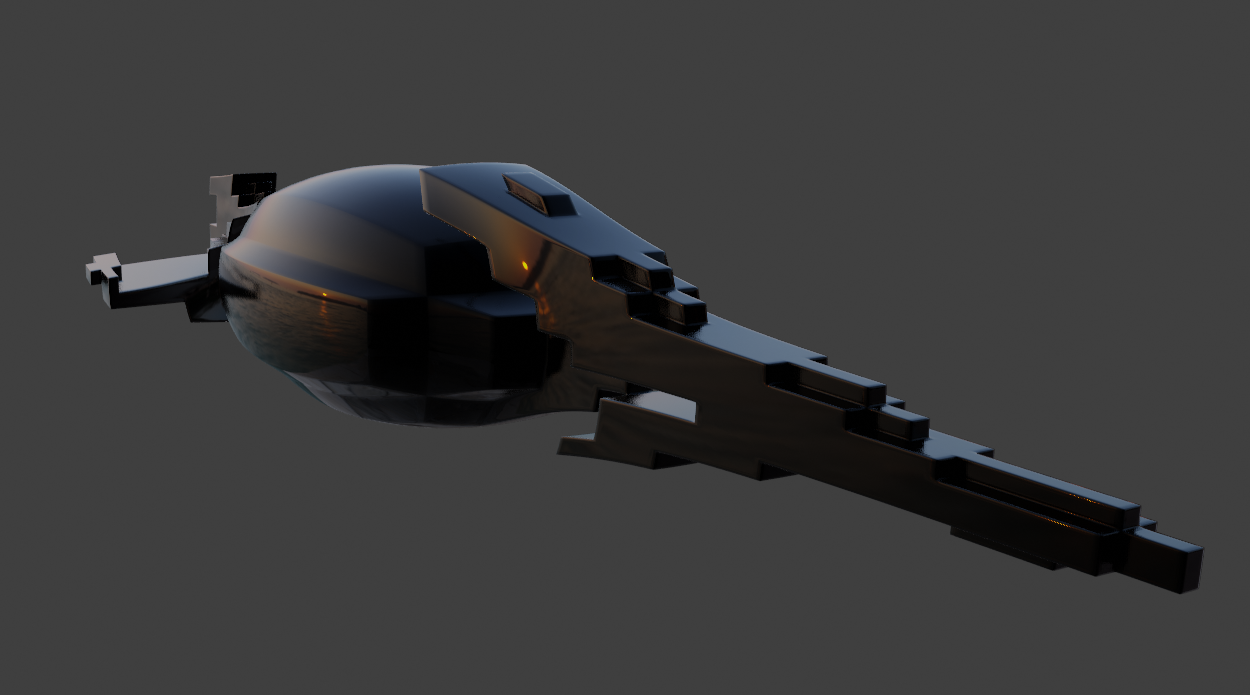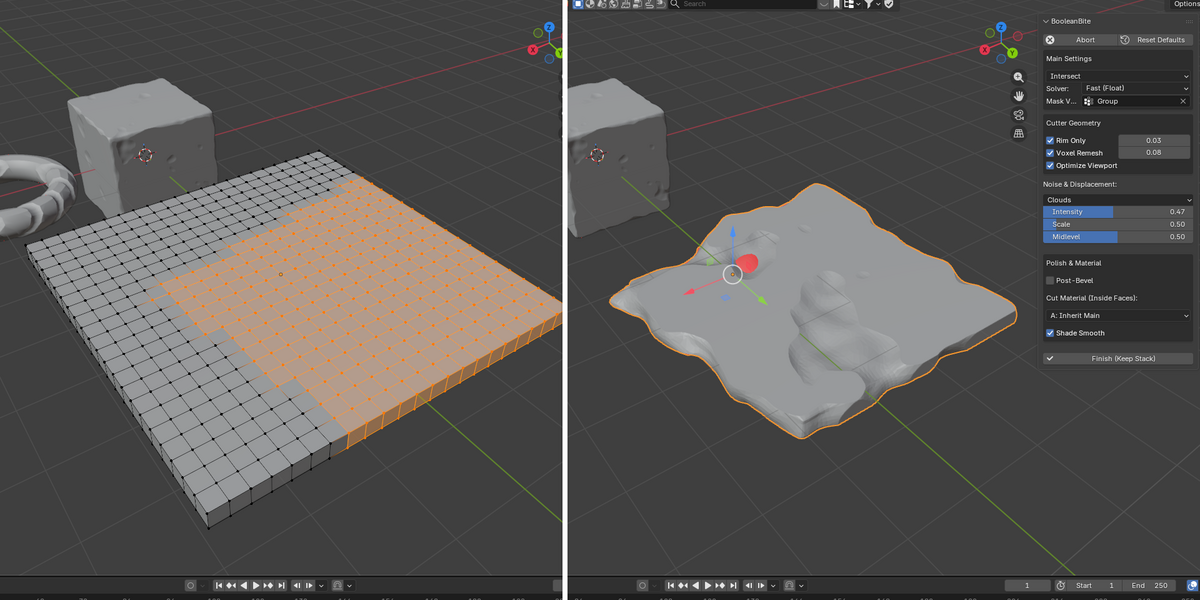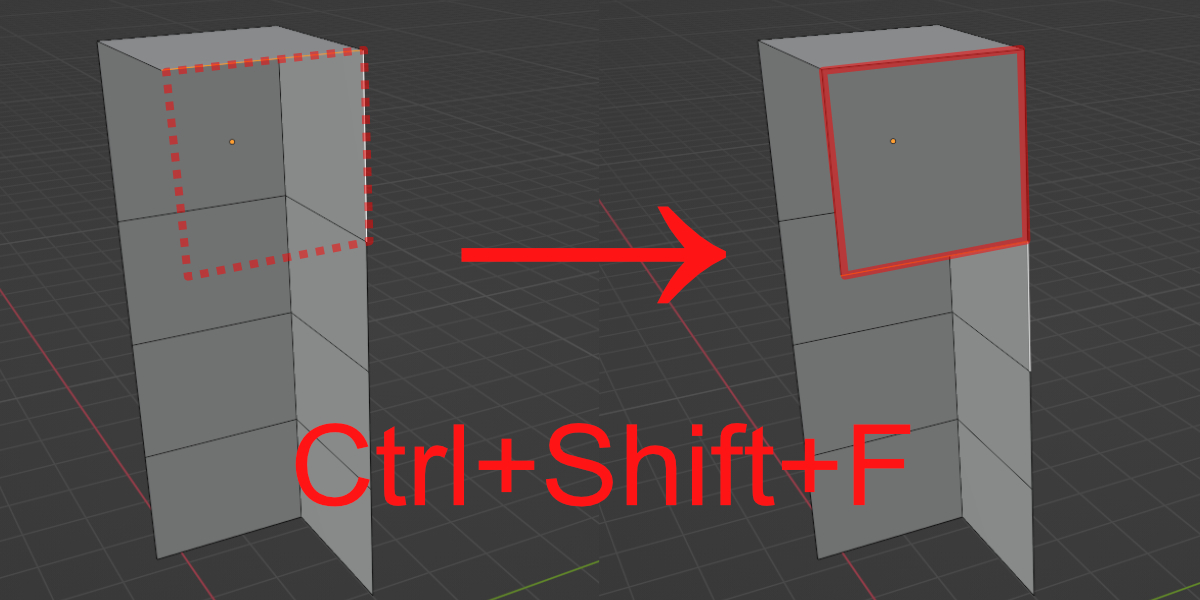
Chakana Pro is a Blender add-on for developing hard-surface concepts from metaball volumes. You can combine and subtract shapes in the viewport, then convert the form into automatically remeshed polygon geometry for further sculpting and detail work. Its numbered panel in Blender's 3D View sidebar takes the workflow from a reference image to a finished mesh.
From reference to mesh
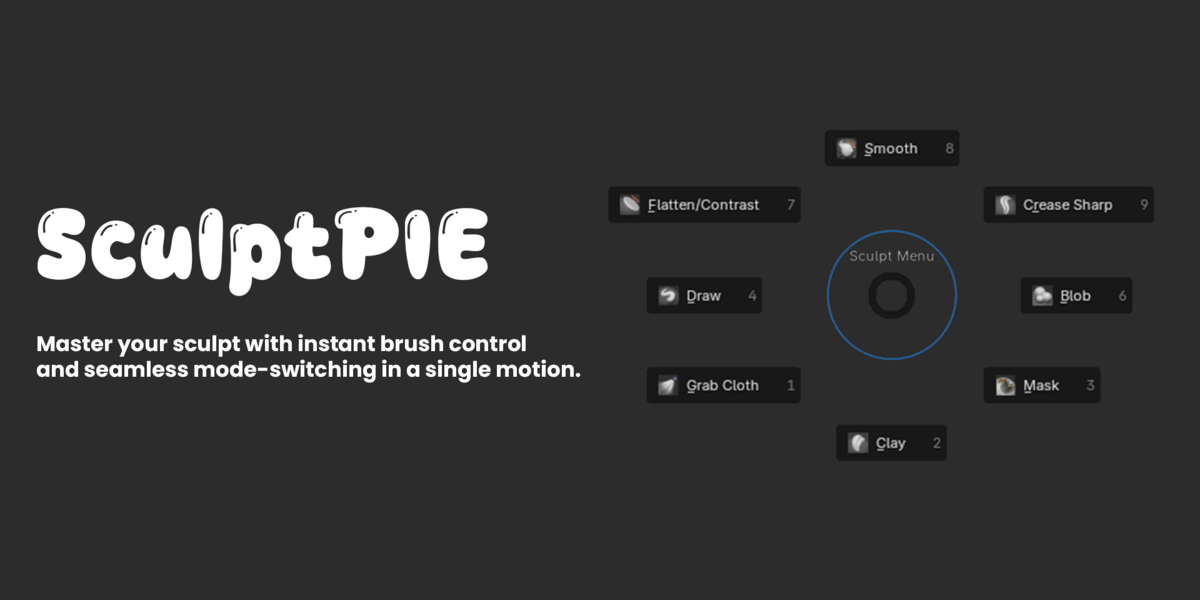
Load a reference image aligned to the current view, then block out the form with Ball, Capsule, Plane, Ellipsoid or Cube metaballs. A global Resolution slider adjusts the metaballs together, and a pie menu gives quick access to the primitives.
Use the Negative tool to subtract a selected metaball from the volume, creating recesses, holes or concave areas. The product's version 2 notes say the tool handles Edit Mode automatically.
Select the metaballs together, convert them to a mesh and use Origin to Geo to place the pivot at the geometric center. A sculpt-mode toggle is optimized for Blender's Elastic Snake Hook brush.
Shape and finish the form
After conversion, Blocks gives the mesh a harder, more angular character, while Smooth produces a softer, rounder result. Blocks can be removed at any time without affecting other systems. Blowfish adds adjustable inflation through a Factor slider and can be applied up to four times before converting to a mesh. Six Axis scale buttons stretch or compress along the positive and negative X, Y and Z directions.
A procedural materials browser connects to a .blend asset library. It can preview materials with thumbnails, apply one to the active object and expose its node group parameters in the panel. Update notes dated March 28, 2026 also list Smart Remesh, Voxel Remesh, changes to the textures section and expanded Blocks controls.
Who may find it useful?
The described workflow is aimed at Blender artists making concept designs, product forms, sci-fi hard-surface pieces, creature armor or industrial props. It is suited to a volume-first blockout that you later convert and refine as a mesh.
Check Blender compatibility
The version details on the Superhive product page differ: the body names Blender 5.1 and 4.2 LTS, the page title names 5.2 and 4.2 LTS, and the details field lists Blender 4.2 through 5.2. Confirm the listing's current compatibility information for your Blender release before installing.