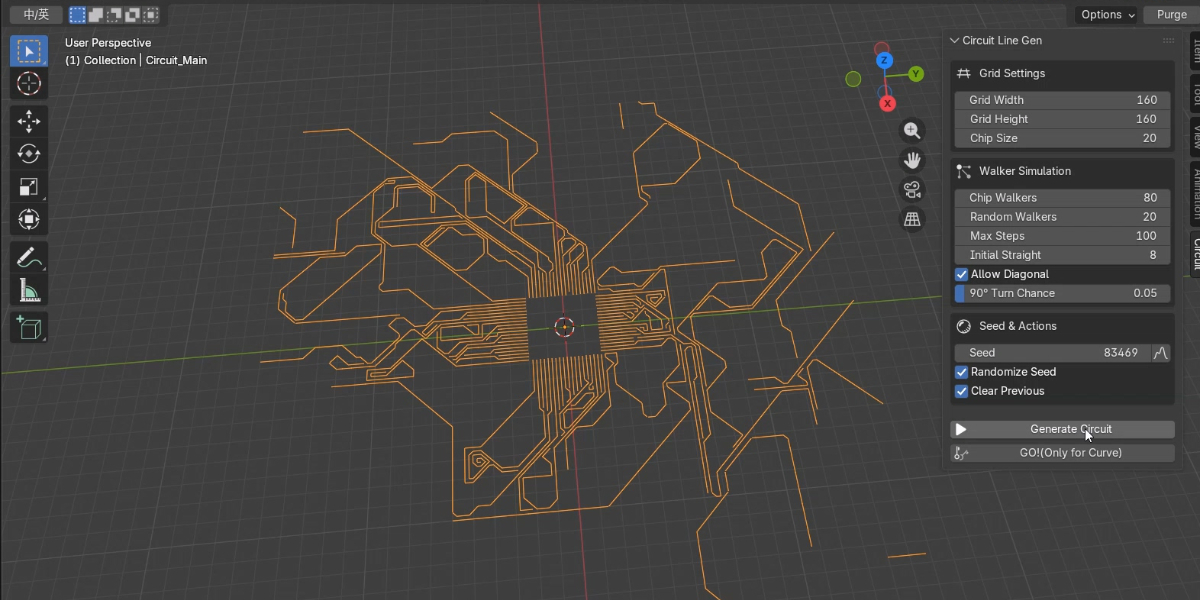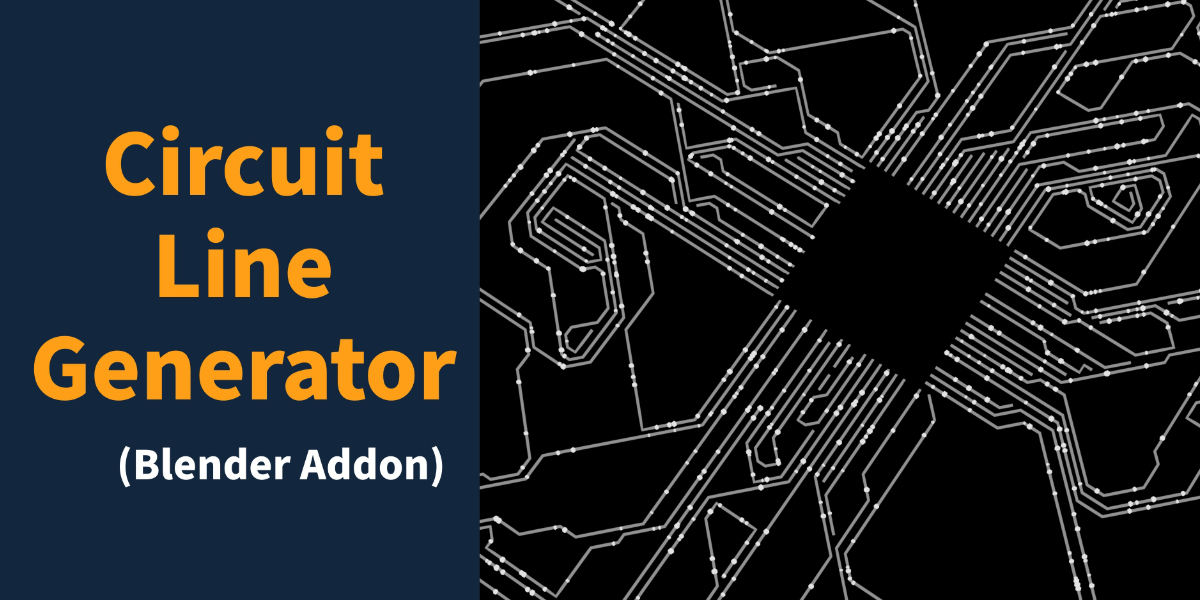
Circuit Line Generator is a procedural geometry add-on for Blender that creates circuit board style lines as 3D curve paths. Its generator simulates an electron random walk on a grid. Artists can shape the resulting circuit pattern in Blender. The Superhive product listing describes a self-avoiding algorithm that keeps paths non-overlapping and independent within the grid, following PCB routing logic.
Shape the circuit paths
The add-on exposes several controls for changing the generated paths:
- Grid resolution
- Electron birth rate
- Initial straightness
- The probability of 90° and 45° turns
Adjusting the turn probabilities lets you move between the mechanical look described as Manhattan Distance and the more streamlined look described as Diagonal Path. The listing does not specify numerical ranges for these settings.
Render wires and pulse animations
Circuit Line Generator includes a dedicated Geometry Nodes rendering module. It can generate wire geometry with varying thicknesses and supports pulse animations called Data Packet Flow. This makes the add-on suitable for Blender scenes that need circuit paths with either a static wire treatment or animated pulses.
The generated curves are automatically merged into a single Active Object. You can then add modifiers or batch-assign materials to the combined output. The product listing names both Cycles and Eevee as render engines used with the add-on.
Blender version and license
The product listing identifies Blender 5.0 as its Blender version and lists the license as GPL. It does not confirm compatibility with other Blender releases in the supplied details, so check the listing before installing it in a different version. Review the linked license information for terms that apply to your use or redistribution.