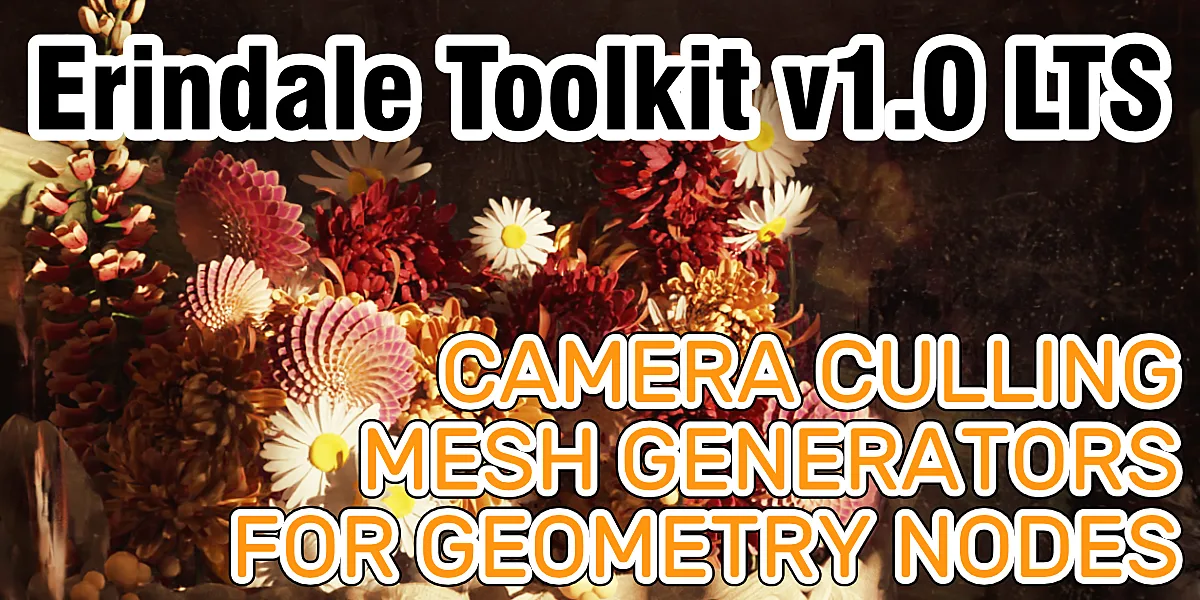
Erindale Toolkit is an add-on by Erindale that extends Blender Geometry Nodes with more than 130 nodes. Its tools cover camera culling, levels of detail (LOD), procedural point generation, arrays, and instancing. The toolkit is aimed at artists building advanced Geometry Nodes workflows, including architectural form finding and motion graphics. Superhive’s release notes record the toolkit’s feature changes.
Tools for instances and procedural layouts
Camera culling can restrict instances to the area visible through the camera, which the creator describes as a way to optimize instance-heavy scenes. The LOD tools let you set distance limits for different mesh levels, reducing the visual detail of distant meshes.
Generator nodes create points procedurally and allow more complex positioning for arrays and instancing. Other documented additions include curve, mapping, mask, and field tools. ETK_Tessellate mimics some simple features of the Tissue add-on; its sockets include tooltips.
Fields update and node history
The product’s release notes say the v2.0 update introduced 65 nodes for Fields, created from scratch, alongside nodes ported from earlier versions. Later updates added tools such as Field Mean, which calculates an average field for each group index, and Field Lines, which traces a vector field. The current product listing describes the toolkit as containing more than 130 nodes. Check the documentation for details on the nodes in the file you download.
Installation and version selection
The creator documentation says to install ERINDALE_TOOLKIT.zip like a Blender add-on and enable it. The ETK subcategories then appear in the Geometry Nodes menus. For Blender’s Asset Manager, the creator says the tools are marked as assets and can appear in a library when you place the .blend file in its directory.
The product listing names Blender 3.0, 3.1, 3.2, 3.3, 3.4, 3.5, 3.6, and 4.0. Separate version notes identify v1.1 for Blender 2.93 LTS and ETK_Core files for Blender 3.1, 3.3 LTS, and 3.4. The FAQ says Blender 2.92 is unsupported because its Geometry Nodes lacks features the tools require. Check the version label on the available file before installing. The product page identifies the node groups and add-on as GPL licensed.