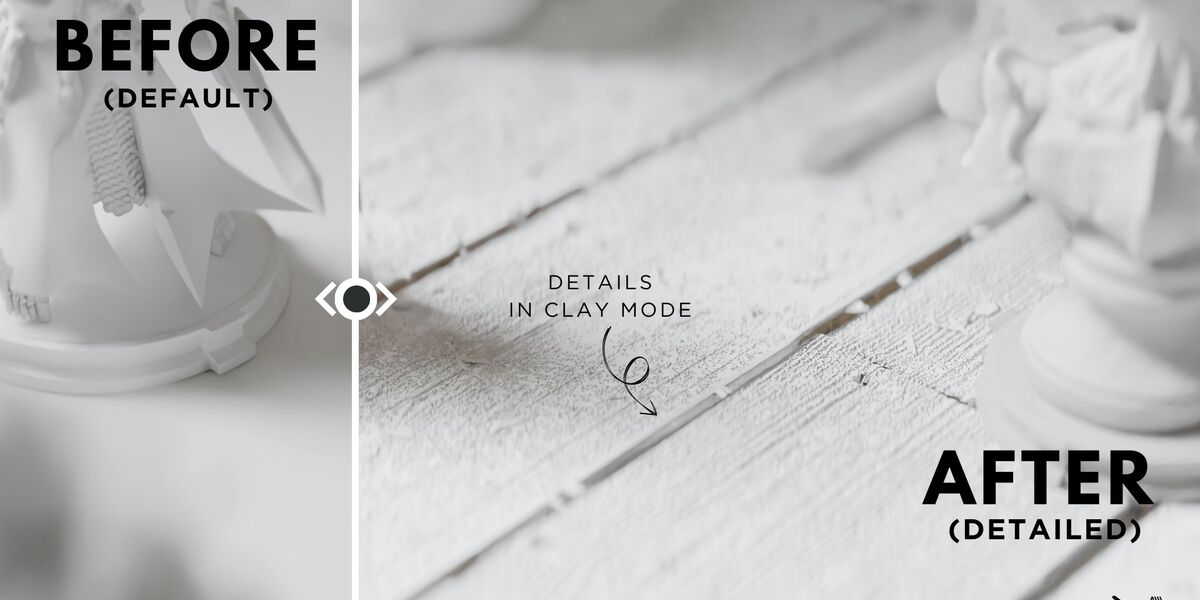
Claymate is a Blender add-on by Extra 3D for clay renders that retain surface detail. In the clay render, it preserves bump and normal map detail. The documentation says the conversion affects only Principled BSDF nodes, leaving volumetrics and glass shaders unchanged. Superhive lists it in the Rendering category for Blender.
Keep map detail in clay renders
A clay render gives a scene a neutral, clay-like appearance. Claymate is aimed at scenes where bump or normal maps add surface detail that should remain visible in that view. It can suit model previews and other renders where you want to inspect form without relying on the scene's usual material colors.
Blender and render engine support
Superhive lists Blender 4.0, 4.1, 4.2, 4.3, and 4.4, with both Cycles and Eevee. The documentation separately recommends Blender 4.0 and above; the product listing names versions through 4.4. Check current compatibility details before installing on a later release.
Review the installation and material workflow
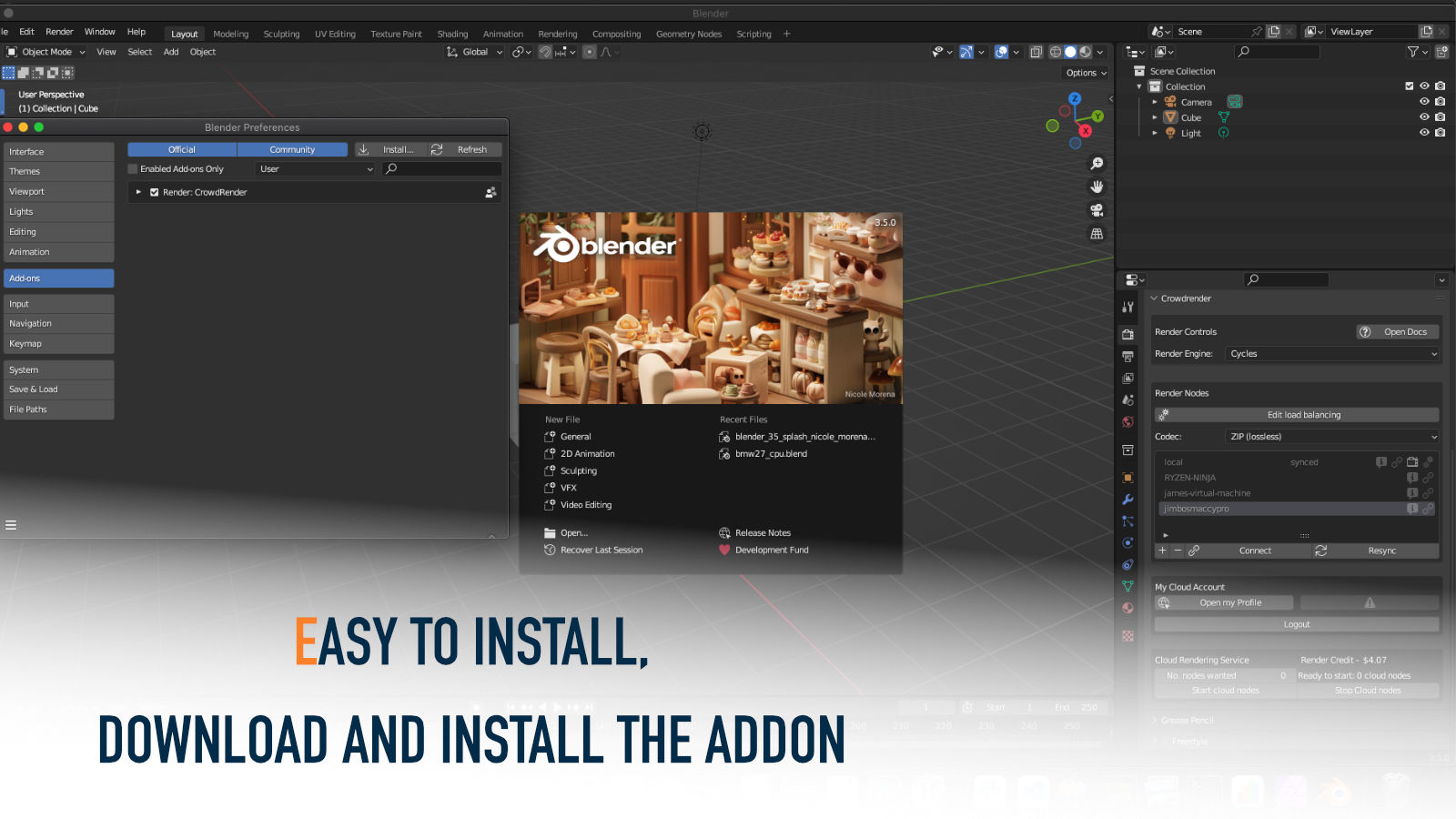
The Superhive product listing links to a demonstration and an installation guide. Its documentation describes installing the add-on from a ZIP file and enabling it in Blender. The guide says Claymate stores original material values and lets you restore them with the “Dissolve Clay” control.
The marketplace lists Claymate under the GPL license. Review the linked license details if you plan to modify or redistribute the add-on.