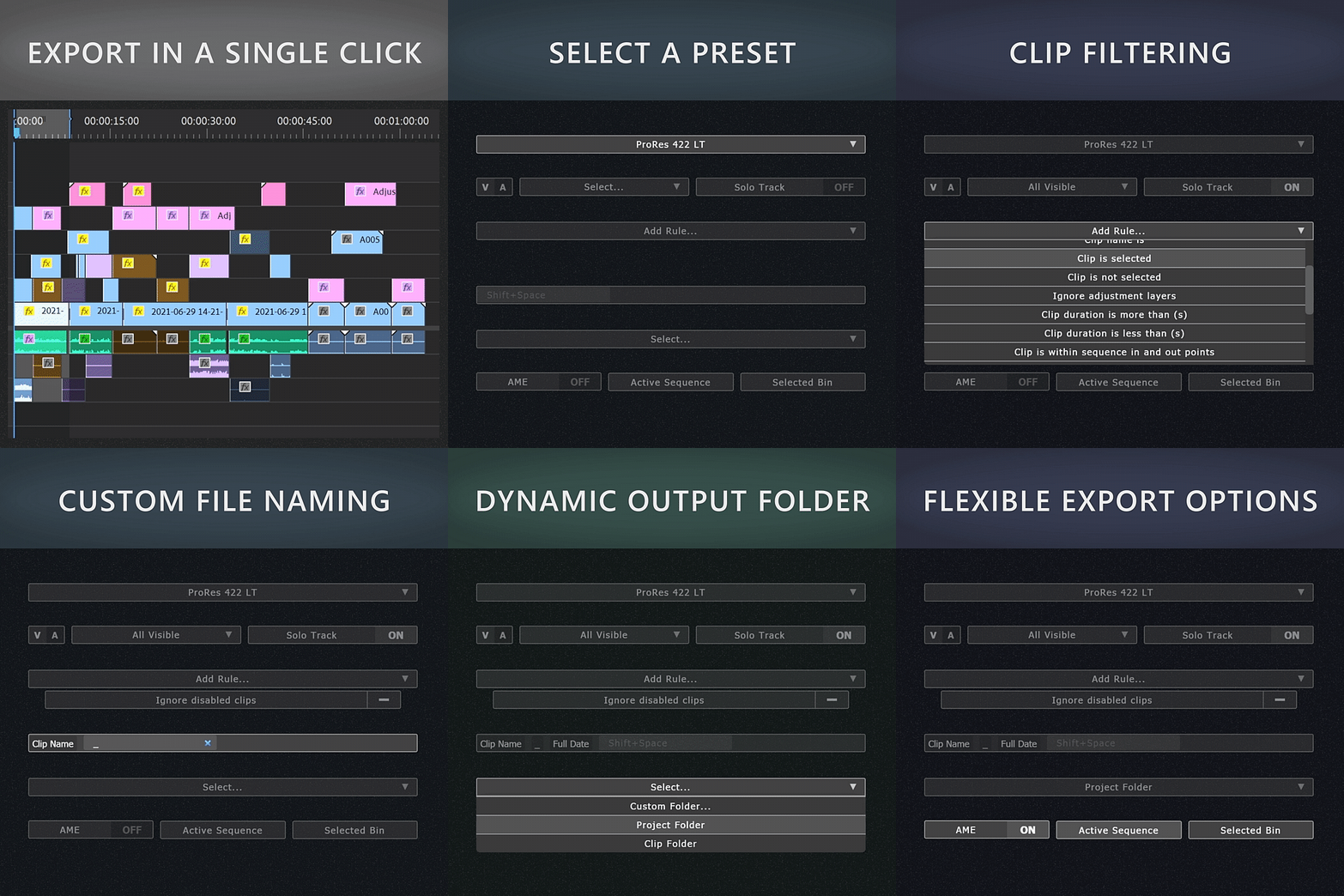
Clips Exporter is a Premiere Pro extension for exporting separate clips from a timeline in a batch. The developer says it can process thousands of individual clips in one run, with applied effects included. This suits projects that need files for individual excerpts or shots, each encoded and named as part of the same export pass. The official Clips Exporter listing describes its controls and trial.
Configure the export batch
Choose an encoding preset, set track options, filter which clips to include, and select an output folder. You can render in Premiere Pro or Adobe Media Encoder. Before processing a large timeline, check the filters, destination and preset with a small export.
Set filenames and presets
Filename tokens can draw on project and clip details, including the project name, source item name, clip index, counter, sequence frame rate and clip start time or timecode. A preference controls the number of digits used for the clip index and counter. Clips Exporter can also import and export extension presets, with preferences for showing system presets and user Adobe Media Encoder presets. These options help keep naming and encoding choices consistent across repeated exports.
Continue editing after export
Clips Exporter can create a new sequence and place exported clips at their original timeline positions. It can also export an FCP XML file from that sequence. The version history records that version 1.5.0 added an option to import exported clips into the project; the current listing describes creating a new sequence and exporting FCP XML, but does not establish whether project import remains available. The new sequence and FCP XML options support another editing pass or a sequence-based handoff.
Check whether it fits your workflow
Clips Exporter is designed for batches of separate clip files, with controls for tracks, filters, naming and encoding. If your delivery only needs one finished sequence, its individual-clip workflow may involve settings you do not need. Check the official listing for the current price, trial terms, compatibility and release notes before installing.