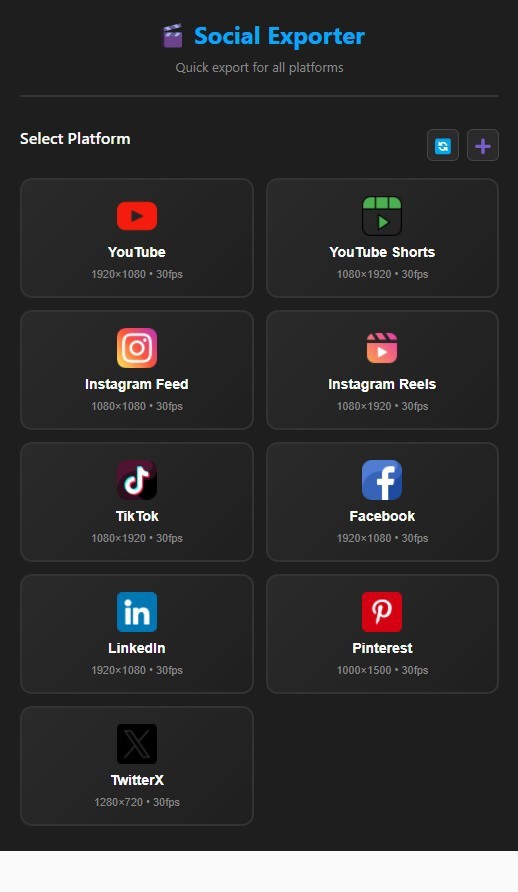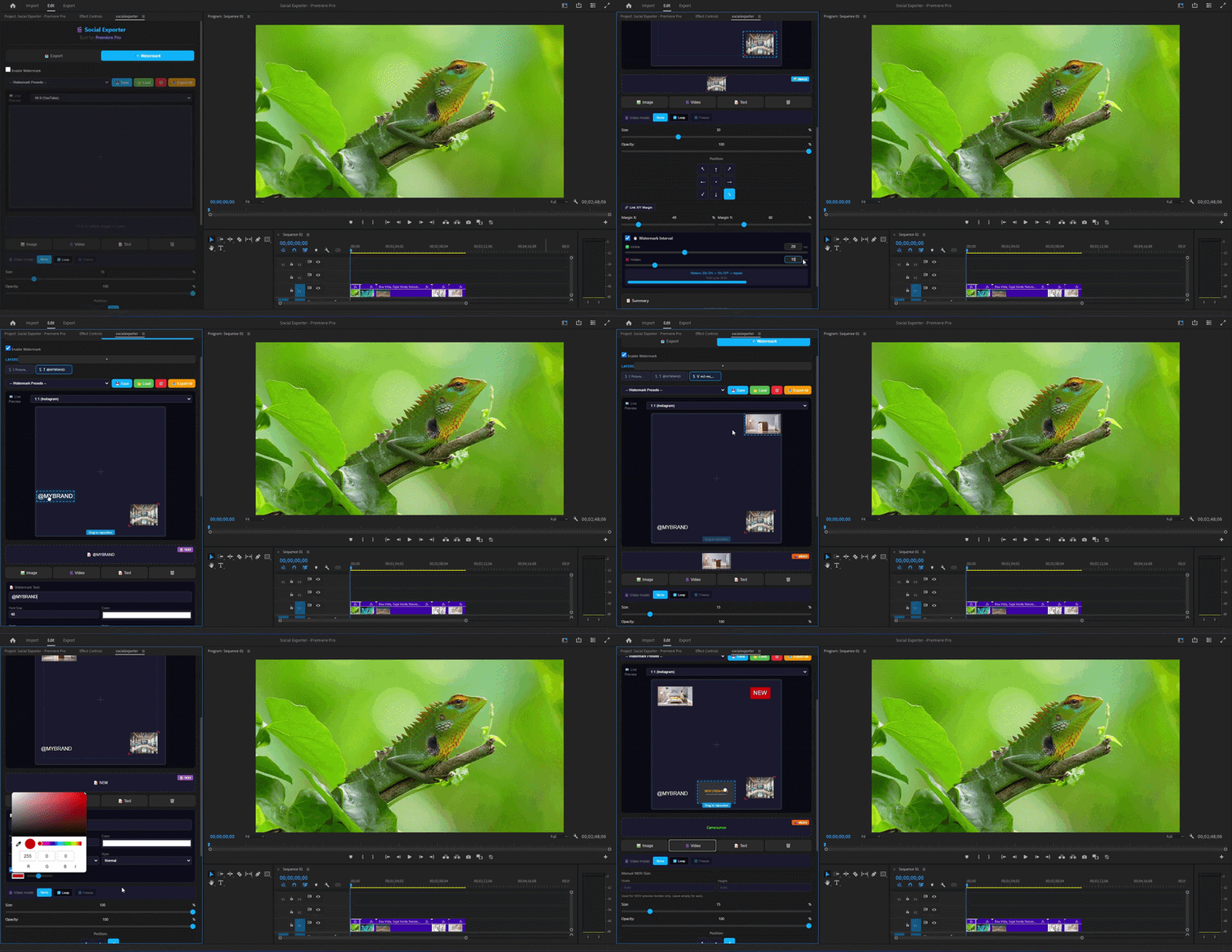
Social Exporter Premiere Pro turns one edit into separate sequences for YouTube, Shorts, Reels, TikTok, Facebook and other destinations. It includes nine built-in presets and supports unlimited custom presets up to 8K, so editors can set up versions for different formats within Premiere Pro.
Adapt sequences for different formats
Choose a scaling mode for each target format:
- Fill scales footage to fill the frame.
- Fit Width suits horizontal-to-vertical conversions.
- Fit Height suits vertical-to-horizontal conversions.
- None preserves the original scale.
When the source does not match the target aspect ratio, the extra space can use a black background, a solid color or a blurred background.
Apply watermarks across versions
The watermark workflow supports image, video and text layers. You can add up to five independent layers, position them with drag and drop, and apply them across selected platform sequences. Video watermark repeat mode duplicates the clip back-to-back to cover the sequence, trims its last copy, and removes its audio. Spacing controls show a watermark at intervals instead of throughout the sequence.
Some MOV files with alpha transparency may show a placeholder or border in Live Preview. The product listing says this preview limitation does not affect the actual watermark export result inside Premiere Pro.
Compatibility and rendering
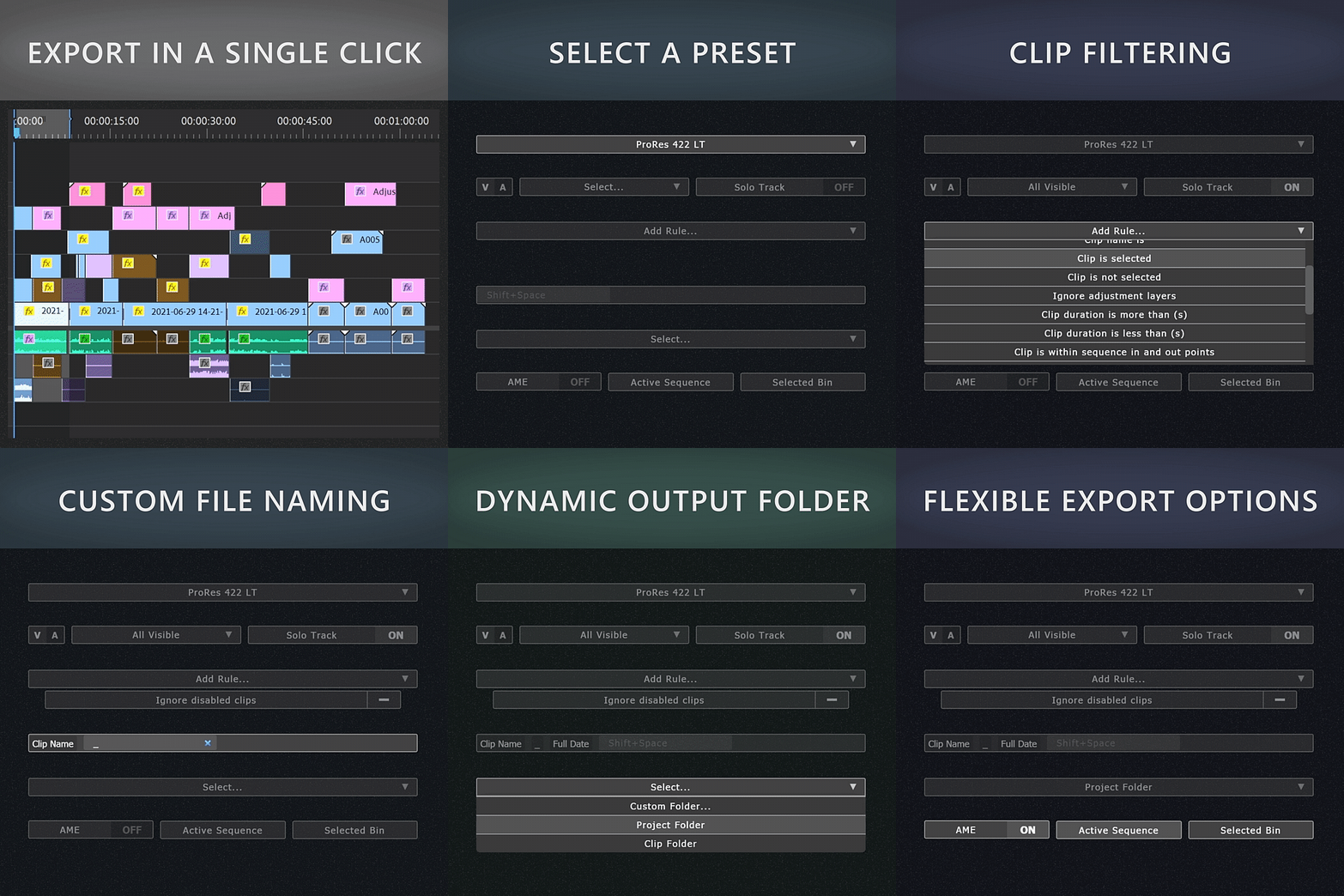
The listed compatible versions are Premiere Pro 2024, 2025 and 2026. Social Exporter creates new sequences inside Premiere Pro; Adobe Media Encoder handles final rendering, and Social Exporter also supports a batch export workflow. Version 1.2.0, dated June 19, 2026, fixed an activation issue that caused an “Invalid license (-10)” error for some users.
See the aescripts product listing for current compatibility, license details and the free trial.