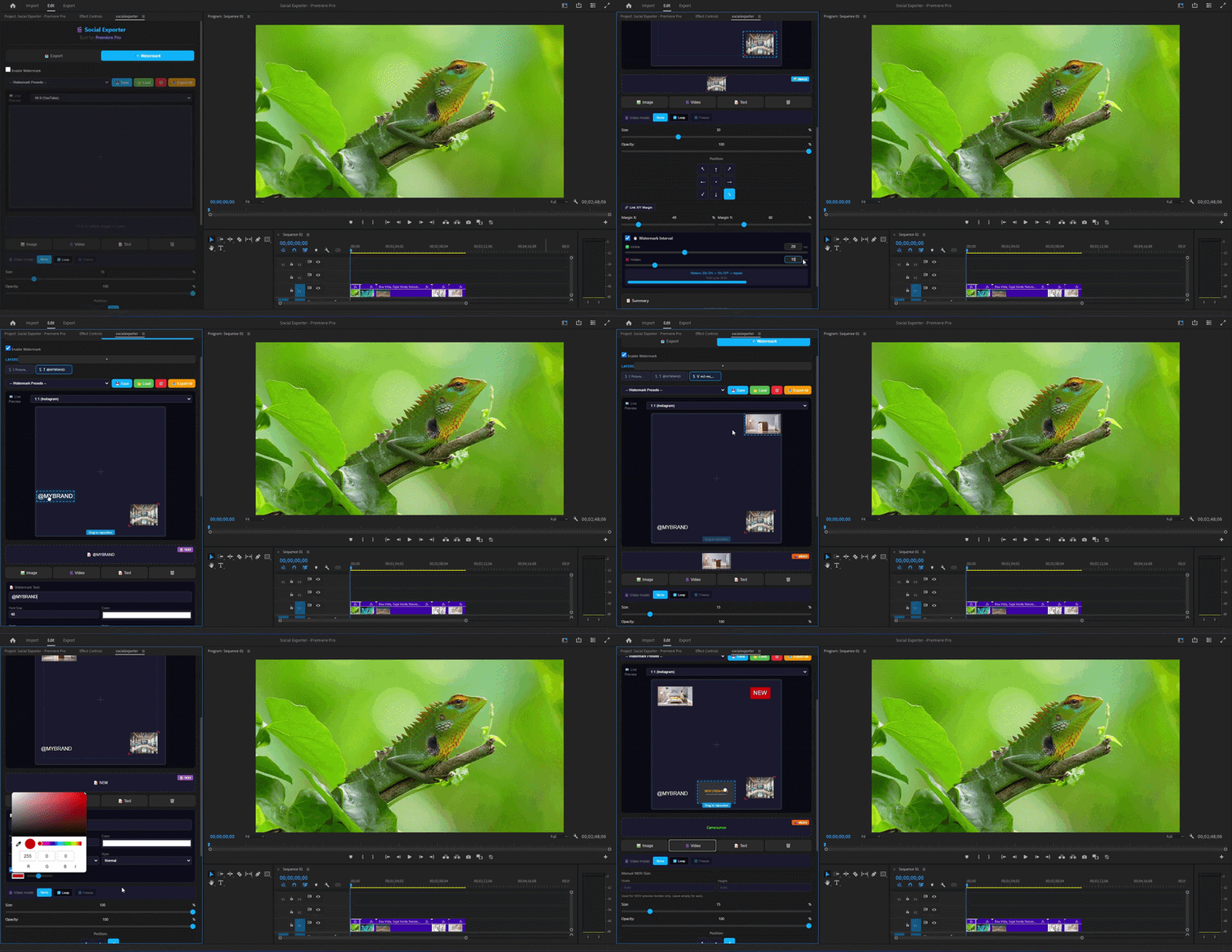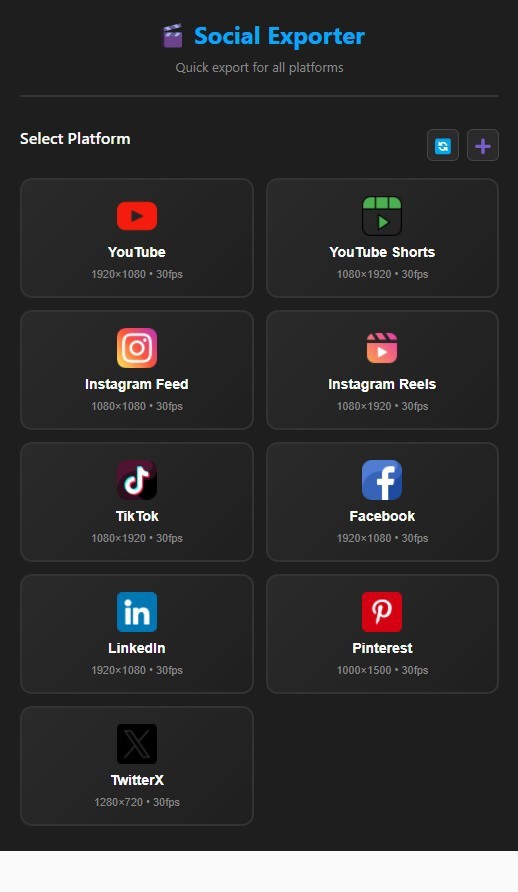
Social Exporter is an After Effects plugin for preparing several social media versions of a composition in one session. It includes presets for popular formats such as YouTube, Instagram, TikTok, Facebook, and LinkedIn, so you can prepare different output sizes without rebuilding the composition for each platform.
Choose how each version is built
Individual Mode follows each preset’s own export settings. Presets can use different modes or frame rates. All Duplicate Mode makes every selected version a duplicate composition with the layers copied into it. All Nest Mode places the main composition inside new compositions at different sizes, which can help when you need to crop the source composition.
You can use the ready-made presets or create, edit, and delete custom ones. Custom presets can specify sizes and frame rates, and the plugin also includes a global frame rate control.
Prepare an export
- Save the After Effects project and open the composition you want to export.
- Click Refresh to create the Render folder, then select the platform presets you need.
- Click Export Now. Social Exporter prepares the compositions and sends them to the After Effects Render Queue.
- Start the render from After Effects.
The plugin applies presets to the currently active composition. Check that the intended composition is open and selected before clicking Export Now. For current product details, see the Social Exporter product page.