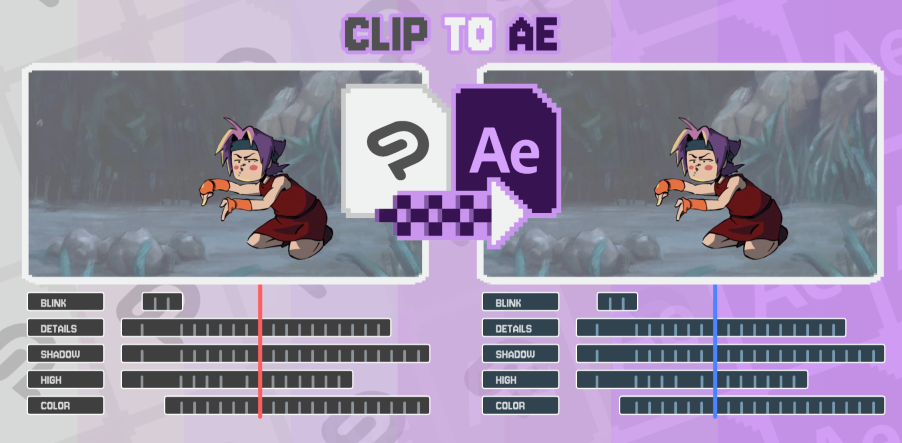
ClipToAE transfers Clip Studio Paint animations into After Effects using a PSD and an Exposure Sheet CSV. It reconstructs the timeline while preserving layer structure, timing and opacity. The workflow is aimed at 2D animators who want to continue their Clip Studio Paint work in After Effects for post-production without exporting image sequences.
Prepare and import the animation
- Save the Clip Studio Paint artwork as a PSD.
- Export the timeline as an exposure sheet in CSV format. Clip Studio Paint documents this under File > Export animation > Exposure sheet.
- Use the PSD and CSV with ClipToAE in After Effects to rebuild the animation timeline and composition.
Clip Studio Paint's manual documents exposure-sheet CSV export in its EX timeline workflow. The ClipToAE product page does not specify a Clip Studio Paint version or edition requirement, so check that your setup can produce the required CSV before relying on this handoff.
Compatibility and licensing
The product page lists support for After Effects CC 2017, CC 2018, CC 2019 and versions 2020 through 2026. Its EULA allows one copy on one computer at a time and one archival copy on storage other than a hard drive for reinstallation; multiple-copy use or installation, or use by multiple users, requires an appropriate license for each user and copy. The product page offers a free trial but does not describe its limits.