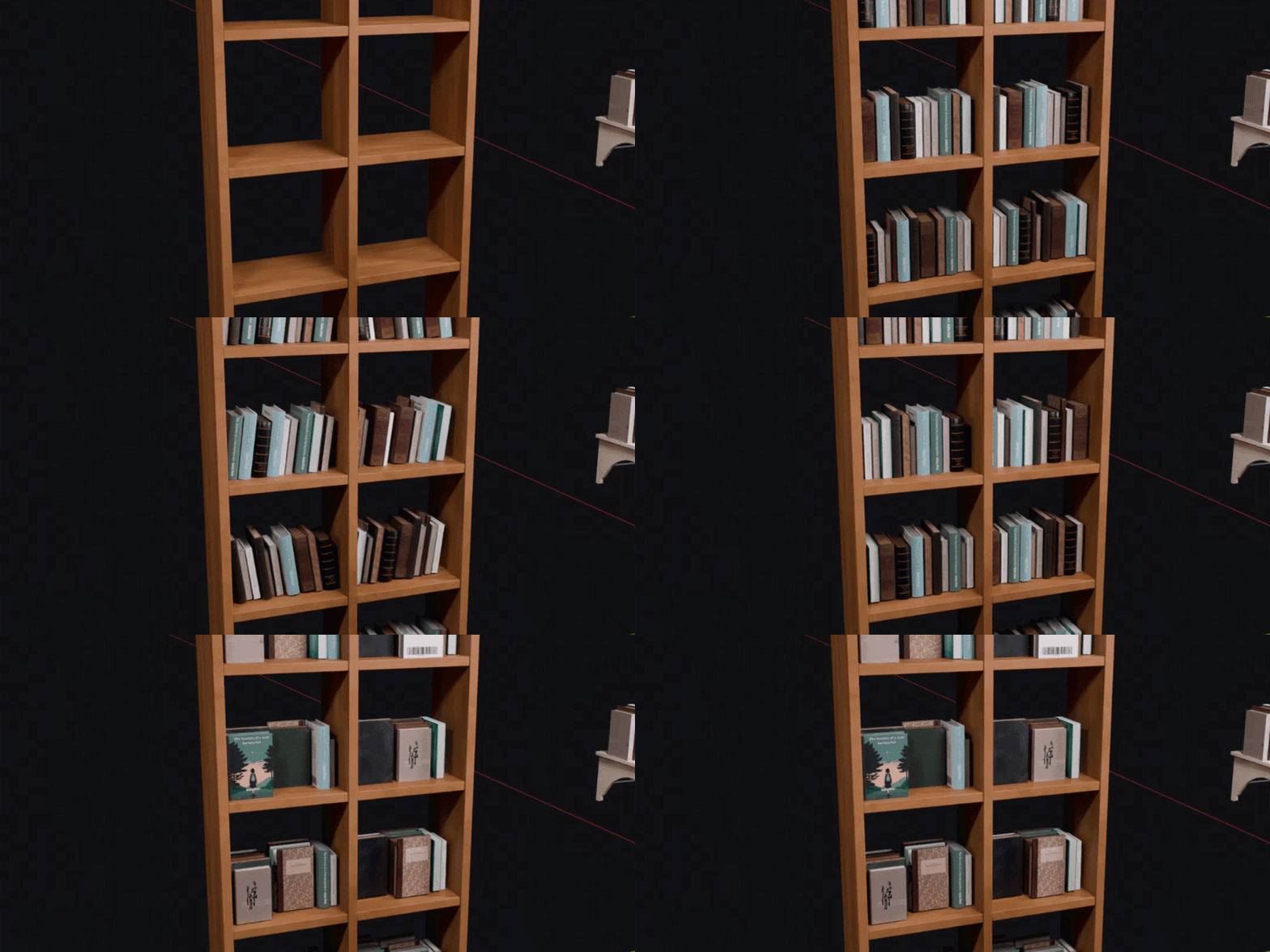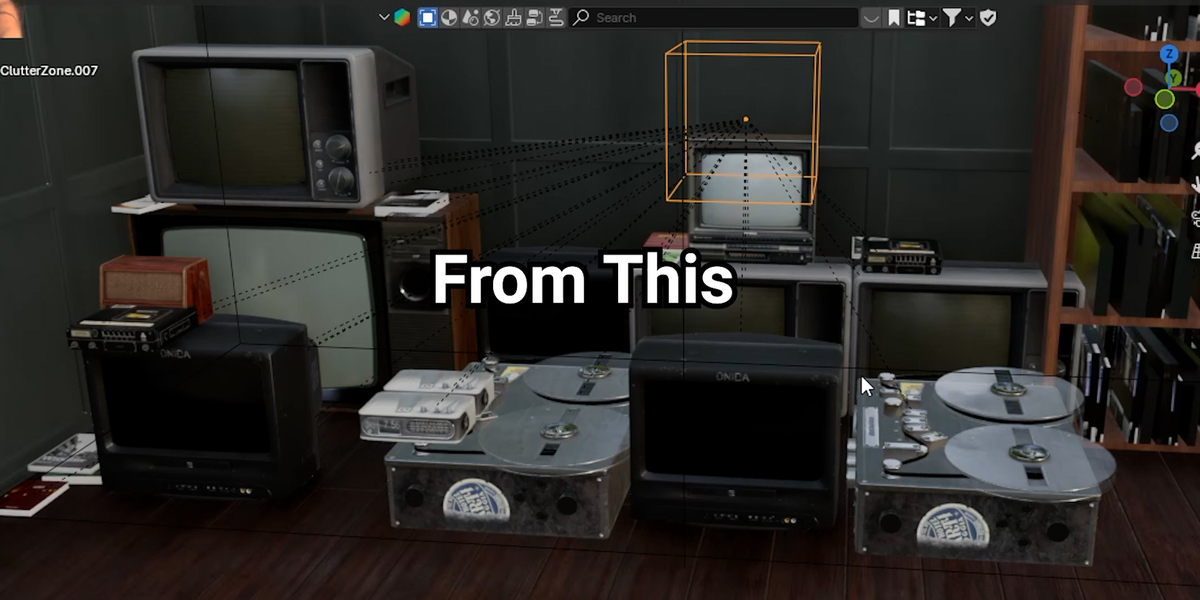
Clutter Zones is a Blender add-on by Renegade Software for arranging a prop collection inside a resizable zone. It is designed for filling shelves, counters, bookcases, storage rooms and similar scene areas. The add-on uses object bounds to avoid overlaps and can stack items across multiple levels. You can adjust density, gaps, rotation and stacking while Live Update shows changes as you resize the zone or tweak its settings.
Set up and refine a clutter zone
Add a Clutter Zone from Blender's N-panel, choose a source collection, then set the maximum item count and minimum gap. Enable stacking and adjust the vertical gap when the arrangement needs multiple levels. A bounds gizmo remains visible while you edit the zone and does not render.
Turn on Live Update to see layout changes as you resize the zone or adjust its settings. When the arrangement is ready, click Pack Zone for a final layout. Clutter Zones also provides a Random Seed for repeatable layouts and variations. Its documentation lists grid cell size and minimum gap as performance tuning controls.
Where it fits in a scene
The tool suits prop dressing for shelves, counters and storage areas, as well as set dressing for architectural visualization, game development, retail and warehouse scenes. It treats child collections as intact sets, which can help keep grouped props together during placement. Physics simulation is not required; the documented workflow focuses on fast object packing.
Placement uses instances; the product listing says those instances keep the file light and materials intact. The listing also describes clean results without interpenetrating geometry. The Clutter Zones documentation covers its controls and workflow.
Compatibility and product details
The product listing names Blender versions 3.0 through 5.2. Its documentation states Blender 3.0 or newer as a requirement, so check the product listing and documentation for the version you use. The listing identifies Clutter Zones as a Blender Extension-compatible add-on under the GPL license, with Cycles and Eevee listed as render engines.