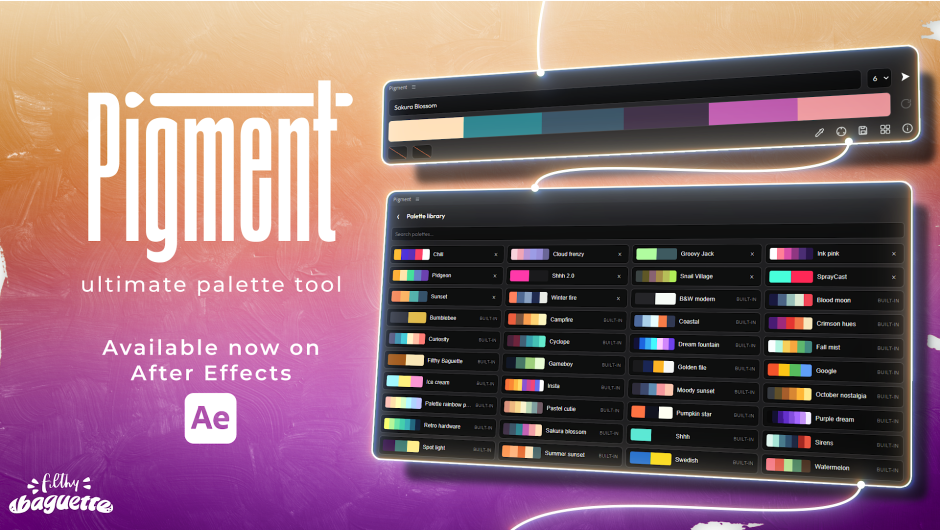
Coco Color CoWorker brings palette work and color checks into After Effects. It can help motion designers start from a reference image or a chosen color, then review color choices in the context of video work.
Build a palette from a search or image
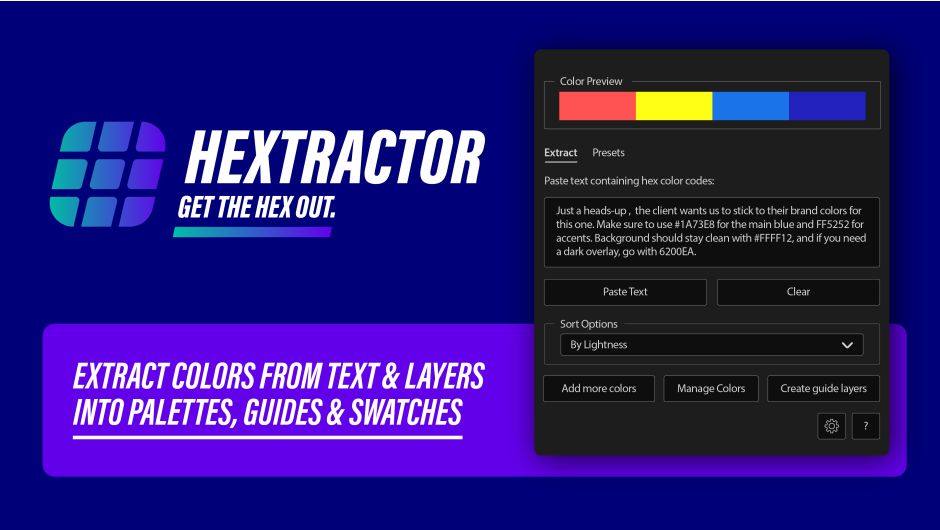
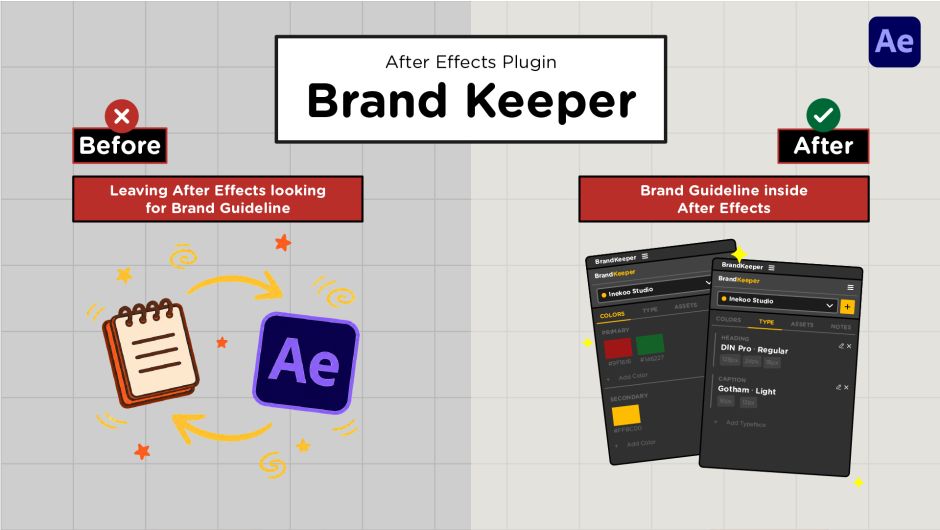
Search the palette collection by color and customize a result, or extract a palette from an image. The product also has a palette library and editing workflow; its published history documents library import and export. These options suit projects where colors need to follow a reference or an established palette.
Review color choices and use gradients
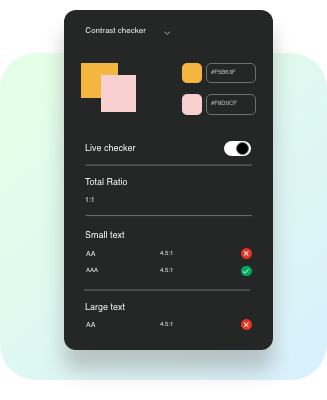
Use the contrast check to review selected colors, or generate a color-blind simulation of a video. The product page does not identify a contrast standard or name the simulation modes, so treat these as design checks rather than proof that a composition meets a particular accessibility standard. Coco Color CoWorker also includes a gradient collection with one-click application and a collection of official brand color palettes.
Compatibility and licensing
aescripts lists compatibility from After Effects CC 2019 through After Effects 2026 and offers a free trial. The product page currently displays a Floating License Server required notice; aescripts' general license guide says Single User Licenses do not require that server, while Floating Licenses do. Floating licenses are intended for groups and require a command-line server on the local network; remote users need VPN access to that network. Check the product's License Type selector before purchase to confirm which option applies to your setup.