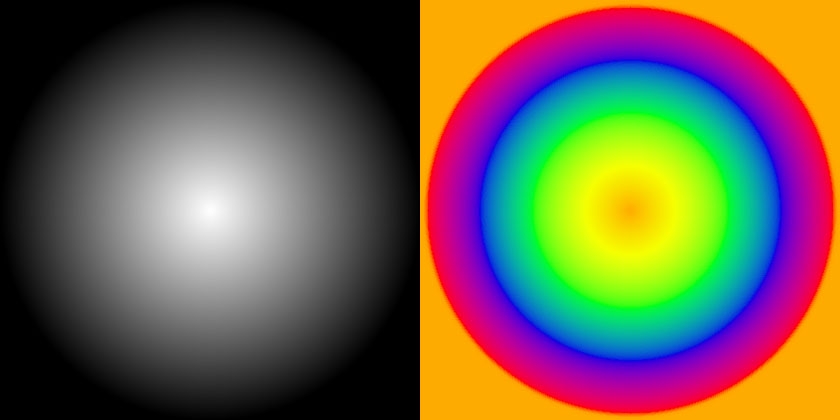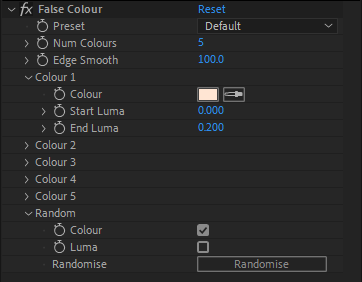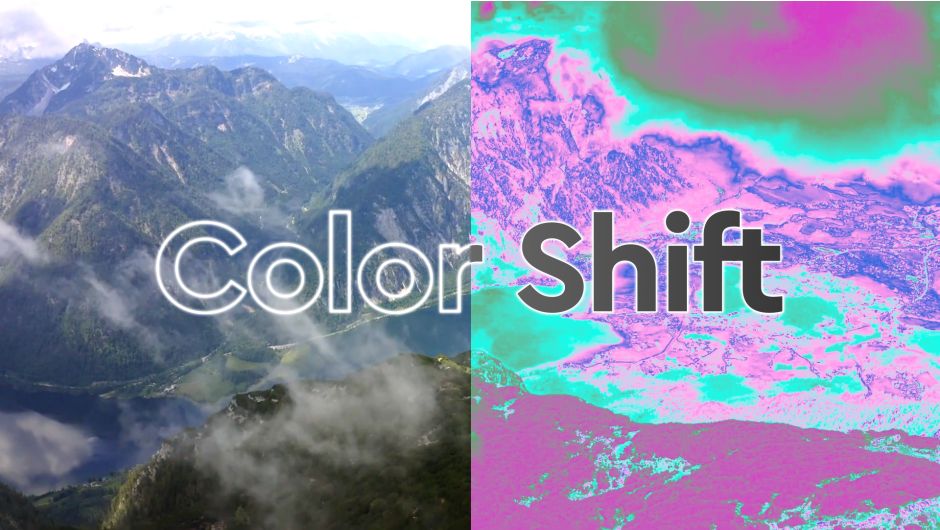
Color Shift remaps pixel values to positions on a color gradient, letting you build a new palette from existing footage. It suits editing and motion design workflows where brightness or channel values should control each pixel’s color. Choose from 15 input ranges, including light intensity, red, green, and alpha.
Map image values to color
With Intensity selected, for example, a 50% gray pixel maps to the gradient’s center. Color positions can be keyframed, and Color Shift includes gamma correction.
Work with HDR and transparency
Color Shift supports 32bpc projects and HDR pixel values. For values above 1, choose Clamp, Wrap Back To 0, or Bounce. Its separate alpha gradient can control transparency; the alpha handles follow the color gradient by default, and you can unlock them to position them independently.
Presets, compatibility, and licensing
Color Shift is compatible with GradientHub, which includes more than 500 gradient presets. It also supports generic presets in CSS, SVG, and Photoshop GRD formats. The listing specifies After Effects and Premiere Pro versions 2023 through 2027.
The license allows one copy on one computer and one archival copy on a storage medium other than a hard drive; that copy may be used only to reinstall the software. Additional users or computers require appropriate licenses, and transferring the license requires the author’s written consent. A free trial is listed.