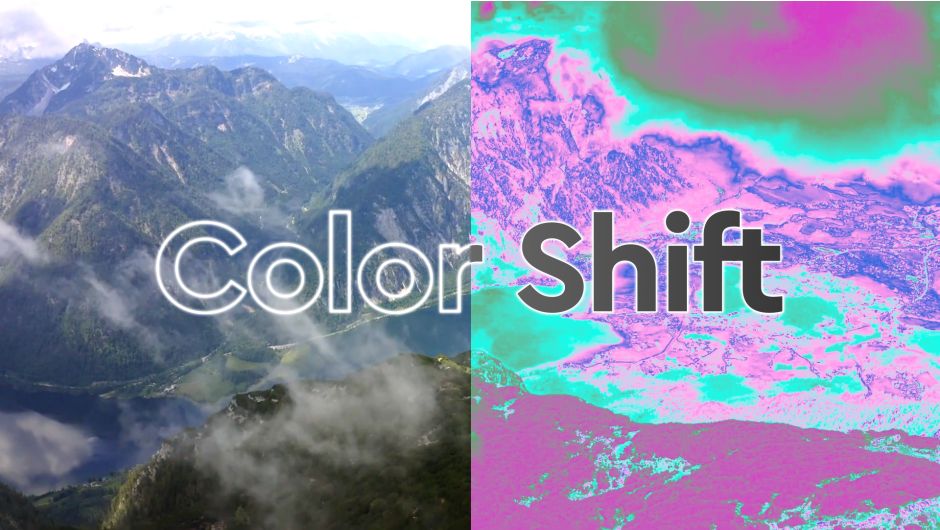
Map image luminance to color
False Colour remaps an image’s luminance ranges to colors you select. It runs in After Effects or Premiere Pro. It is 32-bpc compatible.
Shape the luminance map
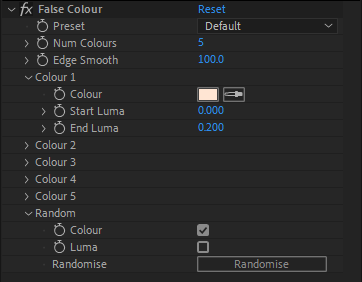
Set the effect to use one to five colors, enable the color controls you need, and adjust the luminance range assigned to each color. Edge smoothing controls the transitions between ranges. You can start with one of the 15 included presets or use Randomise to generate color and luminance combinations, then adjust the values for your shot.
False Colour assigns colors by luminance ranges rather than using Colorama’s cycle method. It also includes adjustable color blending.
Compatibility and licensing
The product page lists After Effects and Premiere Pro 2022, 2021, 2020, CC 2019, CC 2018, CC 2017, CC 2015.3, CC 2015, and CC 2014. It also lists Mac M1/ARM support. The published compatibility list does not name later host versions.
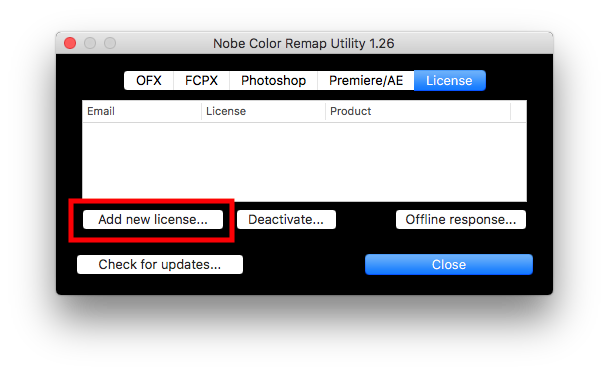
The EULA grants use of one copy on one computer at a time. Multiple-copy use or use by multiple users requires an appropriate licensing agreement for each user and copy.