Grid-based color remapping
Nobe Color Remap is a color-grading plug-in from timeinpixels for targeted hue, saturation and luminosity adjustments. Its circular and rectangular grids, Hue/Sat and Lum/Sat controls, color picker and real-time color distribution graph let editors target color ranges and inspect their distribution. The developer describes 32-bit floating-point processing and lists versions for DaVinci Resolve, Premiere Pro, After Effects, Final Cut Pro X and Photoshop on its Nobe Color Remap product page.
Color-drag features and hue-angle, saturation, contrast and smooth options give editors additional ways to shape a grade.
Choose the edition for your host
For DaVinci Resolve, the developer lists Lite and Pro licenses. Lite includes the modal window and core grids. Pro adds an overlay view in the viewer, ACES support in that mode, external-monitor monitoring, 3D LUT import and export, a Macbeth chart, and six additional LOG color spaces for flat images. The store lists Premiere Pro and After Effects under a separate Editor version and Photoshop under a cross-platform license; it marks the Final Cut Pro X Lite, Pro and upgrade options unavailable. Check each host's package before choosing an edition; the Resolve Lite/Pro split does not establish what other editions include.
Time in Pixels lists a free trial and paid licenses for several host-specific editions. Confirm the current terms on the developer’s product page.
Check compatibility and support status
The downloads page lists DaVinci Resolve, Premiere Pro, After Effects, Final Cut Pro X and Photoshop for Nobe Color Remap, with macOS 10.13 and later, Windows 7 and later, and Linux on CentOS 7 with CUDA 8+ listed as platforms. It does not identify every host and operating system combination, so review the download options before installing.
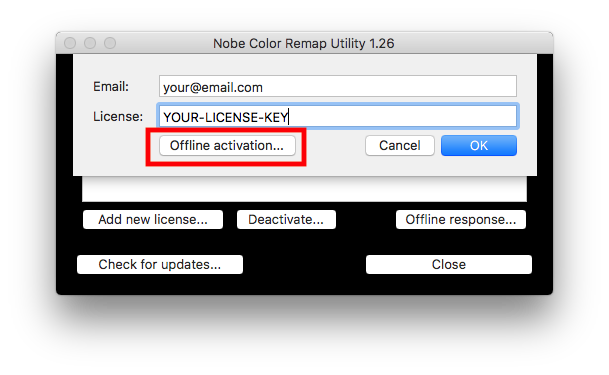
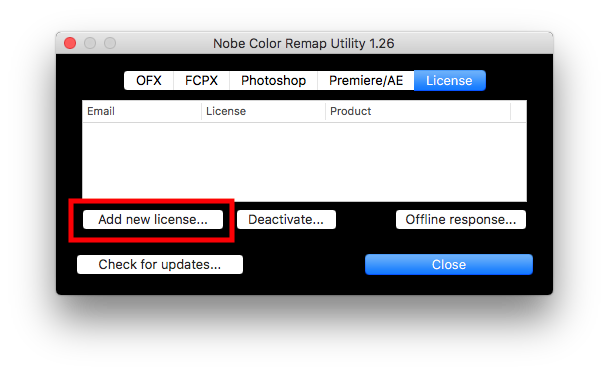
The Time in Pixels store calls Nobe Color Remap a legacy product that is no longer maintained; its changelog records version 1.94.1 dated October 28, 2026, so the available records do not establish its current maintenance status. Check compatibility with your editing software before relying on it. For license activation, the developer’s activation guide explains online and offline options.