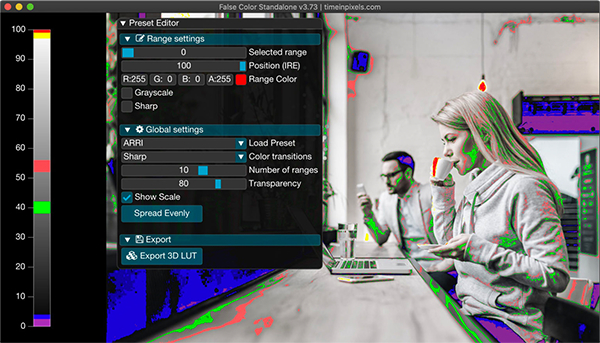
timeinpixels False Color adds false-color monitoring to supported editing and grading applications. It maps image brightness, or luminance, into configurable color ranges so you can inspect exposure zones in the viewer and compare shots against the same reference. A separate Saturation Mode displays saturation ranges for shot-to-shot checks.
Read exposure values across shots
Each preset assigns colors to brightness ranges. The full version lists 13 presets, including SmallHD for DPx devices and Zacuto. Using the same preset and range settings across clips gives you a consistent visual reference while reviewing exposure.
Customize the ranges
You can adjust grayscale ranges, choose how colors transition, and use up to 15 color ranges. The dedicated Saturation preset displays saturation ranges for comparing shots. These controls let you adapt the overlay to a familiar monitor preset or a range setup suited to your work.
Carry a reference into monitoring
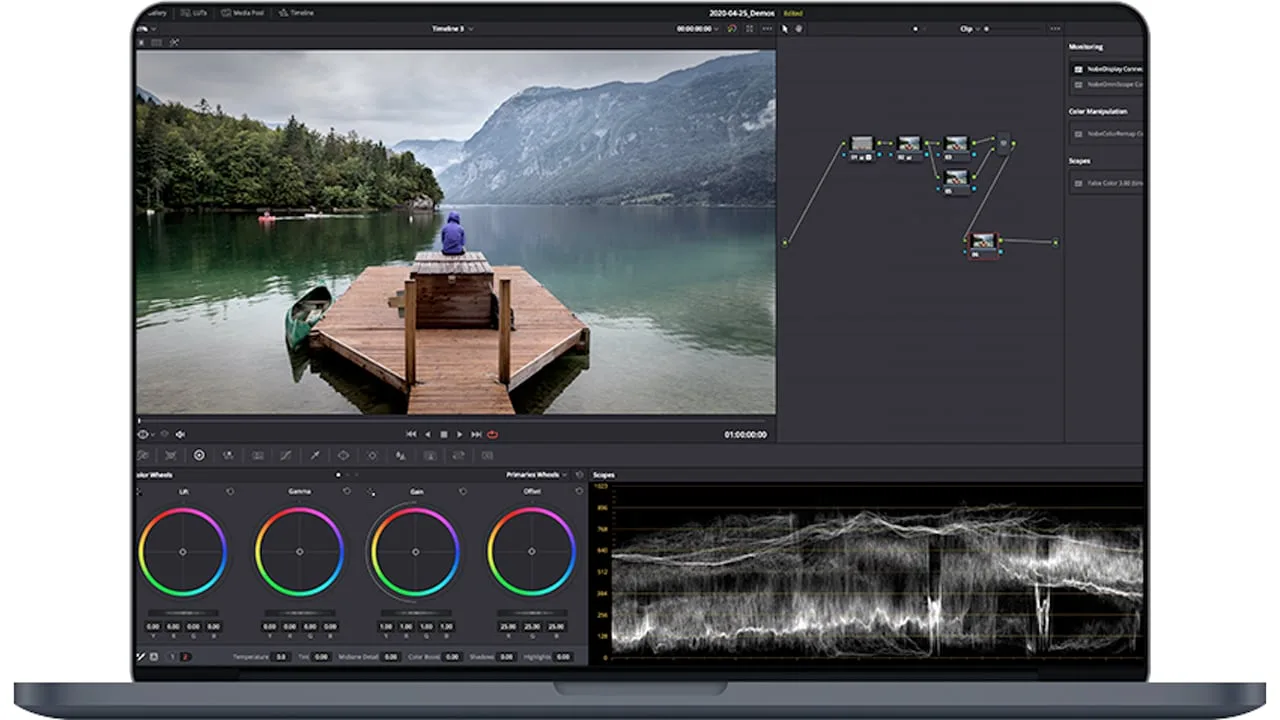
The developer describes exporting a configured false-color overlay as a 3D LUT for use on an on-set monitor. Its product page lists LUT export for Adobe CC and OpenFX hosts. DaVinci Resolve also has a Scale Overlay mode that places the scale on a separate, movable layer above the viewer.
GPU behavior depends on the host. The OpenFX version is listed for real-time GPU processing in DaVinci Resolve and SCRATCH. Adobe hosts can use GPU acceleration on supported hardware, with processing handled by the host application.
Check host support and trial details
The cataloged applications are Premiere Pro, After Effects and DaVinci Resolve. The developer also lists OpenFX support for hosts such as SCRATCH, NUKE and Sony Vegas Pro. Check the current False Color product details for host and feature availability.
Trial and full-version features vary by host. The developer lists one R3D example preset and a watermark for its Adobe CC and OpenFX trials; their paid full versions list 13 presets, customization and 3D LUT export. Other host options have different feature sets. The developer's page notes that ACES color science is not directly supported in the plugin and points to built-in DaVinci Resolve plugins as a workaround. Its False Color FAQ has further compatibility details.