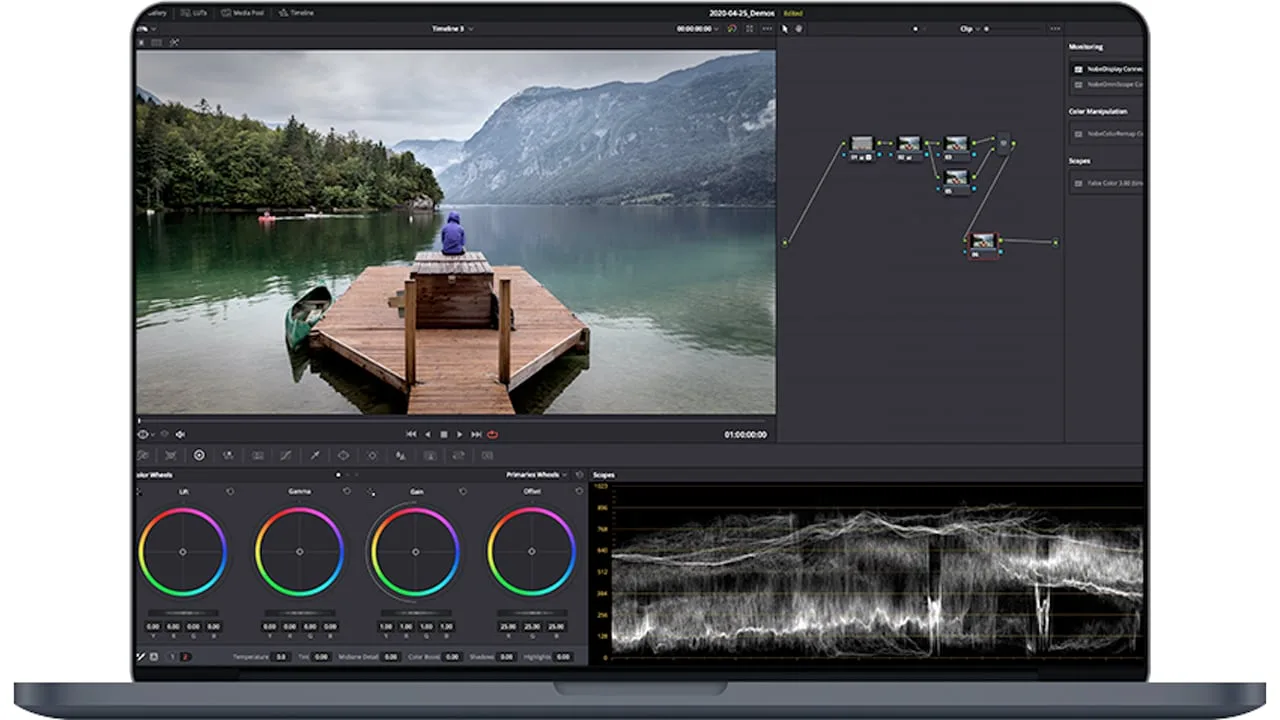
timeinpixels Nobe Display mirrors a DaVinci Resolve preview in a separate desktop window that you can move to another screen. It pairs the Nobe Display App with the Nobe Display Connect OpenFX plugin and is intended for Resolve’s Edit and Color pages. The developer’s product page describes GPU acceleration and support for external displays without dedicated monitoring hardware.
Choose a display workflow
The Regular edition includes the app, OpenFX plugin, GPU acceleration, and support for ICC profiles and display 3D LUTs. It fits editors who want a separate desktop preview and display profile or LUT support. The NDI edition adds NewTek NDI output for sending the preview to compatible applications and devices.
In Nobe Display 2, the NDI workflow can include audio from DaVinci Resolve or the system in the video stream. On Windows, per-app capture requires Windows 10 build 20348 or later; on macOS, it requires Screen & System Audio Recording permission. Separate controls let you delay audio or video to adjust sync. For applications such as Zoom and Skype, the NDI setup guide says to install the NewTekNDIVirtualInput package from NDI Tools; see the NDI setup guide.
Plan for cache behavior and latency
DaVinci Resolve’s Render Cache can interfere with the OpenFX frame feed, causing a black image or frames to play out of step. The developer recommends setting Playback > Render Cache to None and turning off Cache Frames in Background. Proxy media is an alternative when heavy footage needs smoother playback. The developer FAQ also notes that OpenFX latency grows with timeline resolution and color-pipeline complexity, with no user-accessible control for that delay. NDI audio/video sync controls are a separate setting.
Nobe Display is for the Edit and Color pages; it does not support the Fusion page. Its preview travels through Resolve’s OpenFX path, so check that this workflow suits your monitoring needs before relying on it for timing-critical work.
Check the current edition and installer
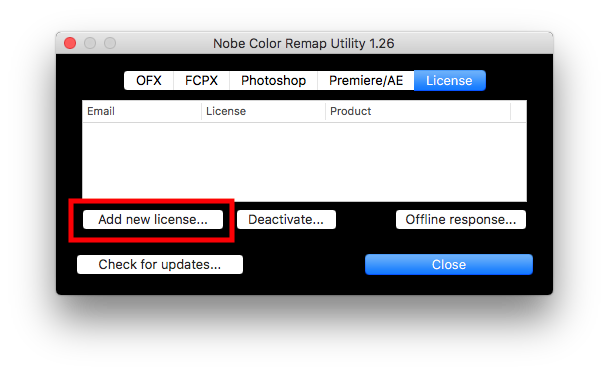
The developer describes a time-limited, watermarked trial; a license unlocks full use. Its product page lists macOS 10.11 or later and Windows 7 or later, but DaVinci Resolve has its own system requirements. The catalog listing says 1.71, while the developer’s FAQ identifies Nobe Display 2 as current and 1.69 as the legacy release; the developer’s changelog lists Nobe Display 2.0.36 dated 2026-10-22. Confirm the installer version and current license terms on the developer’s product page before downloading.