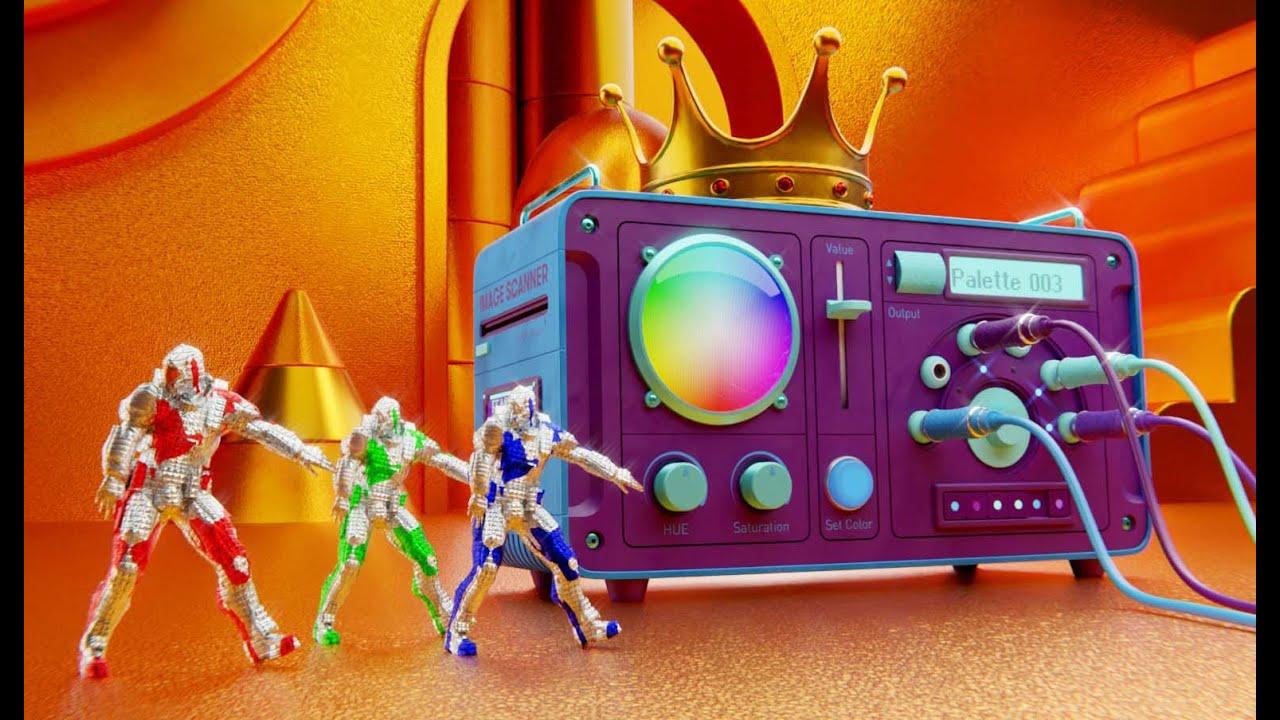
Colorbox is a Blender add-on for collecting, editing, sampling, and applying colors. It brings palette tools, image color picking, color schemes, and node editor workflows together for artists who want to keep color choices with their Blender projects.
Build and reuse palettes
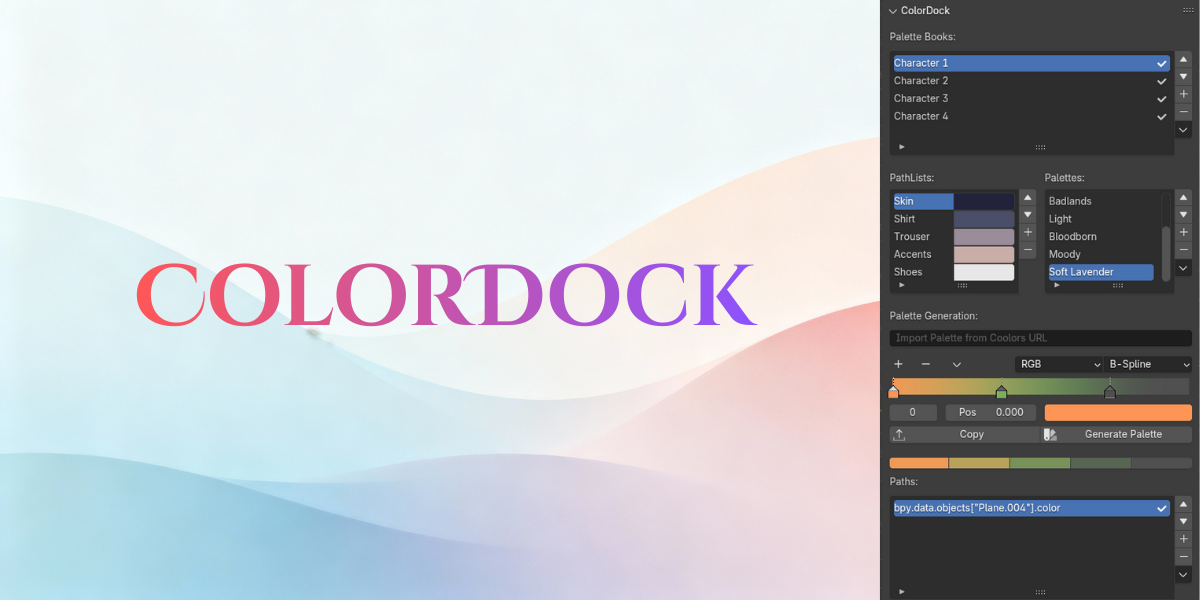
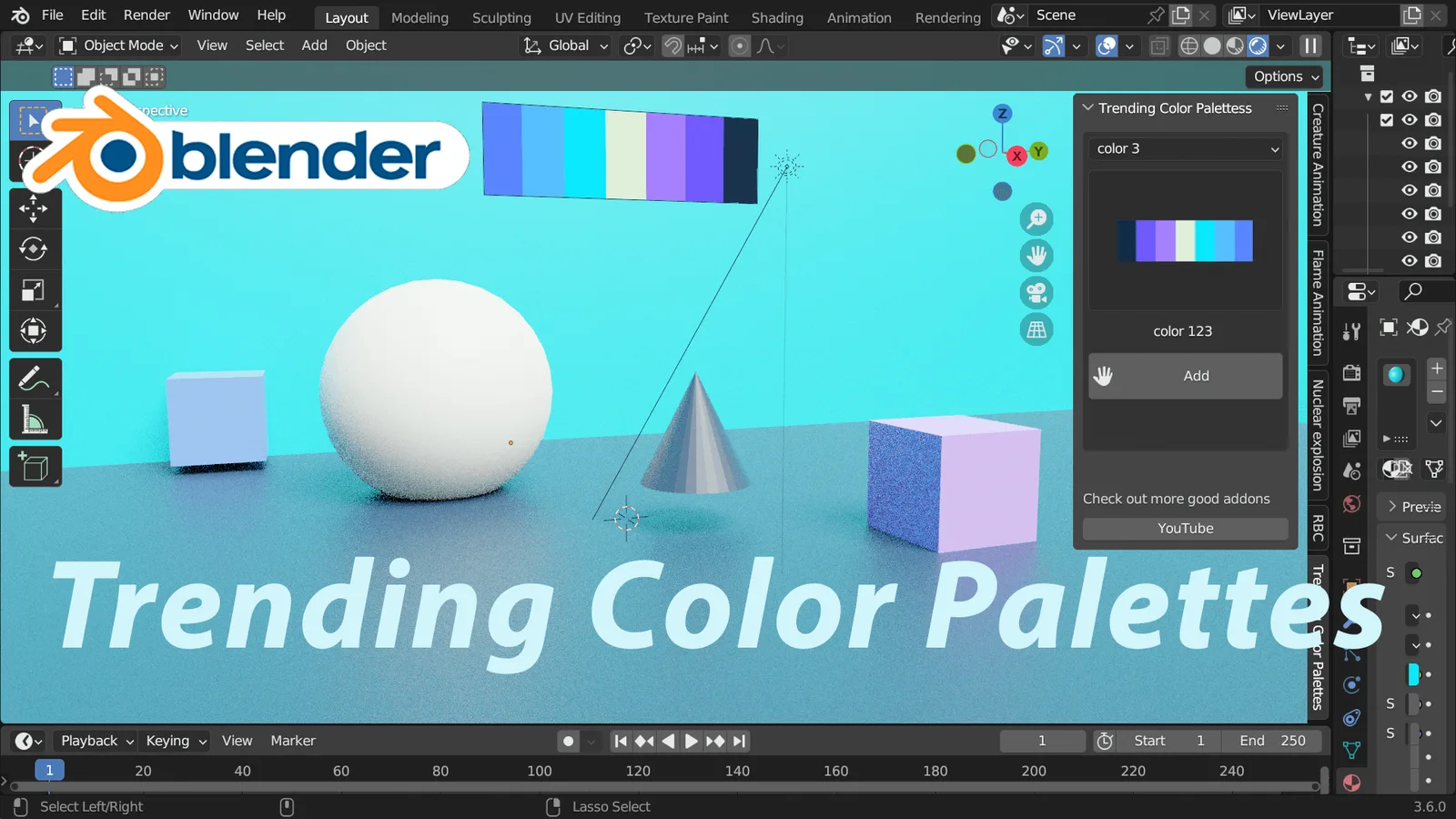
In the Color Swapper, collections hold palettes and colors assigned to collection fields. The manual describes adding an RGB field from the node editor to the selected collection: right-click the field and choose “Add to color swapper.” You can browse palettes with the collection and palette arrows, apply a palette, enable auto-apply while browsing, or shuffle colors in the collection field.
Palette controls include naming, adding or removing colors, and moving palettes. Colorbox can save palettes to a blend file or to disk, and store brand hex codes in the project file.
Import palettes and sample images
The product listing says palettes can be uploaded from websites. The Colorbox manual explicitly lists Colorbox exports, Colorhunt, and Adobe as supported palette imports. It does not give an exhaustive list of other sites or formats.
To sample an image, open it in Blender’s image editor and enter Color Picker Mode. The documented default shortcut is Shift+Ctrl+P, which can be changed in user preferences. Select up to 32 colors, then press Enter to send them to the palettes tab; Esc exits the mode. Colorbox can also pull dominant colors from an uploaded image to make a palette.
Use colors in a scene
The Color Scheme Maker creates mathematical color schemes inside Blender. A palette can become a color ramp for the node editor, and the manual also describes exporting a palette as a PNG. These tools make Colorbox useful when you want to move from a reference palette to colors stored or used in a Blender scene.
Version and listing details
The developer’s product listing names Blender 3.5 in its version field and labels the license “Royalty Free.” When checked on November 23, 2026, the listing showed Colorbox Uno at $9.99 for one user and Colorbox Studio at $48 for studios with up to five users. “Royalty Free” describes the license, not the price. The listing gives no broader compatibility range. EssentialElephant describes an LTS model, without a support schedule in the supplied material. Check the current listing or manual for compatibility with your Blender release before installing.