ColorFlow is an After Effects script for managing colors and layer labels in compositions. It suits motion designers and editors who reuse palettes, apply colors across many layers, or organize a crowded timeline.
Build palettes from references and footage
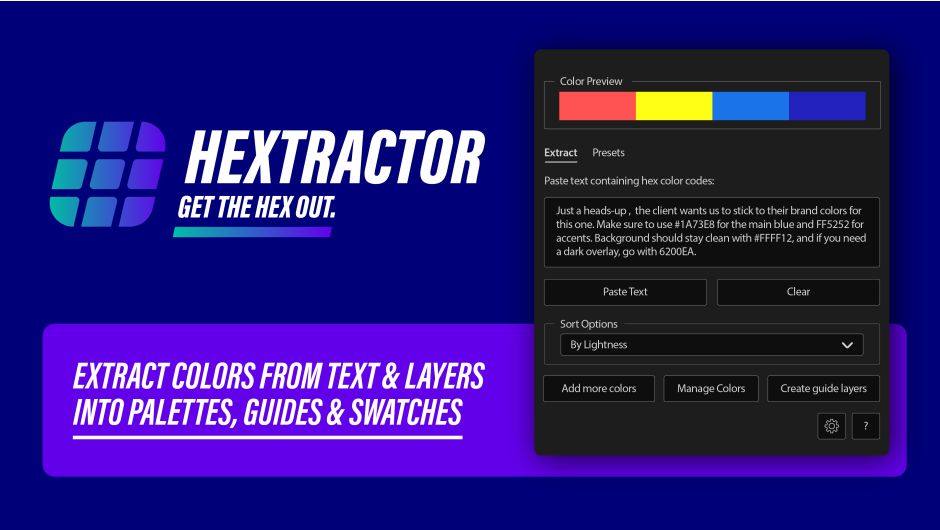
Create, name, reorder, and save palettes in After Effects. Import colors from Adobe Color, Coolors, CSS or JSON, or paste plain text containing hex codes. ColorFlow extracts the colors and removes duplicates. It can also extract colors from compositions, images, and footage, including a paused video frame. Generate complementary, triadic, analogous, or tetradic harmonies, or create light and dark shades from a selected color.
Apply colors and organize layers
Apply palette colors as source colors or Fill effects to text, shape, solid, and footage layers, compositions, and the composition background. Ctrl or Cmd-click a palette color to select layers using it. Shift-click applies it to text or shape strokes, while right-click opens color actions.
In Label Flow, Ctrl-click a label to select layers with that label, Shift-click to toggle shy mode on selected layers, or right-click to select the other labels. You can also solo, invert, and organize labels. The Organize action works on the whole composition when no specific subset is selected, or just the selected layers when you have chosen a subset.
Keep linked colors editable
Alt-left-click a color to link layer colors through expressions to a generated ColorFlow Master Null. You can update linked colors from the palette grid. Alt-right-click unlinks them and bakes the current colors into static properties, removing the expressions and Master Null.
For native 3D models and parametric meshes, ColorFlow applies palette colors to the Base Color through Material Assignment in After Effects 2024 and later. The product listing supports After Effects CC 2019 and versions 2020 through 2027. Its license covers one copy on one computer at a time; additional users or copies require appropriate licenses.