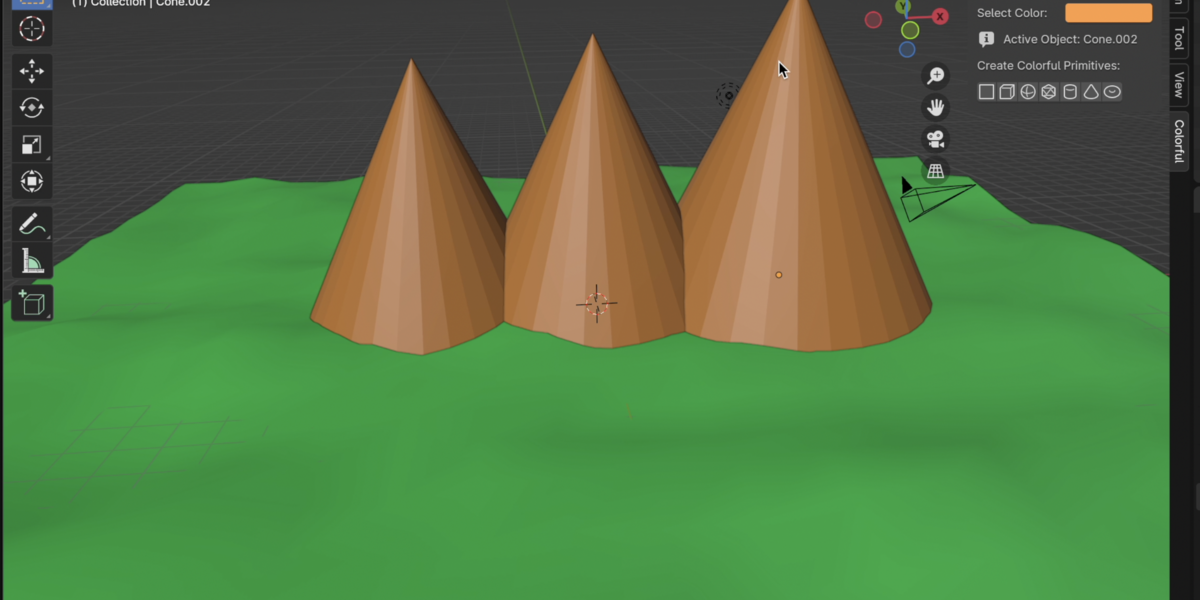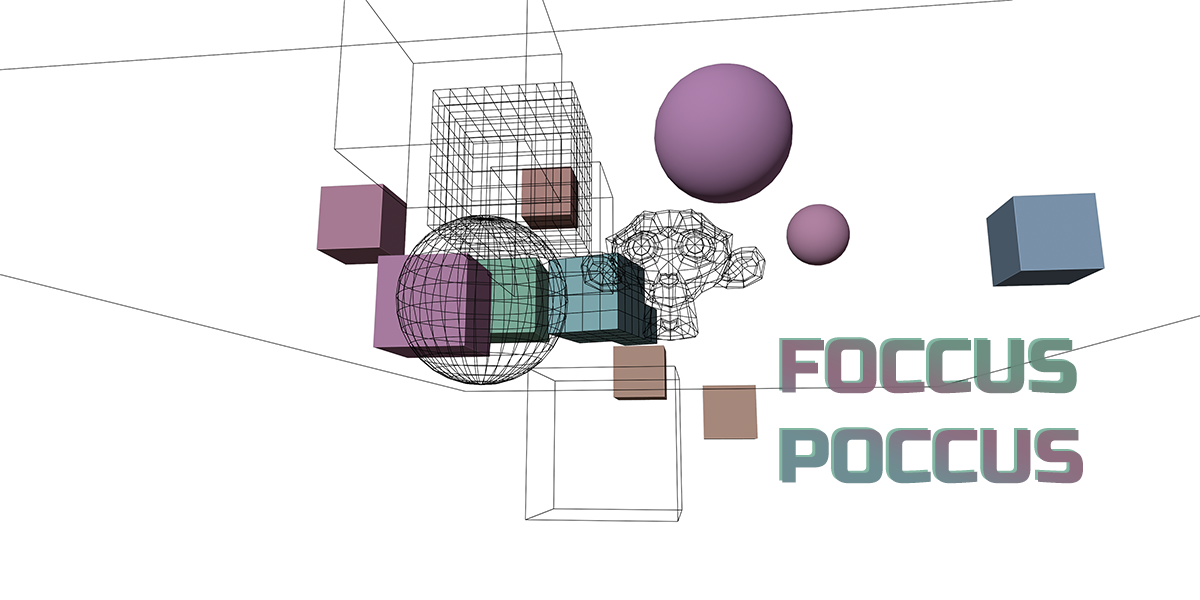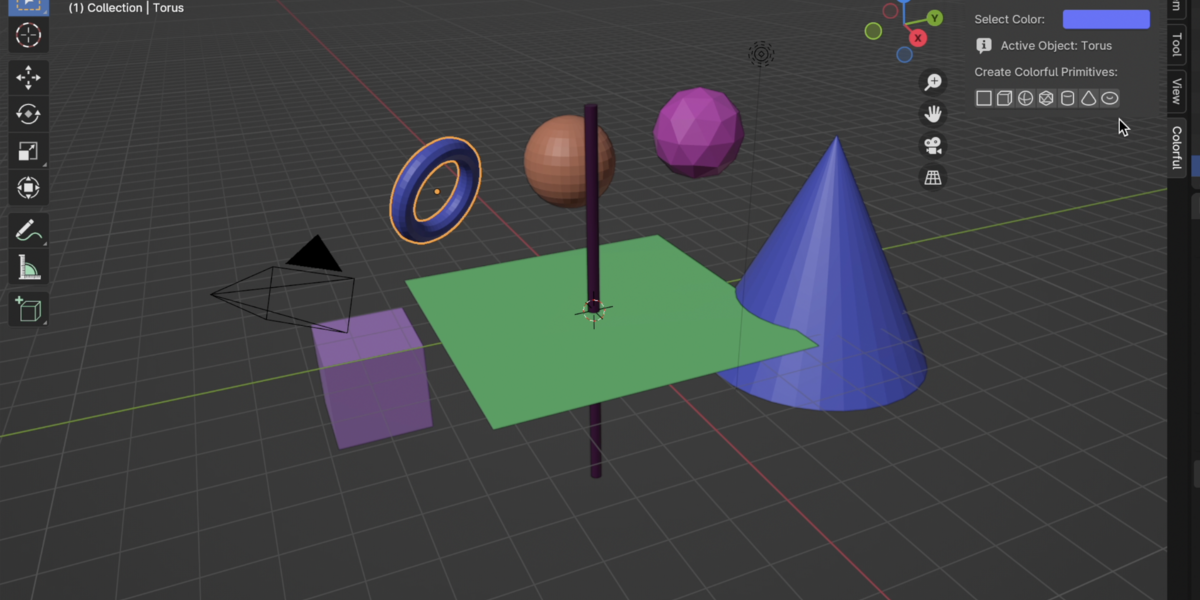
Colorful Modeling is a Blender add-on by Velvum Inc that adds color to objects in the SOLID view while you model. Its colors can help distinguish parts of a model before you assign materials.
Color cues while modeling
The add-on applies colors in Blender's SOLID view during model creation. Those colors are separate from material assignments and do not affect rendered output.
How to use Colorful Modeling
- For Blender 4.2, use Blender's Preferences > Extensions > Install from Disk menu to install the downloaded ZIP. For Blender 4.1 and earlier, use Edit > Preferences > Add-ons > Install... and select the ZIP. Enable the add-on in Preferences after installation.
- In the 3D View, press N to open the sidebar and select the Colorful tab. Make sure the viewport is in SOLID view.
- Select one or more objects, then choose a color with the Color Picker. The documentation says the selected color is applied to all selected objects.
Shortcuts in the panel create standard primitives using the selected color. If you switch to Wireframe, Material Preview or Render Preview, the add-on displays a warning, hides the Color Picker and provides a button to return to SOLID view.
Blender compatibility and installation notes
The product listing , marked as published about two years ago, reports compatibility with Blender 4.2, 4.1, 4.0, 3.6 through 3.0, 2.93, 2.92, 2.91, 2.9 and 2.83. It identifies the license as MIT. Confirm current compatibility with the developer before installing.
The documentation describes ZIP installation and the Colorful sidebar panel. Its installation FAQ , marked as published about two years ago, reports a load error specifically in Blender 4.2 and recommends a clean Blender 4.2.2 installation. If you need to keep Blender 4.2, it points to the included Install Issues Resolution.pdf for a manual legacy add-on workaround.