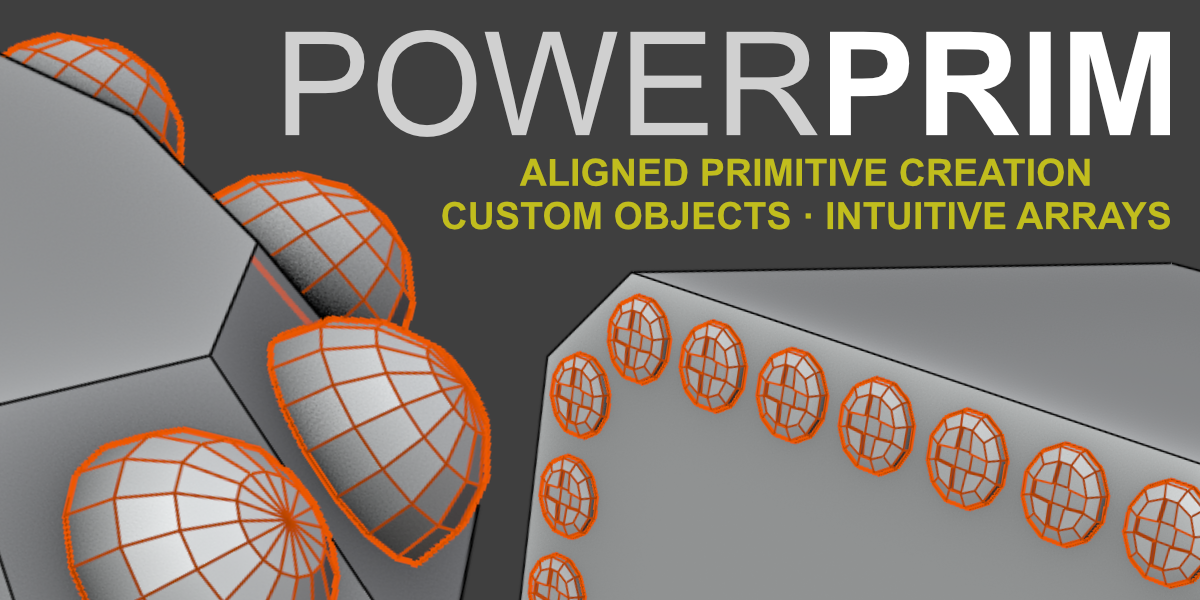
Power Primitives Add-On adds 30 mesh primitives to Blender for low-poly modeling and blocking. Choose whether to add a shape to the scene or use it to replace the current selection, and set the initial scale to suit your scene.
Primitive shapes for modeling and blocking
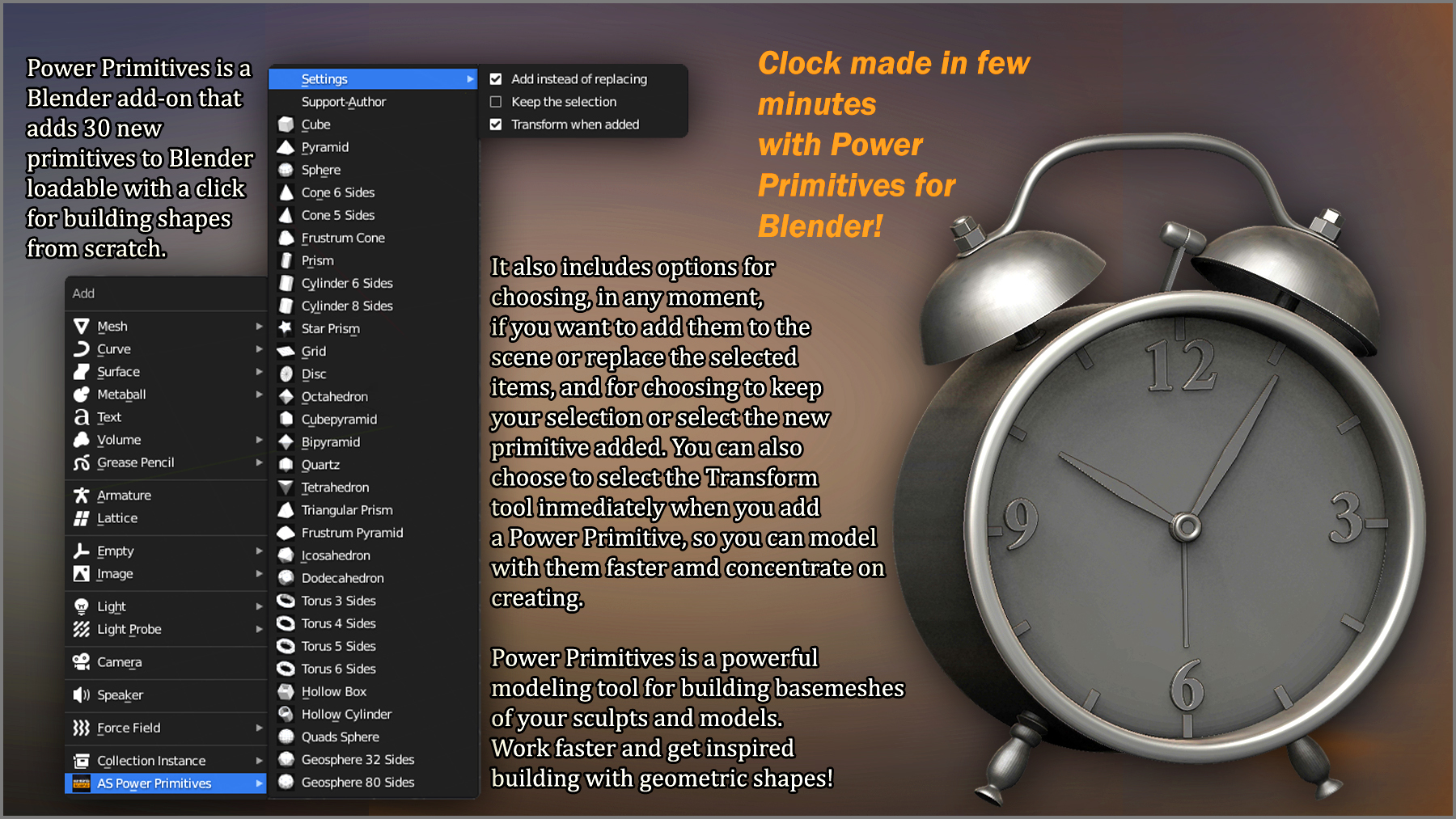
The collection covers basic forms such as cubes, pyramids, spheres, cones, prisms, cylinders, grids, and discs. Other options include a star-shaped prism, octahedron, cube-pyramid, bipyramid, quartz crystal, tetrahedron, triangular prism, frustum pyramid, icosahedron, and dodecahedron. It also includes hollow boxes and cylinders, a quad sphere, geospheres with 32 or 80 faces, and torus shapes with triangular, cube, pentacle, or six-face sections.
You can add a shape to compare proportions while keeping existing objects selected, or replace the current selection with a new primitive.
Control selection and transforms
The add-on separates two choices: whether a new primitive is added or replaces the selection, and whether the current selection stays active. Keeping the selection lets you add shapes for later positioning without losing track of the selected objects. The Transform-when-added setting activates Blender's Transform gizmo as soon as a primitive is created.
You can also adjust the scale applied to new shapes. The default size is similar to Blender's default cube, and the setting can make primitives start larger or smaller.
Guides, compatibility, and license
The product includes a PDF tutorial covering installation and use, plus a video tutorial included with the product and available on the developer's YouTube channel. Superhive's FAQ says the add-on works with Blender 5.0 and above when you follow the included guides. Its compatibility line says Blender 2.80 to 5.0 and above, while the details field lists Blender 2.8 to 5.2. Check the product listing for the range that applies to your exact Blender release.
Superhive lists the license as GPL. Review the license terms before sharing or modifying the add-on.