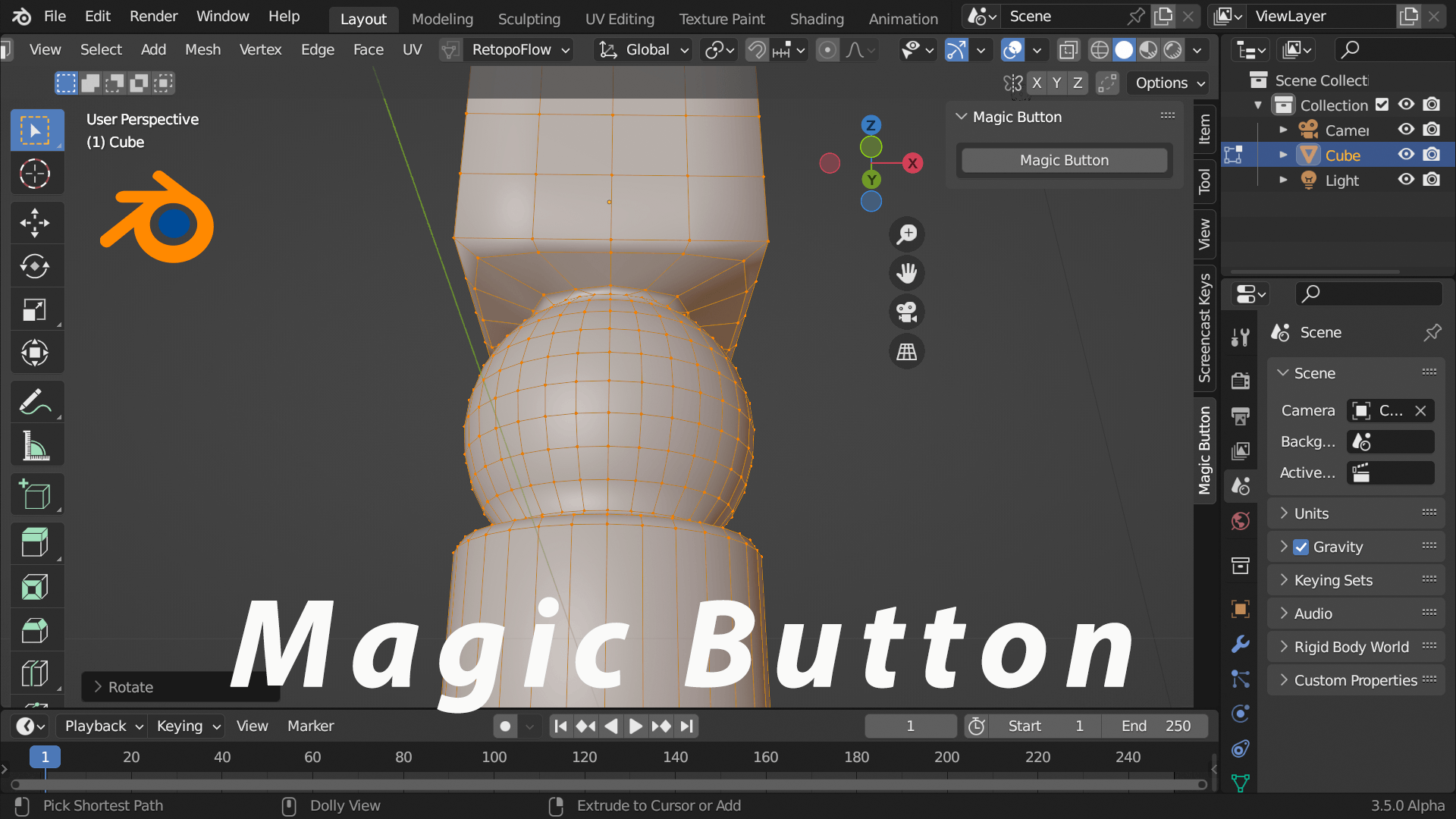
Smart Mesh Toolkit is a pair of Blender modeling add-ons by SUPRA3D for editing primitives and merging vertices interactively. The AnyPlugins listing says both tools use the Y key, with different functions in Object Mode and Edit Mode.
Edit primitives after creating them
In Object Mode, select a cube, sphere, or cylinder and press Y to open the Smart Mesh Tool panel. It exposes controls for the selected primitive, such as radius, segment count, and depth. For other meshes, the panel provides location, rotation, and dimension controls.
Changes remain pending until you confirm them. Cancel restores the object to its previous state without requiring an undo, and the listing describes the parameter adjustments as interactive, with real-time visual feedback.
Merge vertices with Target Merge
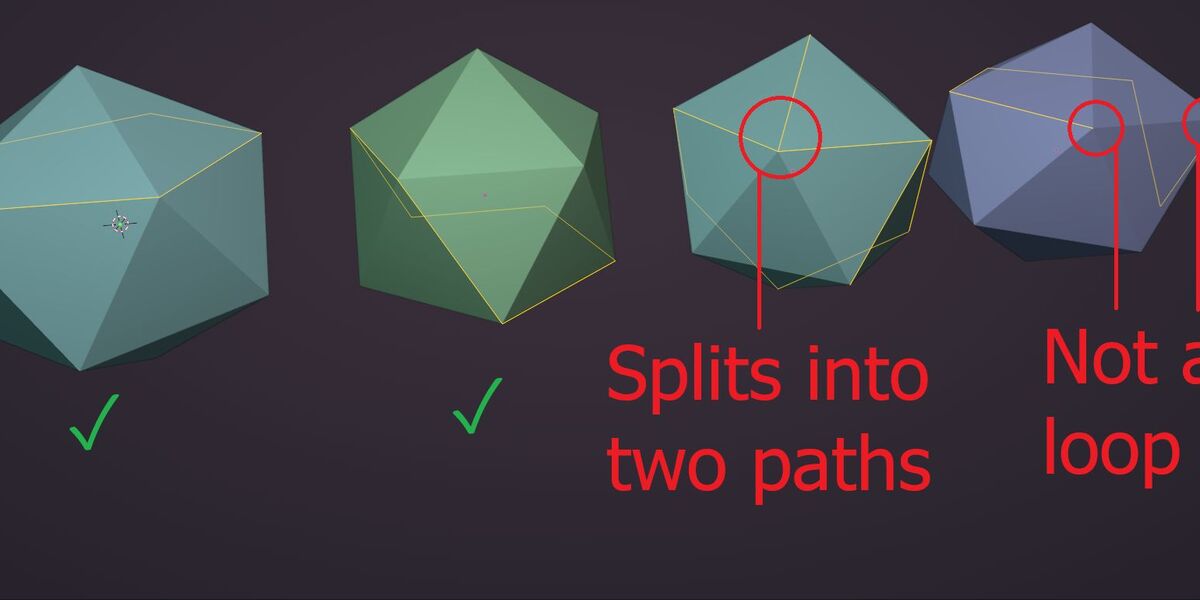
In Edit Mode, press Y to start the Target Merge Tool. It draws lines from source vertices to show which vertices will merge. Shift-click lets you select multiple source vertices before choosing a destination.
Target mode merges the selected source vertices at the final vertex you choose. Center mode places them at their calculated average position; press C while the tool is active to switch modes. The listing also describes support for stitching vertices across two objects in multi-object Edit Mode.
The AnyPlugins listing describes Target Merge as inspired by Autodesk Maya's Target Weld tool. It does not claim the tools behave identically.
Availability and compatibility
The Superhive product page currently says the item is no longer available for purchase. AnyPlugins lists it as free, while also describing Standard, Pro, and Studio license options. These records do not confirm current download access or license terms, so check the current product listings for access and license details. A Superhive FAQ search-result excerpt lists Blender Version 4.4, but it does not establish the toolkit's current compatibility range.