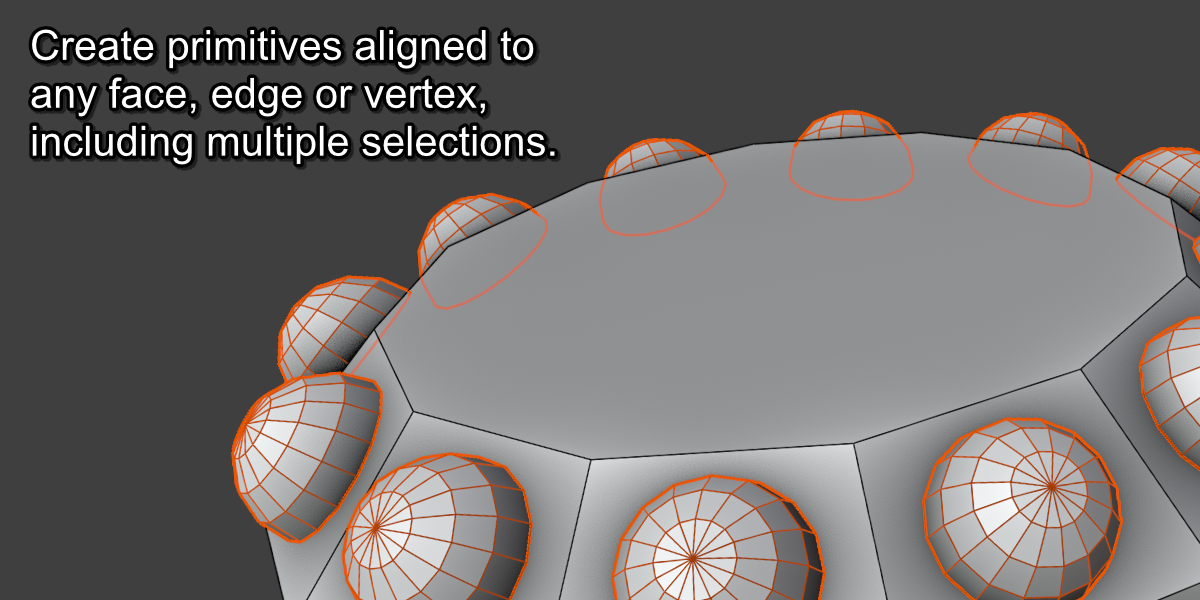
Powerprim is a Blender add-on for placing primitives and custom objects in relation to selected mesh geometry. Select a face, edge, or vertex, then use the add-on to create an object aligned to that element. This can help when adding details such as buttons, handles, screws, or rivets to a model.
Place primitives on selected geometry
For a basic placement, select an object, enter Edit Mode, and select a face, edge, or vertex. Open Powerprim and follow its on-screen prompts to choose a primitive and adjust its size, alignment, and resolution. When several elements are selected, Powerprim can create the same primitive for each one.
You can choose whether a primitive sits directly on the selected element or is centered on it. Press O to toggle between those origin options.
Use a custom object
Powerprim can place an object from the scene as a custom object. Select the custom object, Shift-select the object that will receive it, then enter Edit Mode and choose the placement faces, edges, or vertices. In Powerprim, set the scale and choose whether to instance or duplicate the custom object.
Create arrays and use median placement
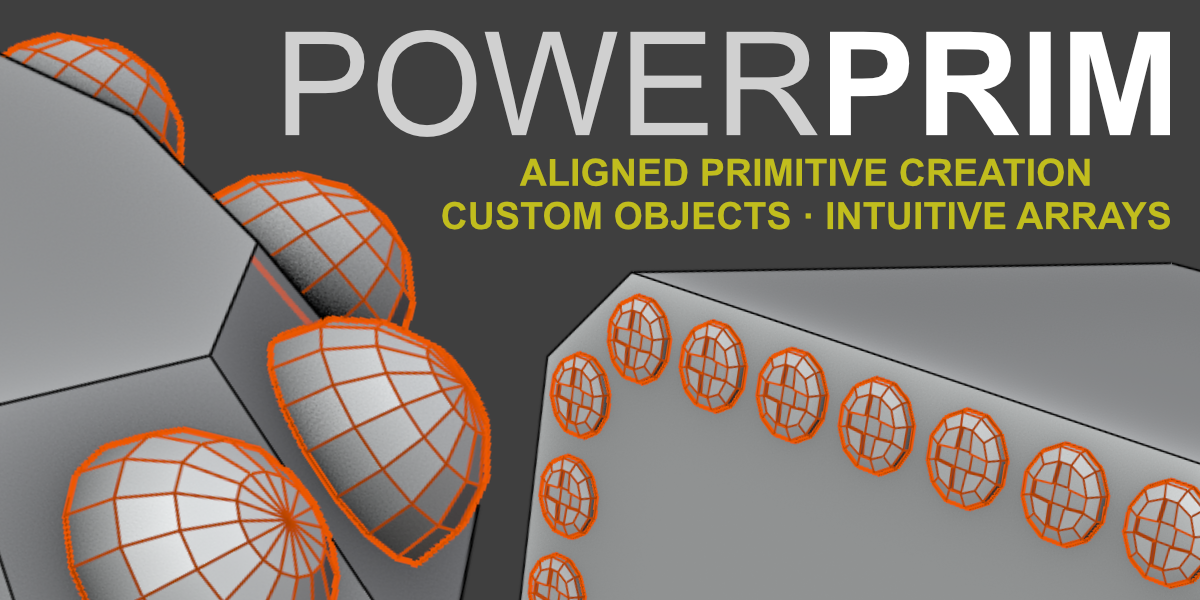
Select one or more edges to activate Array mode automatically, then follow the prompts to adjust the object and array size. You can also define an array between two vertices or two faces.
For a placement between existing elements, select at least two faces, edges, or vertices and switch to Single placement mode. Powerprim creates the primitive or custom object at the median point of the selection.
Compatibility and instructions
The Superhive listing identifies Blender 5.0 in its Blender Version field, marks Powerprim as Blender Extension Compatible, and labels its extension type as Add-on. The listing does not specify a broader supported-version range. It also lists the GPL license and names Andrew Smith as the creator.
For the selection order and on-screen options, see the Powerprim documentation, which includes screenshots. The product listing also links to a demo video.