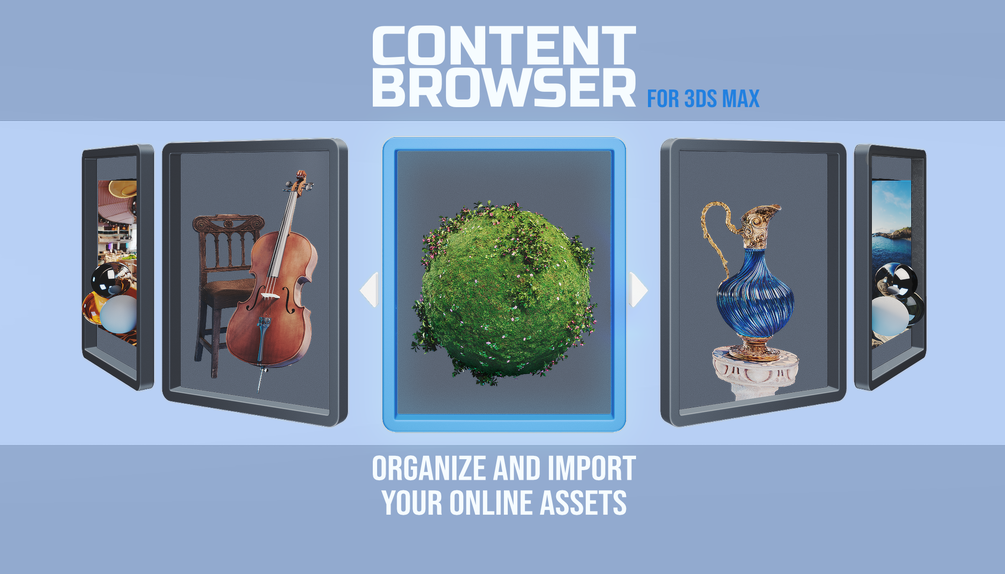
Content Browser by DMZScripts helps 3ds Max artists browse and import models, scenes, materials, and HDRIs stored in folders on their machine. The ScriptSpot listing specifies support for 3ds Max 2021 through 2024.
Browse local asset folders
The plugin can scan any folder accessible on the machine, without requiring a fixed folder structure or naming convention. It groups matching files into assets and detects details such as preview images, levels of detail (LODs), mapping channels, and resolutions. Filters by asset type and generated tags help narrow the library, while a folder hierarchy, file list, and preview gallery show the library in separate views.
Choose how to import assets
Models can be dragged into the 3ds Max viewport, and materials or HDRIs can be dragged into the Slate Material Editor. Materials can also be imported into the Slate or Compact Material Editor, or dropped onto objects. For model and scene files, Content Browser can merge or import assets and automatically relink file paths.
Before importing, users can select LODs, resolutions, and variations, and bring in multiple assets at once. The post-import actions include retargeting files, renaming objects, adding assets to a new layer, creating a skylight, and placing objects on surfaces.
Formats and material support
ScriptSpot lists model and scene import for .max, .fbx, .obj, .3ds, and .abc files. It also lists Arnold, V-Ray, Corona, Octane, Redshift, FStorm, and 3ds Max Physical, PBR, and Standard materials. Detected map channels include diffuse, roughness, bump or normal, displacement, opacity, and emission.
This folder-based workflow may suit artists who already keep asset libraries on disk and want to inspect previews or choose a variant before bringing content into a scene. ScriptSpot records version 1.001 and an update date of August 8, 2023. Check the developer’s Gumroad page for current download and licensing details.