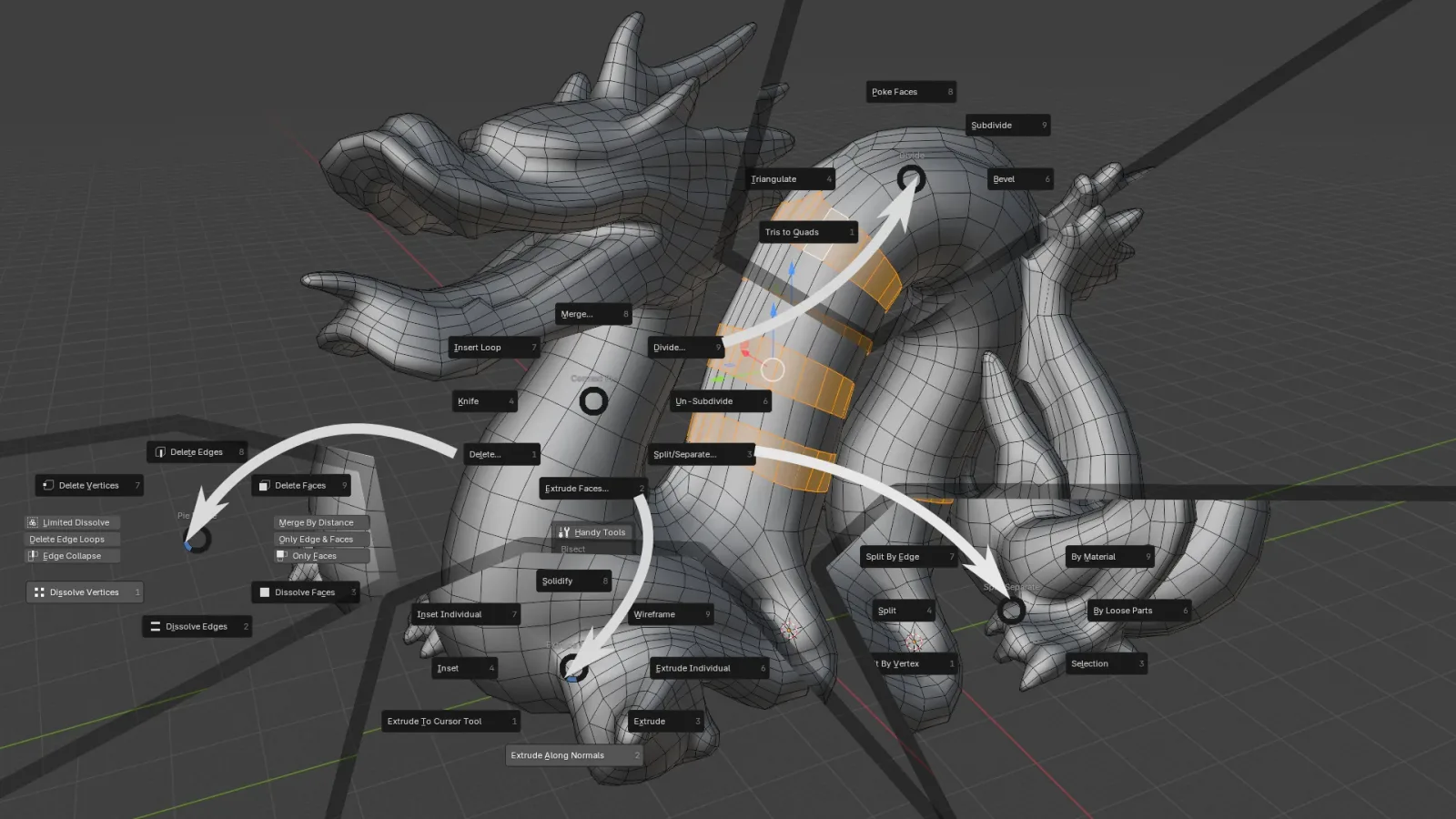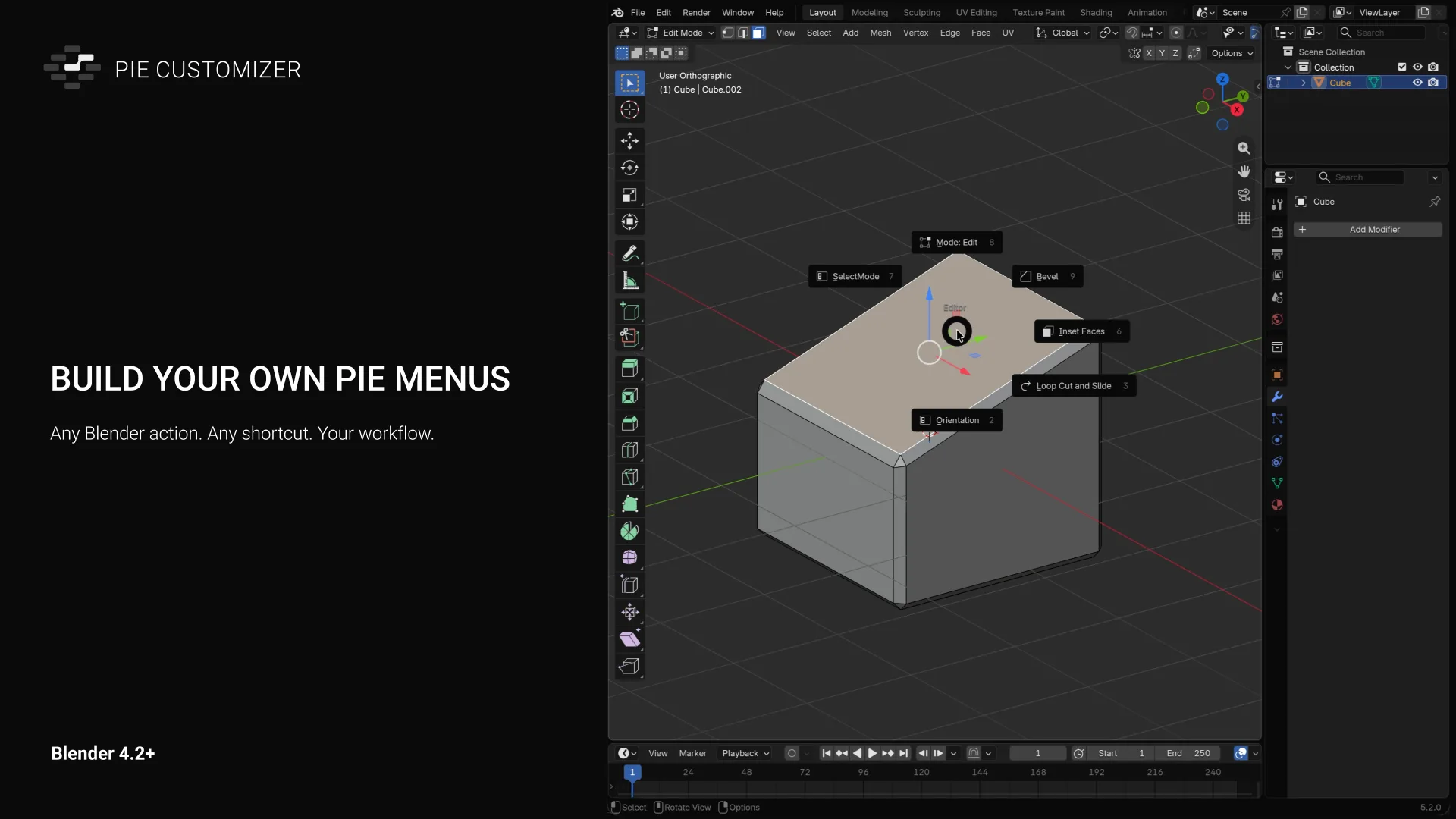
Context Pie is a Blender add-on by BastianLS that opens context-sensitive pie menus from mouse shortcuts. The Blender Extensions API lists version 0.9.51, a minimum Blender version of 5.1.0, and a GPL-3.0-or-later license. Check the official Blender Extensions listing for the published build and current compatibility details.
How the shortcuts work
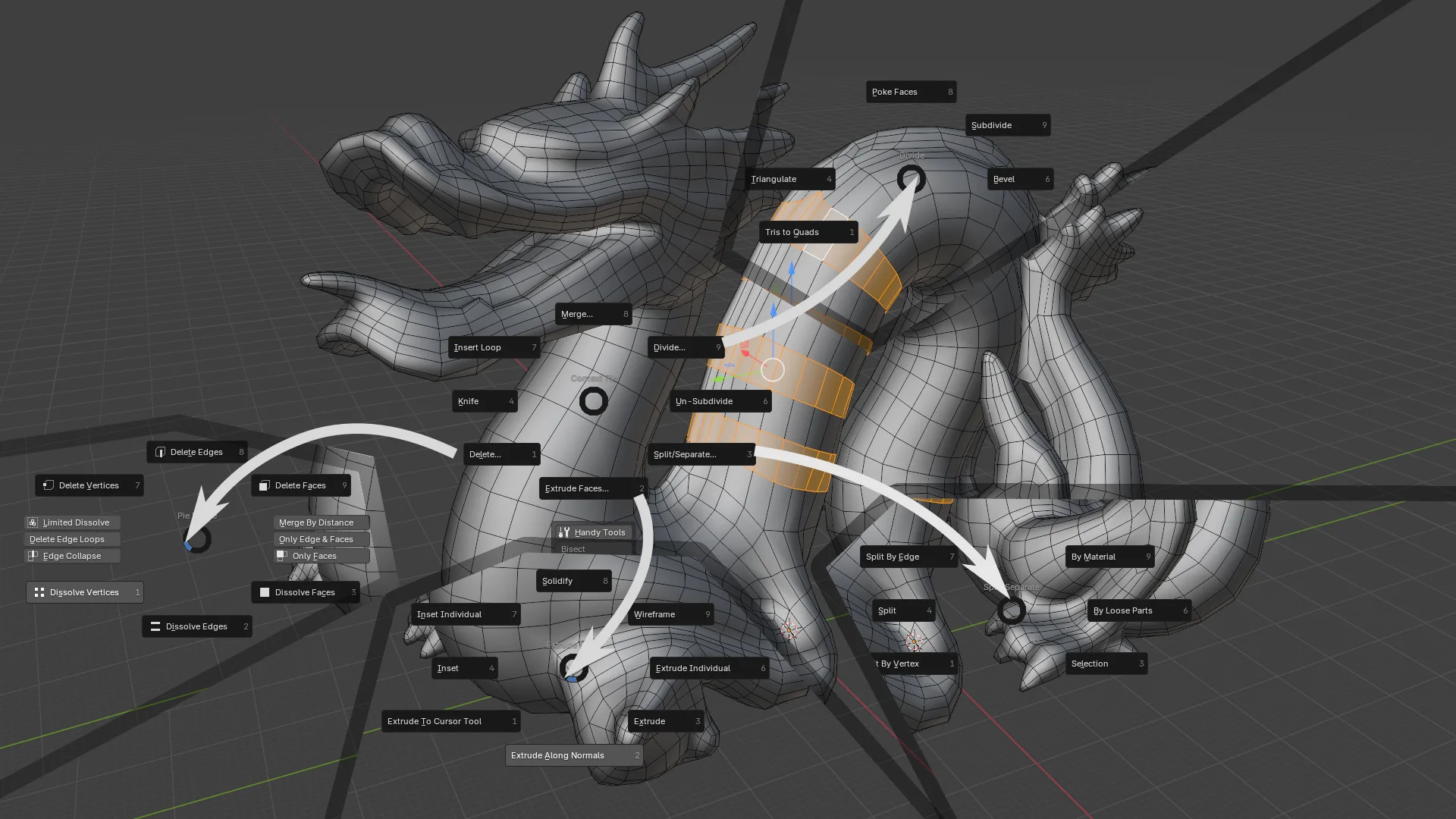
The Context Pie feature overview documents three shortcuts: Right Mouse opens a mode-selection pie, Shift + Right Mouse opens the context-sensitive pie, and Ctrl + Right Mouse opens pivots and node links. The add-on groups operations in pie menus so the same entry point can present different actions for the current Blender context.
The top menu option changes with the active mode: Merge in Edit Mode, Join in Object Mode, or Make Segment between selected points in Edit Curve mode. Context Pie is designed to work well with Blender’s industry-compatible keymap. If you use a different keymap, check the bindings before relying on them in a regular workflow.
Modeling, UV, and animation contexts
Context Pie has pie menus for polygon modeling, curve editing, UV mapping, node editors, and animation. That makes it relevant to Blender users who move between those tasks and want a mouse-driven menu whose options depend on the active context. The Blender Extensions API classifies the add-on under User Interface, 3D View, and UV.
Context Pie replaces Blender’s traditional context menu and puts more functions on the same shortcuts. Available operations may differ across editors and contexts. Compare the available menus with the actions you use most.
Experimental node editor menus
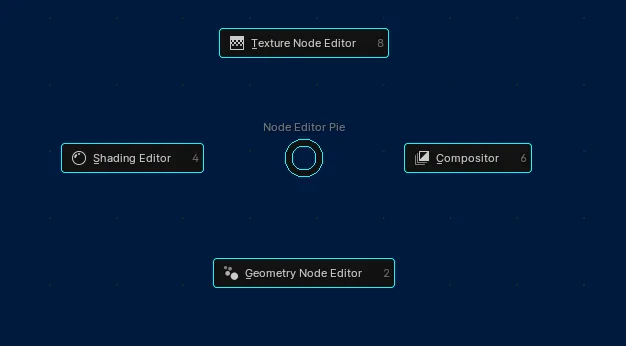
Version 0.9.51 adds experimental pie menus for Blender’s Shader, Geometry, and Compositor node editors. The feature description says these menus integrate with the Node Wrangler core add-on and include custom operators for changing Mix and Math modes, such as multiply, add, and subtract. You can disable the node editor menus separately in preferences, which lets you control whether this experimental part is active.
Compatibility and installation
For version 0.9.51, Blender 5.1.0 is the listed minimum; that field does not confirm compatibility with every later Blender release. Check the official listing for the release you plan to use. If you install from a downloaded archive, the Blender manual’s Install from Disk instructions explain that process.