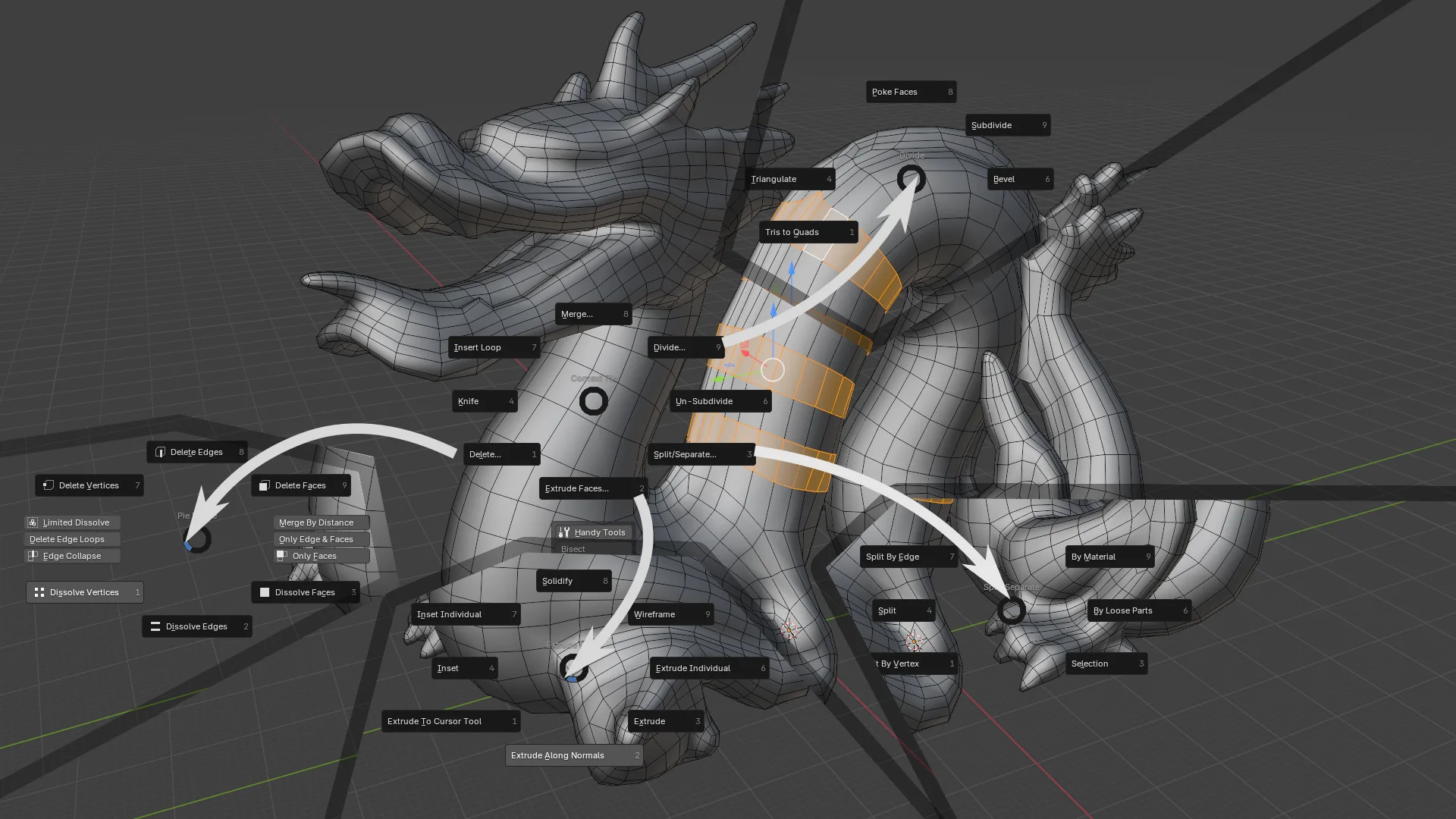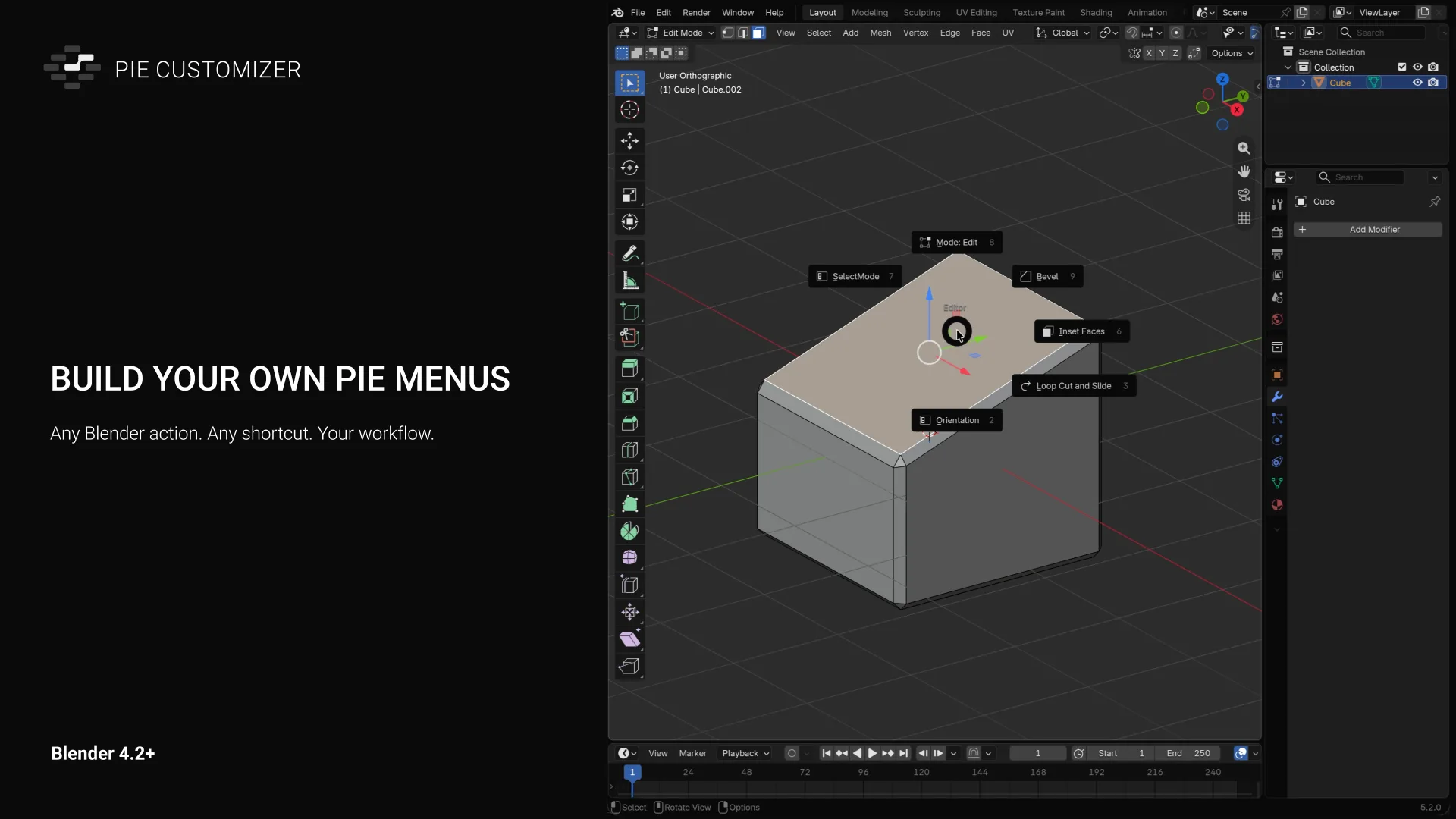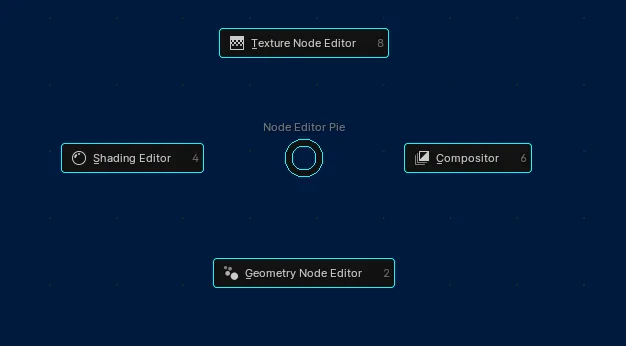
PieMenu Everywhere is a Blender add-on that opens pie menus for tasks across Object mode, Edit mode, the node editor, and animation windows. The menus cover the render engine, shading, applying object data, physics, extras, quick edits, and copy or link operations. You open them with assigned shortcuts, which you can change in Blender keymaps.
The Blender Extensions listing names the menus and their default shortcuts; it does not list every command inside each pie.
Menus and default shortcuts
| Menu | Default shortcut | Context listed |
|---|---|---|
| Render engine | Shift + T | Object mode |
| Set shading | Ctrl + Shift + T | Object mode |
| Apply object data | Ctrl + T | Object mode |
| Node editor windows | Shift + T | Node editor |
| Animation windows | Shift + T | Animation windows |
| Extras | Ctrl + R | Object mode |
| Physics | Ctrl + Shift + R | Object mode |
| Quick edit | Shift + T | Edit mode |
| Copy/link | Shift + F | Object mode |
Review the keymap after installation
Shift + T is assigned to multiple entries, including menus for Object mode, Edit mode, node editor windows, and animation windows. Check how those shortcuts behave in your Blender setup. The add-on listing says you can customize its hotkeys in Blender keymaps, which lets you choose assignments that fit your existing controls.
Compatibility and installation
The Blender Extensions listing identifies version 1.4.5 and compatibility with Blender 4.2 LTS and newer. It offers installation by dragging the extension into Blender or downloading it and choosing Install from Disk. Blender’s extension installation documentation describes the latter method. The listing also identifies the license as GNU GPL v3.0 or later and reports no changelog for version 1.4.5.
Check the PieMenu Everywhere listing on Blender Extensions for the release details before installing.