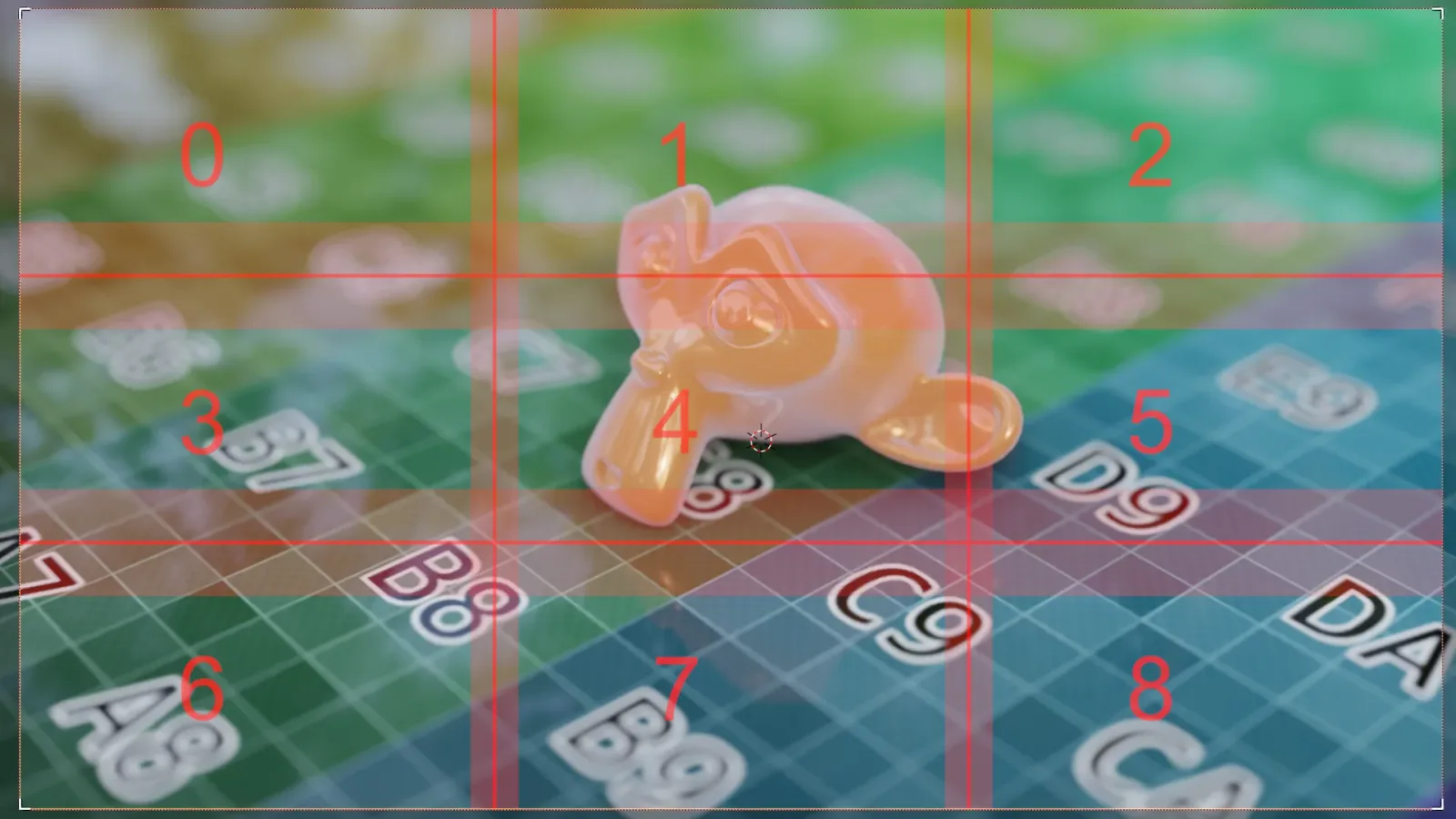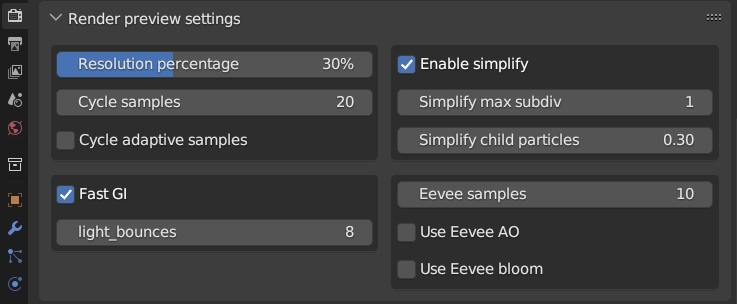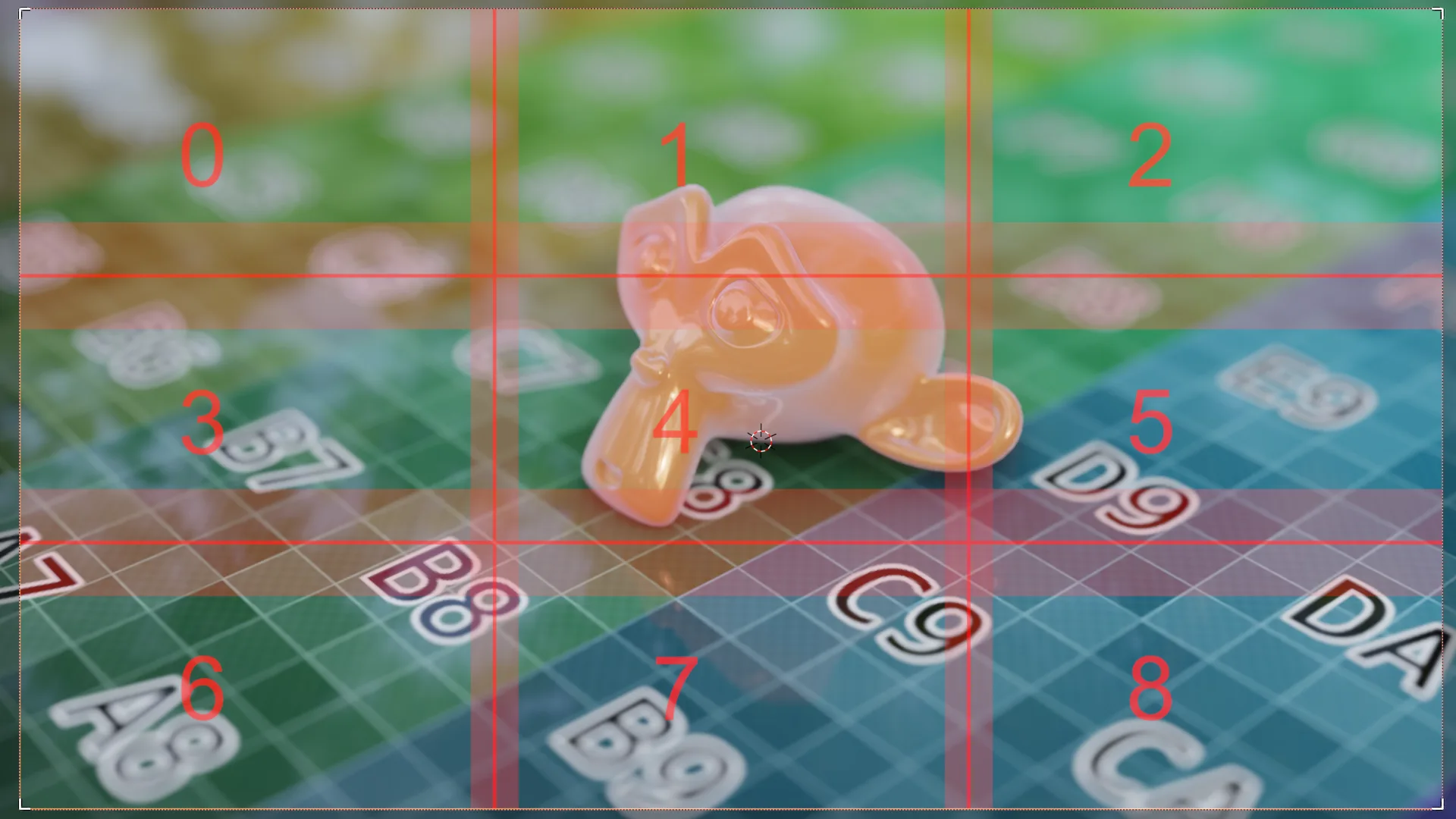
Control Render Regions is a Blender add-on by nukkio for splitting an image render into regions and rendering all or selected parts. Its Divide method makes smaller tiles at the scene's set resolution; Multiply renders tiles at that resolution and combines them into a larger image. The add-on can generate terminal scripts for rendering and a separate Python script for merging the output.
This can help when a long render needs to be resumed in parts, when regions are assigned to different computers, or when a large image is easier to render as tiles. The developer lists Blender 4.2.0 as the minimum version. Version 1.0.12 also notes compatibility with Blender 5.1.0.
Choose Divide or Multiply
Use Divide when you want to split the scene's output dimensions into smaller images. Set the number of columns and rows, then choose which regions to render. For example, a 1920 × 1080 render divided into two columns and three rows produces six 960 × 360 regions. Merging those regions returns an image at the original 1920 × 1080 dimensions.
Use Multiply when each region should retain the original render dimensions and the final image should be larger. With a 1920 × 1080 output and a multiplier of 2, the add-on renders four 1920 × 1080 regions. Merged together, they make a 3840 × 2160 image.
Regions are numbered from zero, starting at the top left and moving left to right, then top to bottom. The controls accept all regions, individual regions, or selected ranges. With Divide, choose row and column counts that give whole-pixel dimensions where possible; uneven divisions can produce regions with different dimensions due to rounding.
Render from Blender or the terminal
Set the Output Path in Blender before creating the render. The add-on's default workflow creates a shell script for Linux or macOS, a batch file for Windows, and a Python script to crop overlapping edges and merge the rendered regions. The terminal script launches Blender without its graphical interface and renders the selected regions. By default, it includes the command to run the merge script; comment out that command if you want to keep the region images separate.
You can also render regions from inside Blender. In that mode, the add-on does not automate merging, so plan to combine the resulting images separately.
If the scene uses compositor File Output nodes, the add-on adds each region's coordinates to the output slot names. Its merge script can also combine those node outputs.
Margins and image merging
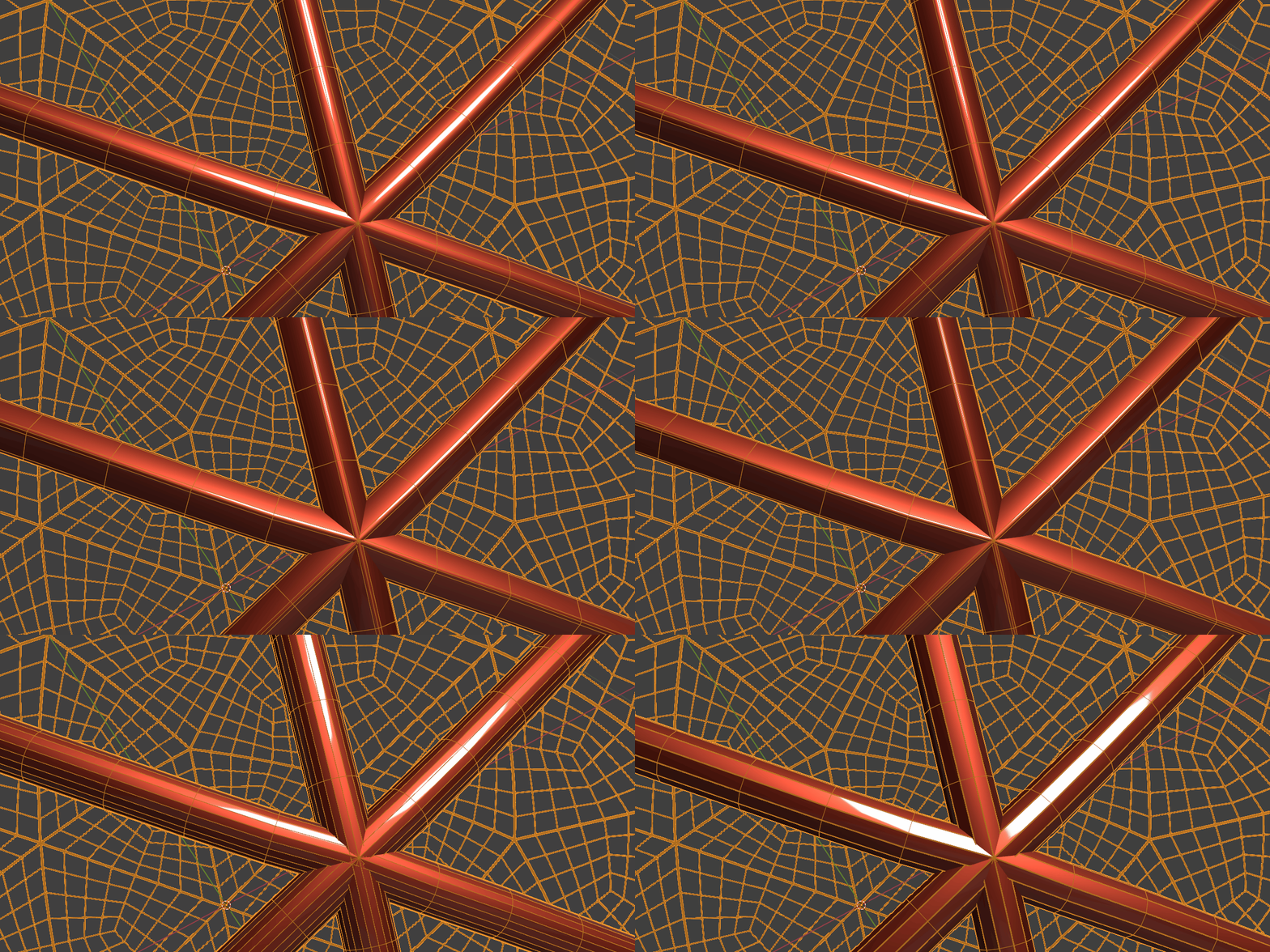
Regions can overlap along their inner edges. Those margins give denoising and compositor effects such as glare extra pixels beyond a tile boundary; the merge script crops the overlap before joining the tiles. Calculate Margins searches downward from the Max Margin value for dimensions that are less prone to rounding issues. If it finds no suitable values, it returns zero. Manually chosen margins can still cause rounding differences.
Automatic merging requires Python 3 and at least one image-processing option on the system running the scripts: the OpenImageIO Python module, Pillow, or ImageMagick. The merge script tries OpenImageIO first, then Pillow, then ImageMagick. OpenEXR Multilayer images require OpenImageIO; the other two options do not support that format and may produce an error or a black image. The add-on does not install these dependencies.
Compatibility and installation
The Blender Extensions listing specifies Blender 4.2.0 or newer and provides separate packages for Windows, macOS on Intel, macOS on Apple Silicon, and Linux. The developer reports testing Cycles and Eevee with Blender 4.2.0 on Ubuntu 24.04 and Windows 10. Version 1.0.12's release note mentions Blender 5.1.0 compatibility and Pillow support for Python 3.13.
The listing offers installation by dragging the downloaded extension into a Blender window or installing it from disk through Blender's preferences. See the Control Render Regions listing for current packages and version details, and Blender's Render Region documentation for the underlying Blender feature.