Audio-reactive visuals and footage effects
Creation Effects: Pulse is an Adobe After Effects project template for making music visualizers and audio-driven treatments for footage. Its 30 presets split between 15 that use Audio Spectrum to respond to frequency changes and 15 that respond to overall volume, which can drive properties such as motion, scale, color and speed. The volume-driven options work best with music that has noticeable changes in loudness.
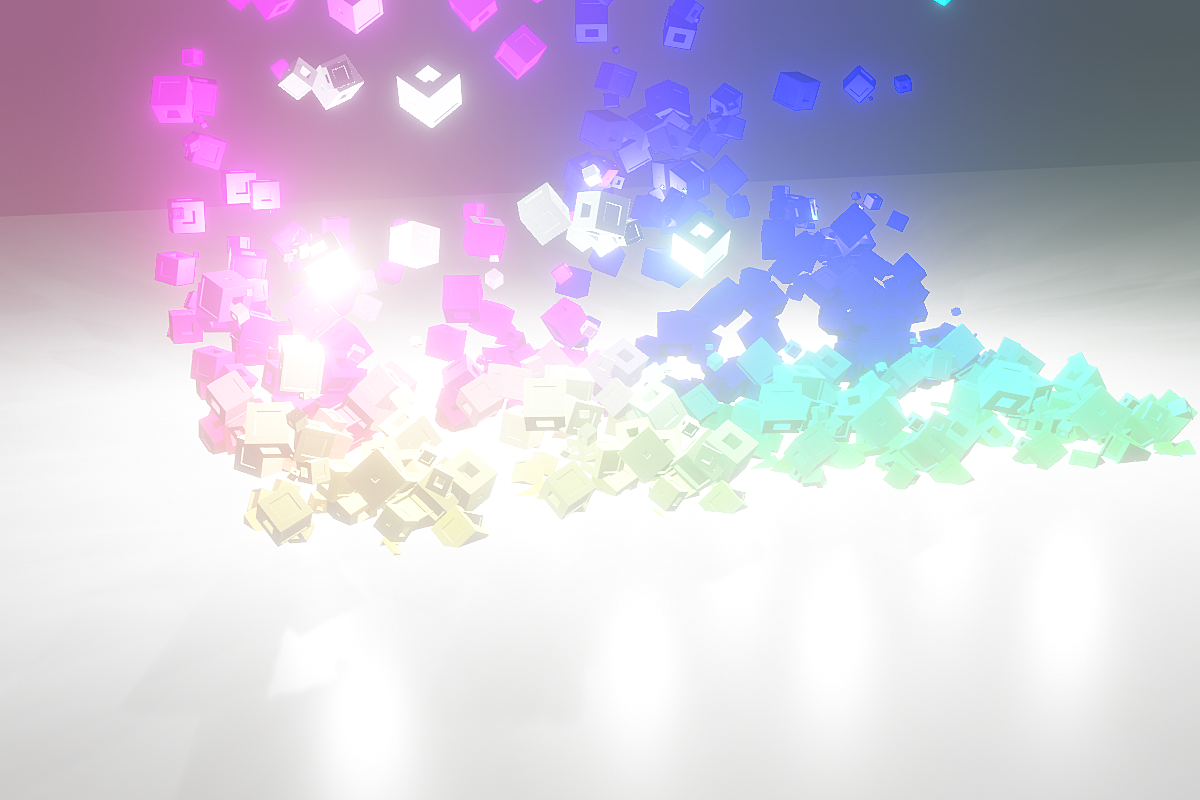
The visual styles include abstract waveforms, particle animations, flames, inkblots, kaleidoscope and pinwheel patterns, swarming shapes, and dot-and-line networks. Five presets are designed for footage: two 3D Push options displace pixels in three dimensions; Crystal Dream intensifies as audio gets louder; Glitch increases the intensity of time, texture and distortion glitches as audio volume rises; and Time Stutter speeds up or reverses footage in sync with the music. Pulse is suited to lyric and music videos, pre-rendered VJ loops, concert backdrops, and music-driven short-form clips.
Set up and tune a visualizer
Pulse is an After Effects project file, not a plugin, so it does not require a plugin installation. Put the song in the Put Your Audio Here composition, match it to the final frame rate, and convert the audio to keyframes so the effects can read it. Then preview the visualizers with the track and choose a style.
Each visualizer's Control Layer groups settings by purpose: Base Appearance sets the starting look, Audio Response controls how properties change with the sound, and Audio Amplitude selects the audio layer and adjusts sensitivity, intensity and smoothness. You can unhide the preset's optional effects to try alternate looks. A supplied copy-and-paste expression can also connect audio to another property or effect.
Formats and compatibility
Every preset includes HD compositions at 1920x1080 and UHD compositions at 3840x2160. Other resolutions are possible by changing the dimensions of the composition and Solid layers. Pulse works in After Effects 2020 (version 17) and later on Windows and macOS, and is universalized for After Effects running in any language. The Displace control for CC Ball Action is disabled in After Effects 2023 and earlier.
Licensing and purchase terms
Creation Effects lists Pulse for $49 USD. Its terms allow purchased effects in commercial projects, and give the customer rights to the exported video. The project files remain the property of Creation Effects: they cannot be resold, distributed, published or posted online. Sharing a project file with a client, coworker or another party is allowed only when everyone is collaborating on the same project. One license covers one user on up to three computers; each additional user needs a separate license. The terms also restrict marketing an effect as the main focus of a service, using it in a way that directly competes with Creation Effects, or promoting it as a custom effect. Refunds may be considered within 30 days for a product that does not work as intended, is incompatible with a supported After Effects version, or is fundamentally misrepresented in its description or tutorial content; refunds are not issued for buyer's remorse, failure to review the product's Need to Know information, or a change of mind; requests are reviewed case by case and approval is not guaranteed.