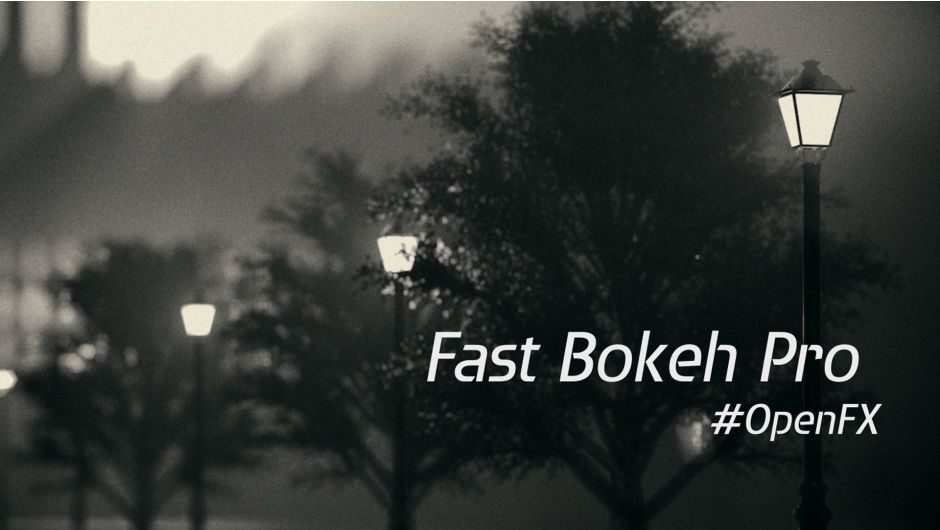
Crossphere Bokeh is an After Effects lens-blur effect for shaping out-of-focus highlights and simulating depth of field. It fits motion graphics and compositing work where you need control over the bokeh aperture or focus falloff inside a composition.
Shape the bokeh aperture
Adjust vertices, roundness and rotation to create circular, polygonal or star-shaped bokeh. For a custom aperture, assign an After Effects layer such as text, a logo, a shape or footage. The blur can then use that layer's silhouette for its highlights. HDR highlight rendering and tonal mapping handle bright areas, and the effect supports 32-bpc projects.
Use a depth map to control focus
Assign a luminance-based depth-map layer to vary blur across the frame. A depth pass from a 3D render or a hand-painted depth matte can provide the map: its grayscale values determine the blur radius, so nearer areas can stay sharper while farther areas blur. Focal Distance, two focus points and an interpolation control let you shape focus changes, including an animated rack focus.
Composite and animate the effect
Apply the effect directly to a layer or use it on an adjustment layer. Composite modes control how the blur combines with the image. Remove Edge Leak and Detect Edge Threshold help manage blur artifacts around layer boundaries. The controls are keyframeable and expression-friendly for animated changes.
Compatibility and licensing
The aescripts compatibility table lists After Effects versions from CS6 through 2027. A distributor lists Windows and macOS, with Apple Silicon support from version 1.3.6 onward; check the current compatibility notes for your exact setup. aescripts offers a free trial. For command-line rendering on headless machines, a separate Render-Only license is available. It requires at least one full Crossphere Bokeh license, a Render-Only license for each render node, and the Floating License Server. It works with the command-line renderer, not the host application's main GUI.