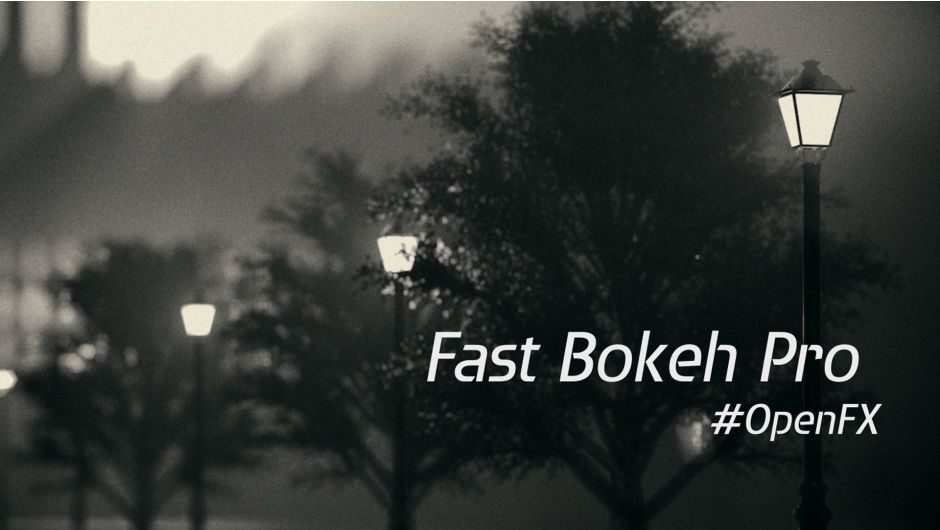
Rowbyte Fast Bokeh Pro adds depth-of-field blur to an After Effects composition using a depth-map layer. The map supplies distance information for the image, letting the effect keep the selected focus range sharp while blurring nearer or farther regions. It suits 3D renders and composites where a depth pass is already available.
Fast Bokeh Pro's render performance is blur-radius independent for standard iris shapes: it depends mainly on image size, not the amount of blur applied. Custom bokeh shapes are an exception. That makes it useful for shots that need a broad defocus effect. Results still depend on the depth map, and the plug-in cannot infer objects hidden behind visible surfaces.
Working with a depth map
Assign the depth-map layer, choose a blur radius, and set the focus distance. Invert the map when its near-to-far values run opposite to the plug-in’s interpretation. Rowbyte’s documentation defines 0 as nearest and 1 as farthest. The Pro Quick Focus Point control can sample focus depth from the composition instead of requiring a manually entered value. Intensity Boost can help with large blur radii or transparent images.
Rowbyte recommends using depth maps without anti-aliasing. Edge handling can reduce hard transitions and halos, but the effect has no data for occluded parts of the scene. When the depth pass does not describe those hidden surfaces, edges between foreground and background may remain imperfect.
Choose an aperture and render path
Gaussian is the faster aperture choice. Spherical and polygonal apertures produce shaped bokeh, while a custom image can provide a custom iris shape. Zone Control separates near, focused, and far depth ranges. Highlights and Anamorphic settings adjust bright blur and iris shape. The effect supports 32-bit color, which Rowbyte recommends for best quality.
The download is listed as free. Rowbyte requires a registered license for Spherical and Polygonal aperture blur, custom image bokeh, Zone Control, Highlights, Anamorphic Bokeh, Linear Color Working Space, and Quick Focus Point. Rowbyte's documentation also identifies GPU acceleration as a Pro feature requiring registration. Using a Pro feature without registration adds a watermark; Gaussian and core depth-map controls remain available. Check the Rowbyte product page for current license terms.
Version 2 adds optional GPU acceleration using Metal or Compute. GPU rendering requires a Metal 2-capable GPU on macOS 10.14 or later, or a GPU supporting OpenGL 4.3 or later on Windows 7 or later. GPU and CPU renders can differ, and output can vary by device. Rowbyte recommends CPU rendering when pixel-accurate results across multiple machines or render farms matter.
Who should consider it
Fast Bokeh Pro fits After Effects projects that already contain a depth map and need adjustable depth-of-field blur. It cannot create missing depth information, and it cannot reconstruct hidden edge content. For setup details and current requirements, consult Rowbyte’s documentation.