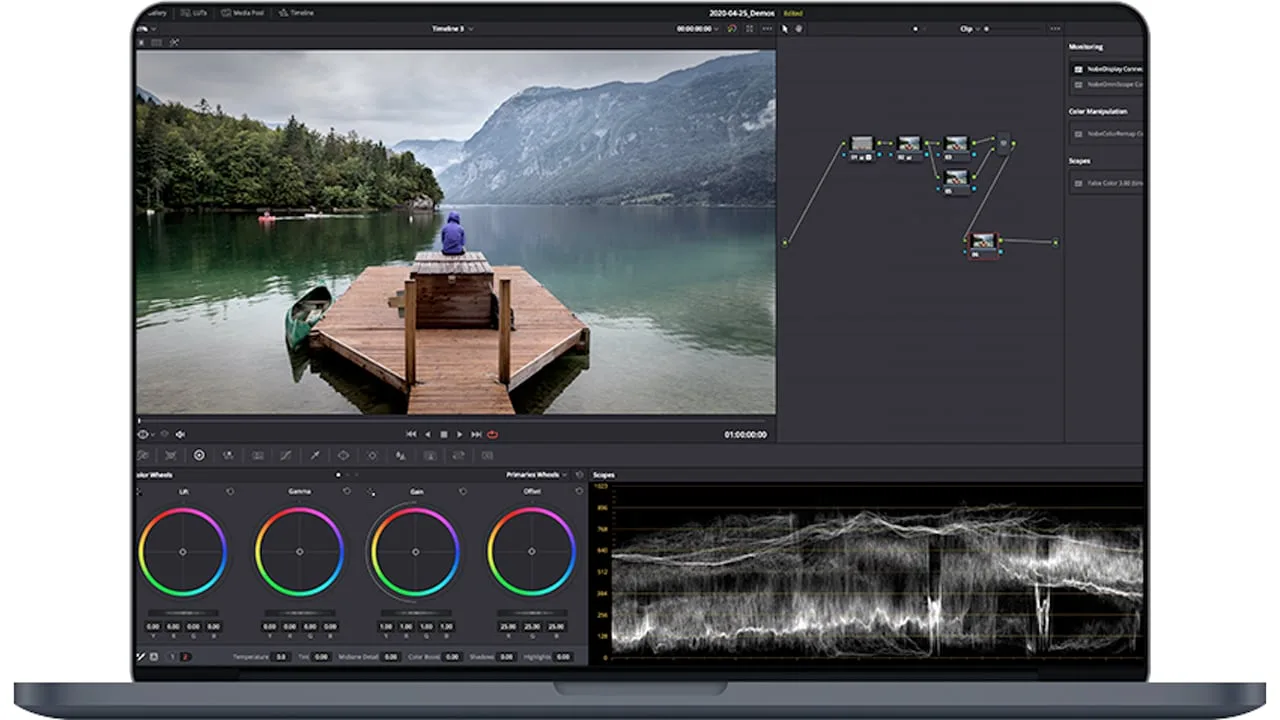
Fast Bokeh Pro for OpenFX is a Rowbyte effect for DaVinci Fusion, Resolve, and other OpenFX hosts. It uses a depth map to create a smooth depth-of-field bokeh blur. Rowbyte says it was designed and tested with Fusion Studio 17 and above; for another OpenFX host, the product page recommends trying the trial to check compatibility.
The product page links to the Fast Bokeh documentation.
Bokeh shapes and controls
The effect includes a fast Gaussian-like blur and spherical or polygonal aperture blur, with shapes such as hexagons, pentagons, and octagons. You can also use a custom image as a bokeh shape. Zone Control lets you split a scene into zones and blur them separately.
Other controls adjust highlight brightness and saturation, iris aspect ratio for an anamorphic look, and color handling in a linear working space. The product page says 32-bit color is supported and recommends it for best quality. It also recommends depth maps without anti-aliasing.
Several controls are Pro features: spherical and polygonal aperture blur, highlight adjustment, anamorphic bokeh, linear color working space, and Quick Focus Point parameters. The plug-in needs a registered license for those features. If an unregistered copy uses them, it renders a watermark; the page says there is no watermark when those Pro features are not used.
Rendering and edge limits
Rowbyte describes the blur as independent of radius: rendering depends on image size rather than the amount of blur, so performance should stay nearly constant as the radius changes. Edge handling expands object boundaries to reduce hard edges and halos. It cannot account for objects hidden behind what was rendered, so edge recovery has limits.
GPU acceleration is optional and does not rely on the host application's native GPU render pipeline. GPU rendering requires a recent graphics processor that supports Metal 2 on macOS or OpenGL 4.3 on Windows.
Host, operating system, and version notes
The product listing names DaVinci Resolve 16 through 19 and says the plug-in was designed and tested with Fusion Studio 17 and above. It says the OpenFX plug-in currently supports macOS and Windows, with no Linux version; the macOS 10.14 and Windows 7 minimums appear in its After Effects compatibility details. The OpenFX version is nearly identical to the After Effects version. It cannot use the Point picker to set focus depth and has no Iris or Zone Preview in Effect Controls.
Version 2.0.9, dated April 15, 2024, fixed a crash in Resolve 18 and added an Alpha Pre-Divide/Post-Multiply option. Check the product page for current host compatibility and licensing details before installing.