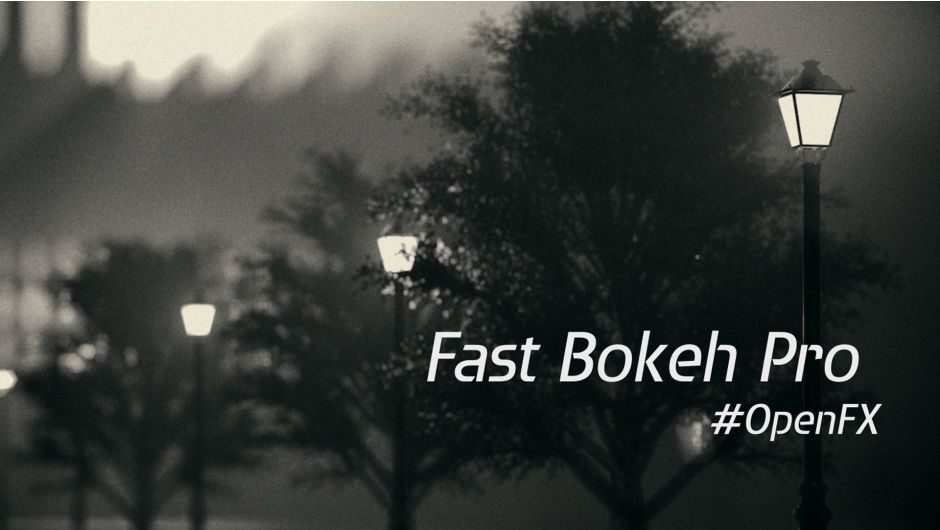
Rowbyte Fast Bokeh Pro for OpenFX adds depth-of-field blur to a shot or render using a depth map. Each pixel's depth value helps determine how much it blurs relative to the selected focus distance. Rowbyte describes the plug-in for Fusion, DaVinci Resolve, and other OpenFX hosts, and says it is designed and tested with Fusion Studio 17 and above.
A depth map uses values from 0.0 for the nearest point to 1.0 for the farthest. You can set the focus distance manually or invert the map if its values run in the opposite direction. Rowbyte recommends depth maps without anti-aliasing for best results.
Shape the bokeh
The iris can produce Gaussian-like, spherical, or polygonal blur, or take its shape from a custom image. Polygonal options include controls for the number and shape of the sides, and the iris aspect ratio can create an anamorphic look. A custom image iris uses the image's luminance to define the bokeh shape. Highlights controls adjust brightness and saturation around bright areas. Rowbyte recommends 32-bit-per-channel color for best results; its linear working-space setting produces a result similar to a project set to a linearized working color space. Rowbyte lists spherical and polygonal irises, custom-image bokeh, highlights, anamorphic bokeh, linear color, and Zone Control as Pro features; using them without a registered license key renders a watermark.
Control focus zones and edges
Zone Control separates the depth range into near, focus, and far areas. You can adjust how wide the focus zone is and how much blur applies to the near and far zones. Rendering the zones separately can reduce pixels from blurred areas spilling into the focused region.
Edge behavior offers options to leave image boundaries alone, repeat edge pixels, or expand the output to include the full blur. Expanded boundaries can make the output much larger and slow rendering at high blur radii. The plug-in also expands object boundaries to reduce hard edges and halos, though it cannot recover objects hidden behind what the depth map shows.
Check the host and render setup
Rowbyte says render performance depends on image size rather than blur amount, except when using custom bokeh shapes. GPU acceleration is optional. GPU rendering requires a GPU that supports Metal 2 on macOS or GL 4.3 or later on Windows. CPU rendering remains available, and Rowbyte recommends it when pixel-level consistency across machines or a render farm matters.
Rowbyte has a Fast Bokeh Pro for OpenFX product page with a trial for checking compatibility in other OpenFX hosts. Its Fast Bokeh documentation explains the depth map, iris, zone, and render controls in more detail.