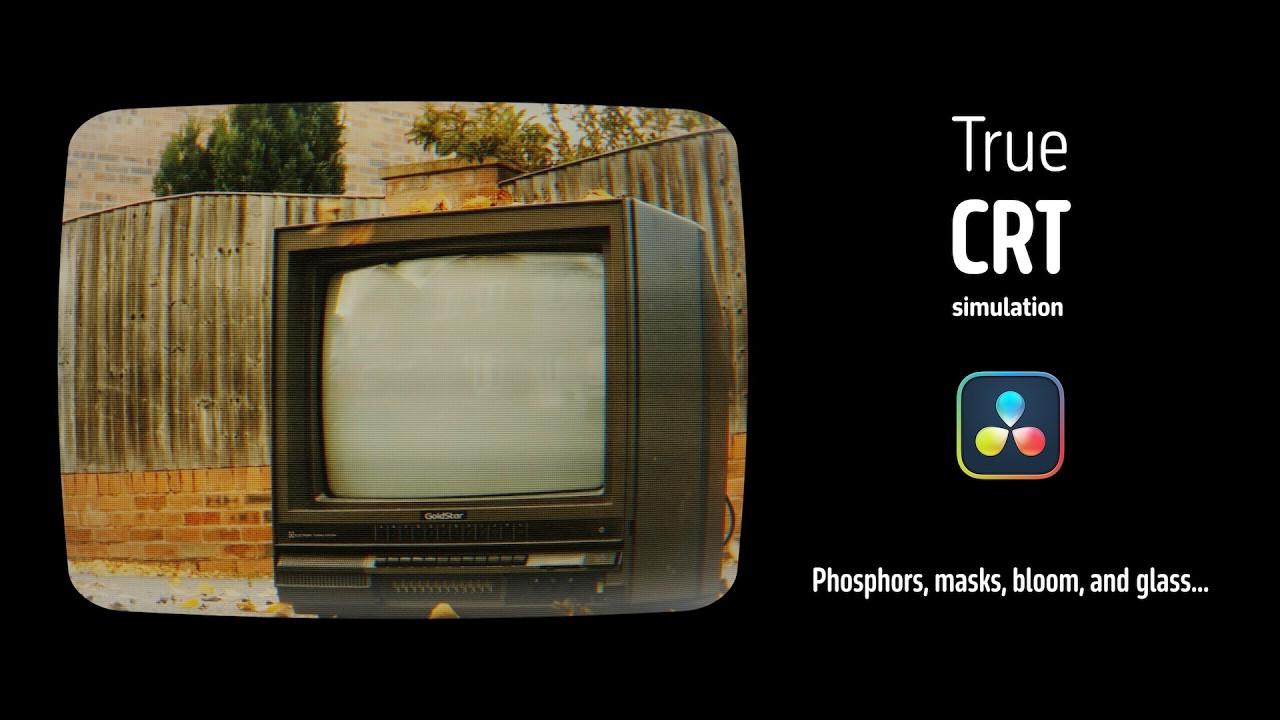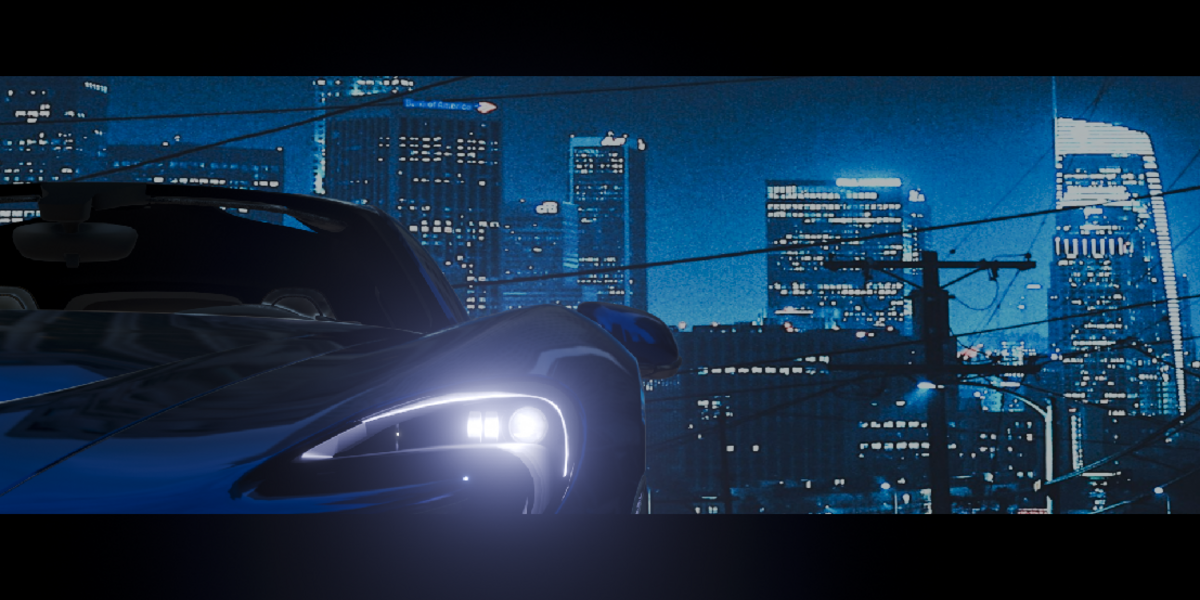
CRT Monitor Generator is a node-based Blender add-on for creating vintage monitor effects with phosphor grids, scanlines and signal degradation. The product listing specifies Blender 5.0 to 5.2 and support for both Cycles and Eevee. Its controls cover the screen pattern, color and distortion, while a set of presets gives you starting points for different CRT styles.
Choose a preset, then adjust its controls
The add-on includes ten presets: Classic CRT for a balanced screen, Vertical Lines for pronounced phosphor strips, Aberration for strong RGB shift and lens distortion, Pixelated for a lower-resolution look, and Terminal for green-screen styling. Red Demon uses a high-contrast red look; White & Black is monochromatic; Hyper Phosphor uses a dense grid; Neon Bleed adds strong glow and color bleed; and Broken Signal applies heavy degradation.
You can adjust phosphor scale, sharpness and emission brightness, along with scanline scale and sharpness. Other controls include pixel size, lens curvature, RGB shifts, blur and color balance for shadows, midtones and highlights. The glow controls set its threshold, amount and spread; lens distortion and vignette controls shape the screen and darken its corners. The product documentation explains these settings.
Install and create the effect
Install the ZIP file from Blender's Preferences using Install from Disk, then enable CRT Monitor Generator. In your scene, activate the Compositor, open the Compositor editor and select Use Nodes. The CRT Generator tab appears in the sidebar. Choose Create Node Group to build and connect the effect chain. Select a style from the preset menu; the documentation says manual adjustments are remembered for each preset. Use Res beside the selector to restore that preset's factory settings.
Preview the result in camera view
The add-on works in Blender's Real-time Compositor viewport, so you can inspect changes while adjusting the effect. For a closer match between the preview and final render, the documentation recommends viewing through the camera and maximizing the 3D viewport. It notes that the final render may still look slightly different.
CRT Monitor Generator is suited to Blender artists who want scanlines, phosphor detail and signal distortion in the compositor. Check the product listing for its current compatibility details and the installation and settings guide before setup.