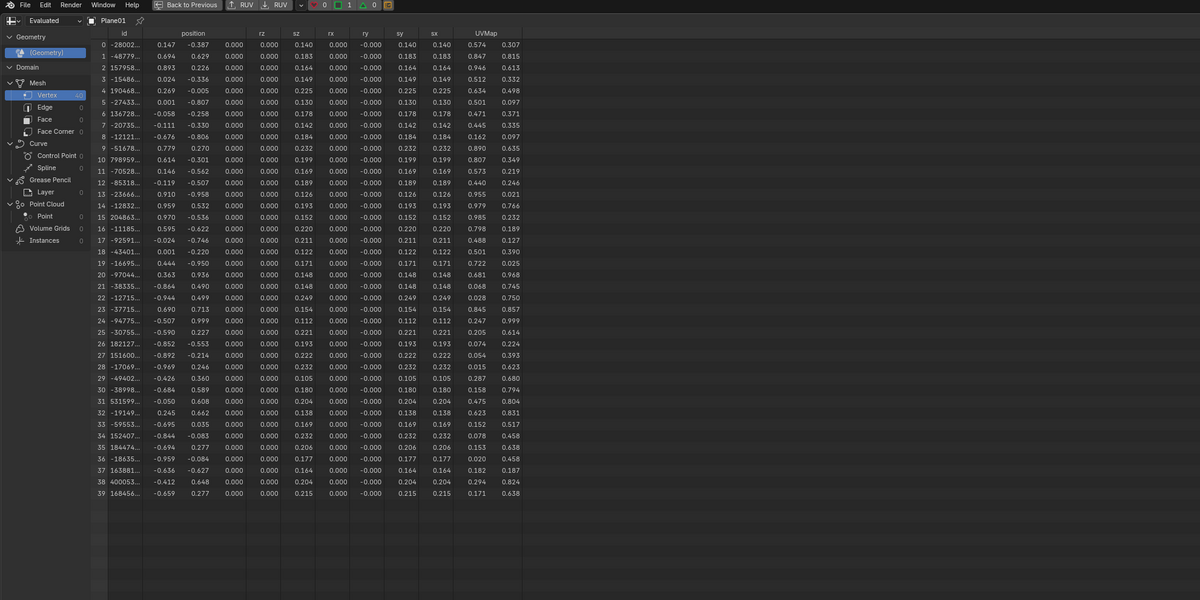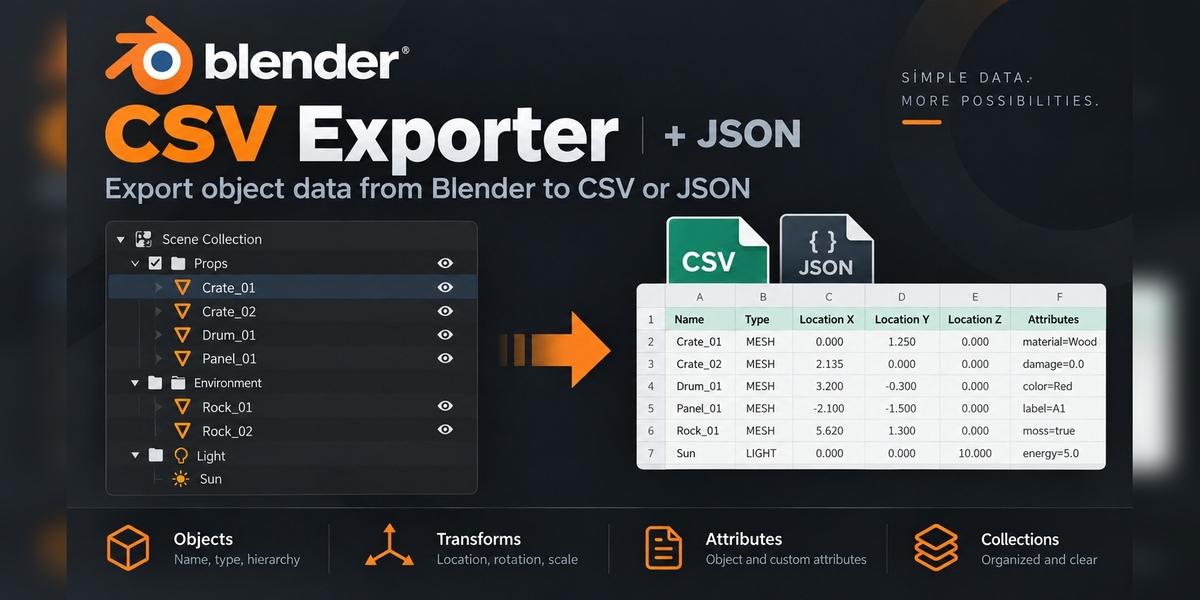
Csv Exporter is a Blender add-on for exporting scene data as CSV or JSON. Its Data workflow handles evaluated mesh and Geometry Nodes attributes from one mesh, or transforms from two or more mesh objects. A separate BOM workflow prepares grouped bill-of-materials reports.
Export evaluated mesh data or object transforms
For a single mesh, the add-on can export evaluated mesh attributes, including results from Geometry Nodes. For multiple mesh objects, it can export position, rotation, scale, and transform matrices. The attribute controls let you choose fields, change their order, split values, and rename columns before export.
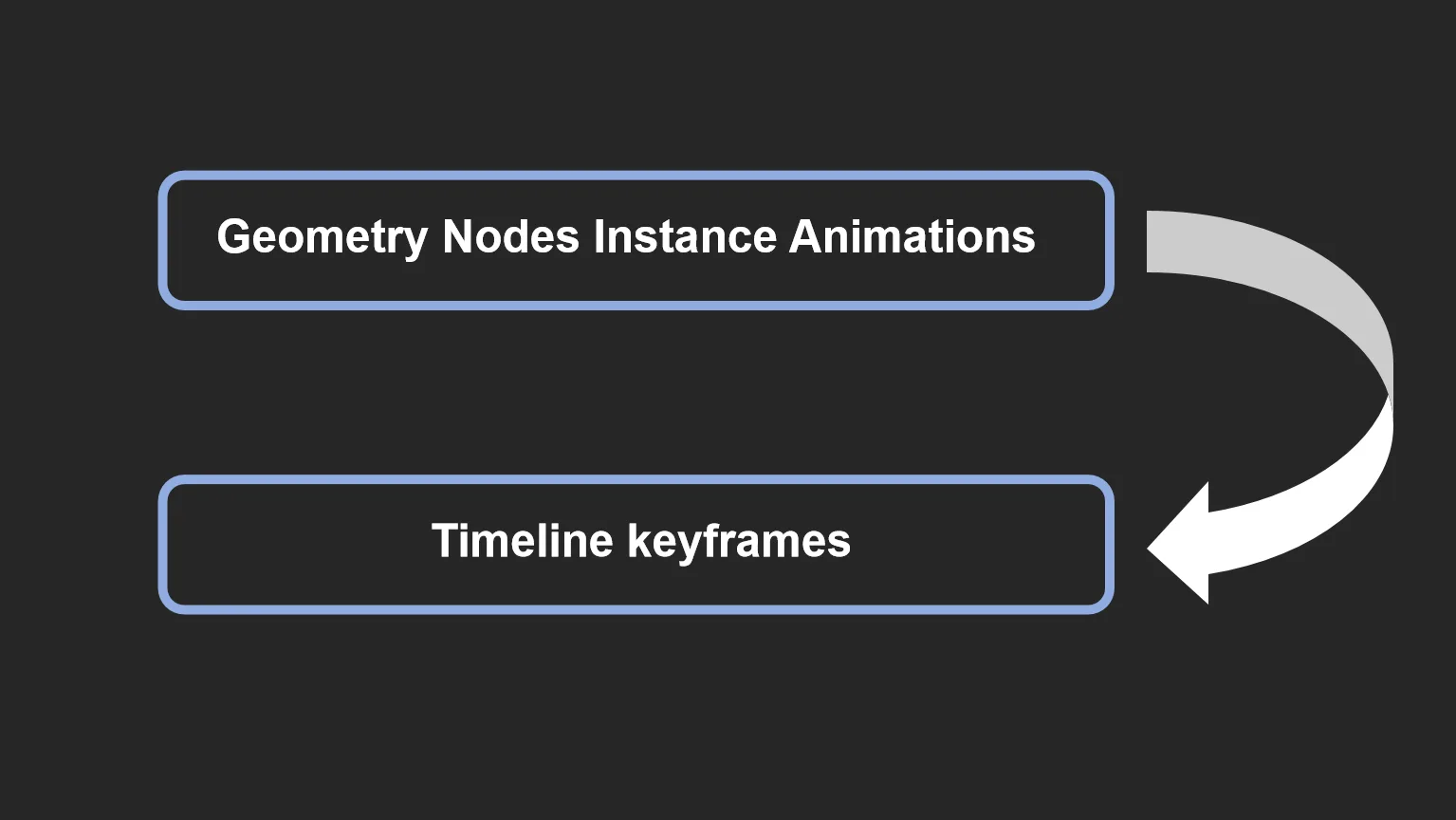
Use Frame Range to export attributes or transforms across animation frames. Quick Export is available from the 3D View sidebar and, where supported by Blender, the Spreadsheet sidebar. The product documentation describes CSV and JSON output for these workflows.
Prepare grouped bill-of-materials reports
BOM mode groups repeated objects and can report counts, materials, dimensions, area, volume, length, and totals. It can work from a selection, collection, active scene, or multiple scenes. Options include grouping, material splits, units, dimension rounding, preview, and overwrite behavior.
The product overview describes summary and detailed BOM CSV exports, plus structured BOM JSON with metadata, summary information, and detailed rows. A separate product guide describes BOM output as CSV only, so confirm the current add-on's JSON BOM support if that format is required.
Choose coordinates and handle instances
Coordinate presets are available for Blender Native, Unity, Unreal Engine, and glTF. When a Geometry Nodes workflow uses Unpack Instances, Blender creates separate objects for the instances. The documentation describes this as practical for moderate counts; very large counts are limited by the cost of creating Blender objects.
Install and open the add-on
Download the ZIP and leave it packed. In Blender 4.2 or newer, open Edit > Preferences > Get Extensions, then choose Install from Disk from the menu. In Blender 3.0 through 4.1, use Edit > Preferences > Add-ons and choose Install. Select the ZIP, enable CSV Exporter, then open the 3D View sidebar with N and select its tab.