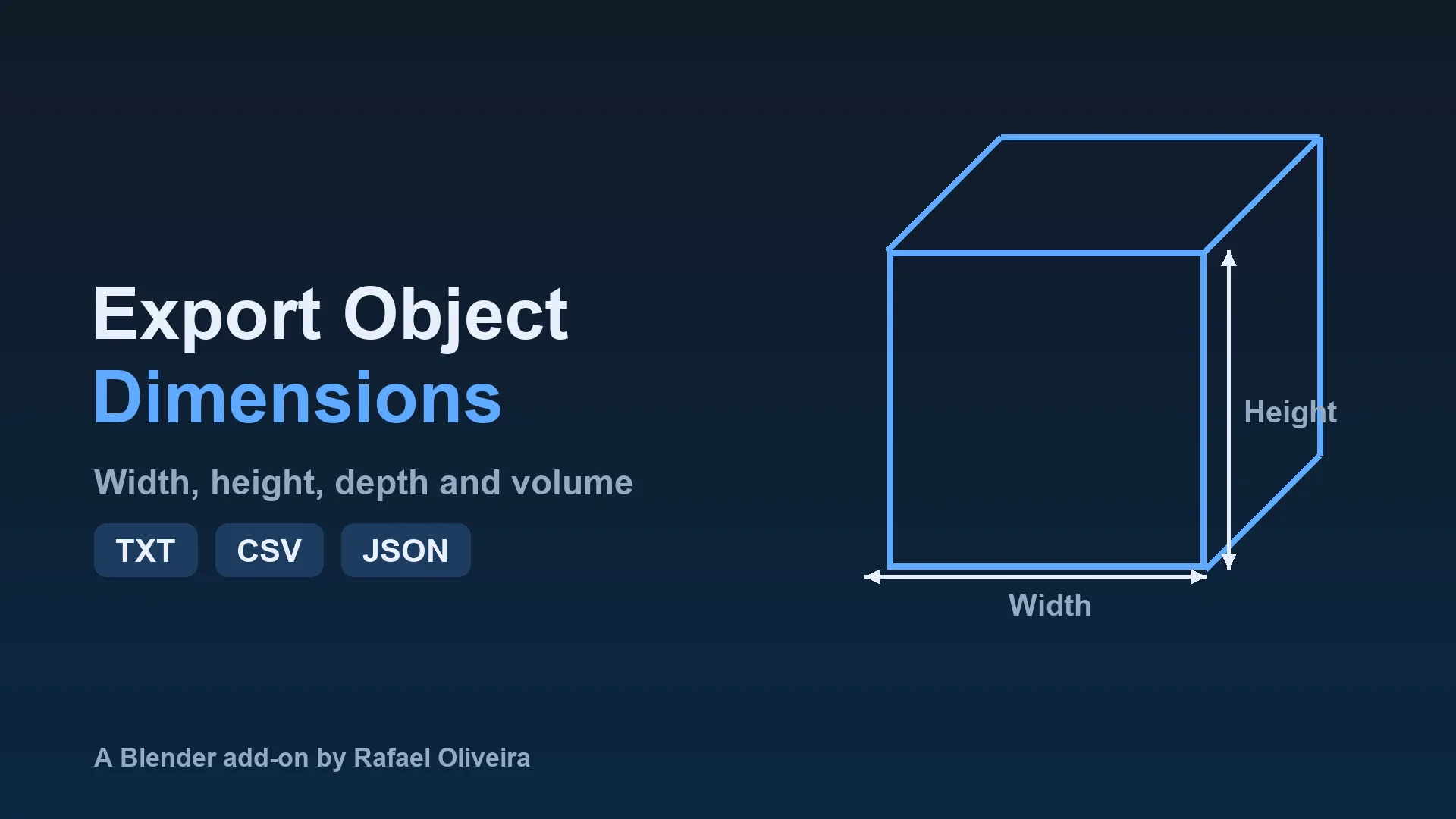
What Export Object Dimensions records
Export Object Dimensions writes measurements for selected Blender mesh objects to a file. It records width on X, height on Z, and depth on Y. You can choose which dimensions to include, set custom labels such as “Length,” and select meters, centimeters, or millimeters, with an optional unit suffix.
Choose a format and fields
Use TXT for a readable measurement report, CSV for a table you can open in Excel or Google Sheets, or JSON to pass structured object data to scripts and other tools. The optional volume is calculated from width × height × depth using the object's bounding box. It describes the box around the object, not the mesh's actual volume, so it may differ from the amount of material in an irregular or hollow model.
You can also choose the output folder and file name; the add-on sets the file extension automatically. If no mesh objects are selected, it displays a warning.
Export dimensions in Blender
- The Blender Extensions catalog lists version 2.0.0 for Blender 4.2.0 or later. Install and enable the add-on in Blender's preferences.
- Select one or more mesh objects.
- Press N in the 3D View to open the sidebar, then choose the Dimensions tab.
- Choose the format, units, dimensions, and any custom labels, then click Export Dimensions.
Where the measurements can help
The per-object measurements can help prepare a product or furniture spec sheet, review part sizes for 3D printing or CNC work, or make a quick dimensions report for architecture and visualization assets. JSON is also an option when you want to feed the measurements into a script or web catalog.
Version and source
The catalog entry specifies the GPL-3.0-or-later license. Check the official Blender Extensions listing for the catalog entry and download. The project repository documents the installation steps, settings, and output examples.