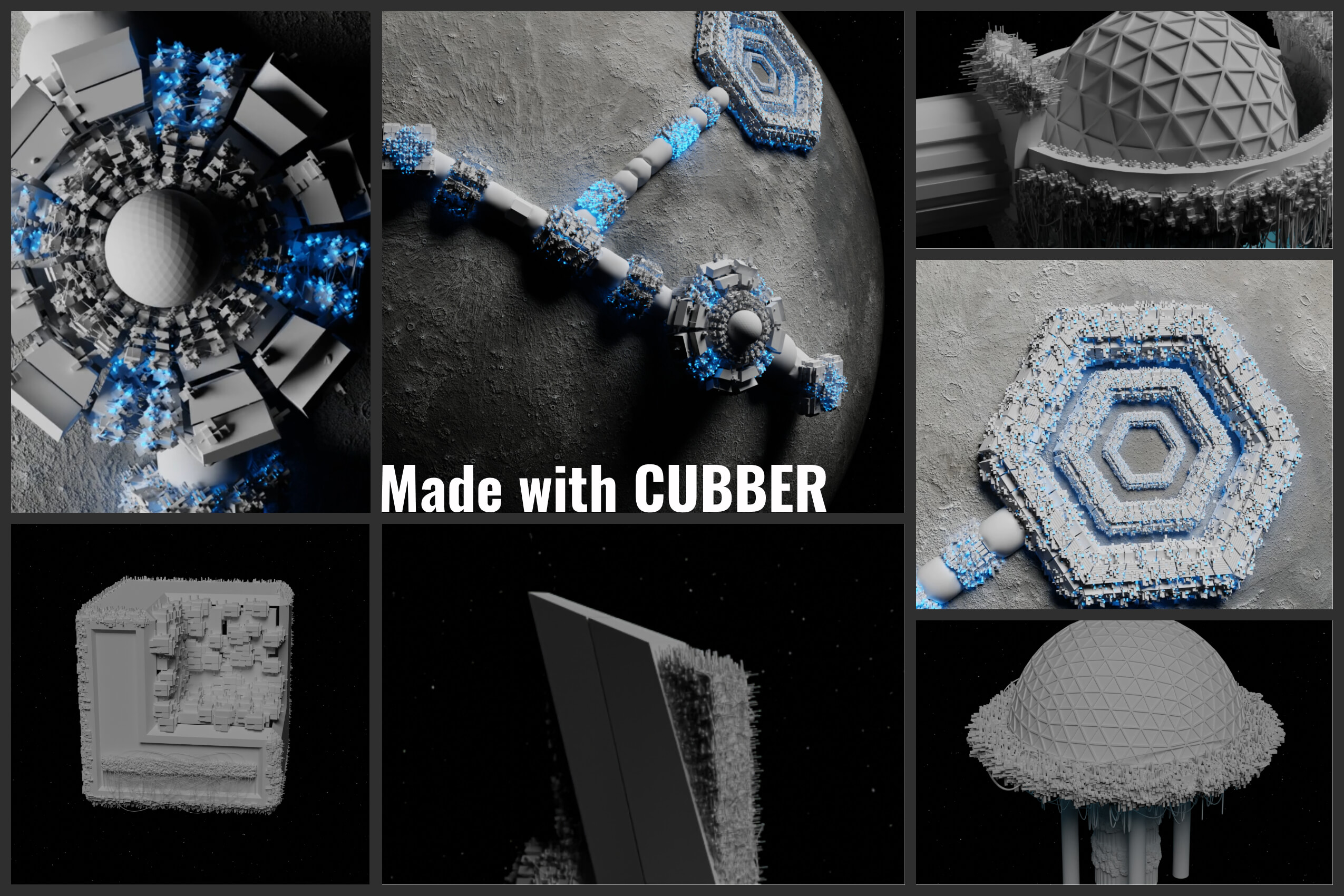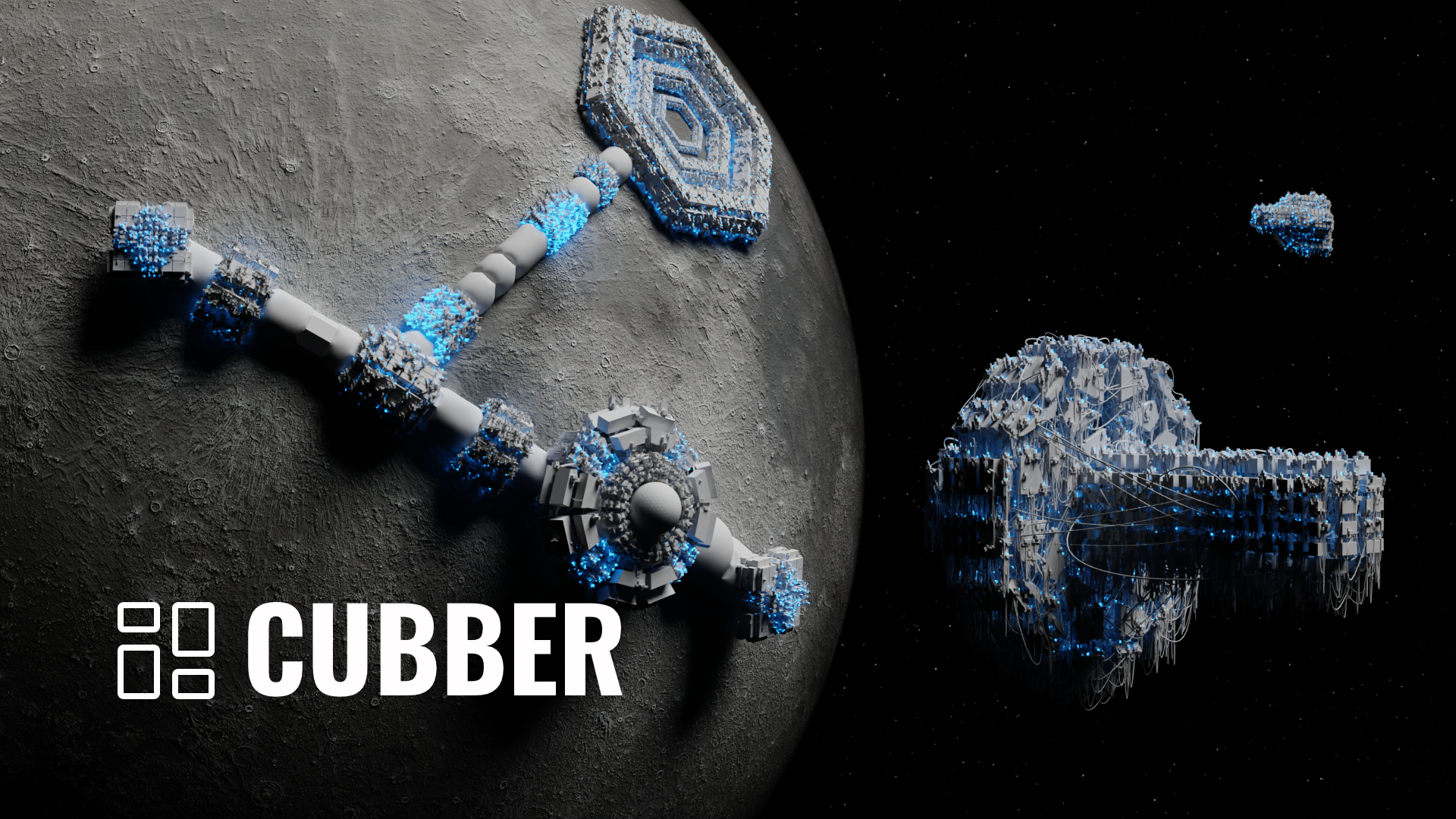
Cubber is a Blender add-on by Kanzari Haithem for generating complex hard-surface shapes from mesh geometry for modeling, prototyping and concept art.
Start with a selected mesh
Cubber works from geometry already selected in Blender. To generate a shape:
- Select faces or an object.
- Click the "Cubber it" button to generate a complex shape.
- Adjust the result with sliders.
The developer provides documentation for the parameters, which is useful when you need to understand how a particular control changes the result.
Presets and Shaper
Cubber includes a preset library for getting started with different results. The product listing labels the release Cubber V1.0 and says that version includes seven presets. It also says more presets were planned, so check the current package listing for the available set.
The add-on also includes Shaper, described by the developer as a complete add-on within Cubber for creating hard-surface and complex shapes. The listing does not detail every Shaper control, so the developer’s documentation is the place to check its parameters and use.
Blender versions and render engines
The Superhive product page lists Blender versions 3.0 through 3.6 and the Cycles and Eevee render engines. That listing does not establish compatibility with later Blender releases. If your project uses a newer version, review the Cubber documentation or ask the developer before installing.
Documentation, license and support
The Superhive product listing identifies the license as GPL. Check its current license details if you need to redistribute Cubber. The developer also links a Discord community for support and customer events.