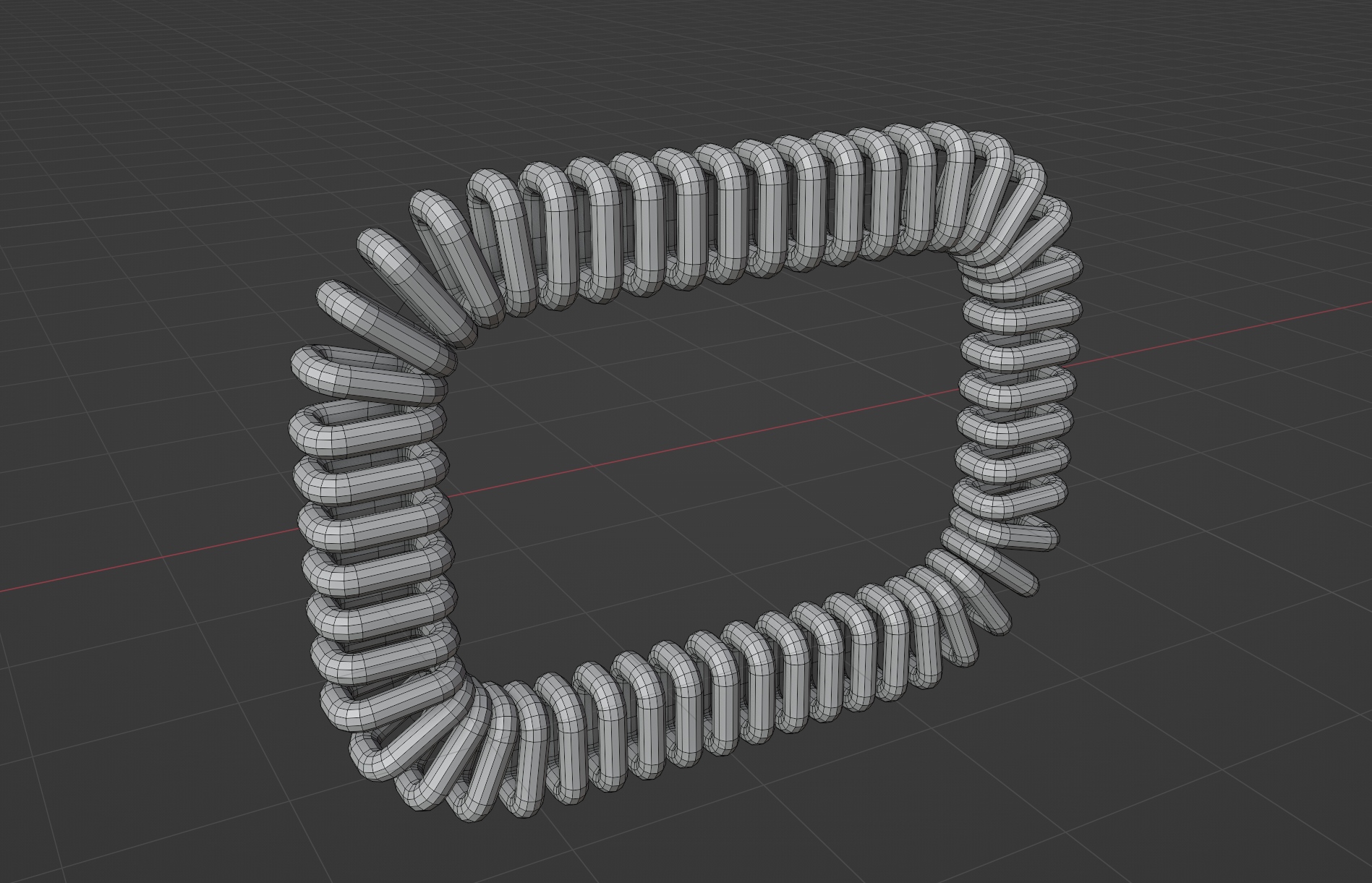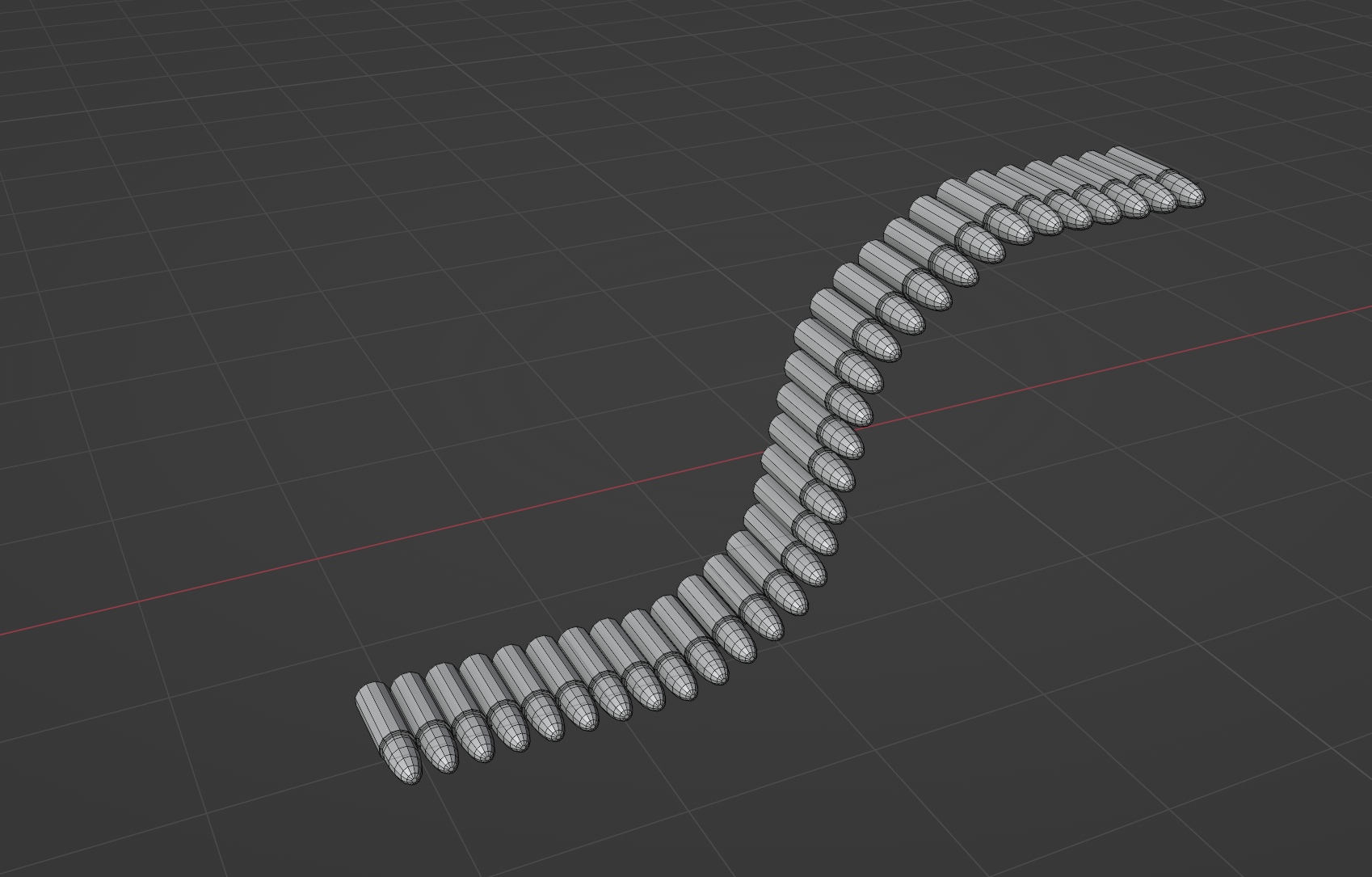
Loop Copier is a Blender add-on from KushiroCG for repeating a mesh along a selected edge loop. It is intended for hard-surface structures such as tanks, bullet magazines, and chains. The add-on copies parts without deforming them, unlike the Array and Curve modifier combination described on its product page, where the Curve modifier bends the mesh.
How the edge-loop workflow works
- In Edit Mode, switch to Edge select mode and select the loop or edge line to use as the path. In the 3D Viewport context menu, choose Loop Copier, then Set Edge Loop.
- Select the mesh to repeat, open the same context menu, and choose Copy to.
- Adjust the number of copies, rotation, scale, and offset.
The add-on works with closed loops, open-ended edge lines, and existing edges on a mesh. For curved surfaces, the Follow curve surface option places copies along selected edges using the face normal.
Version and compatibility
The Superhive product listing identifies version 2.5.0, lists Blender 2.83 through 5.2 as compatible, marks the add-on Blender Extension Compatible, and gives its license as GPL. Check the listing for current compatibility details before installing.