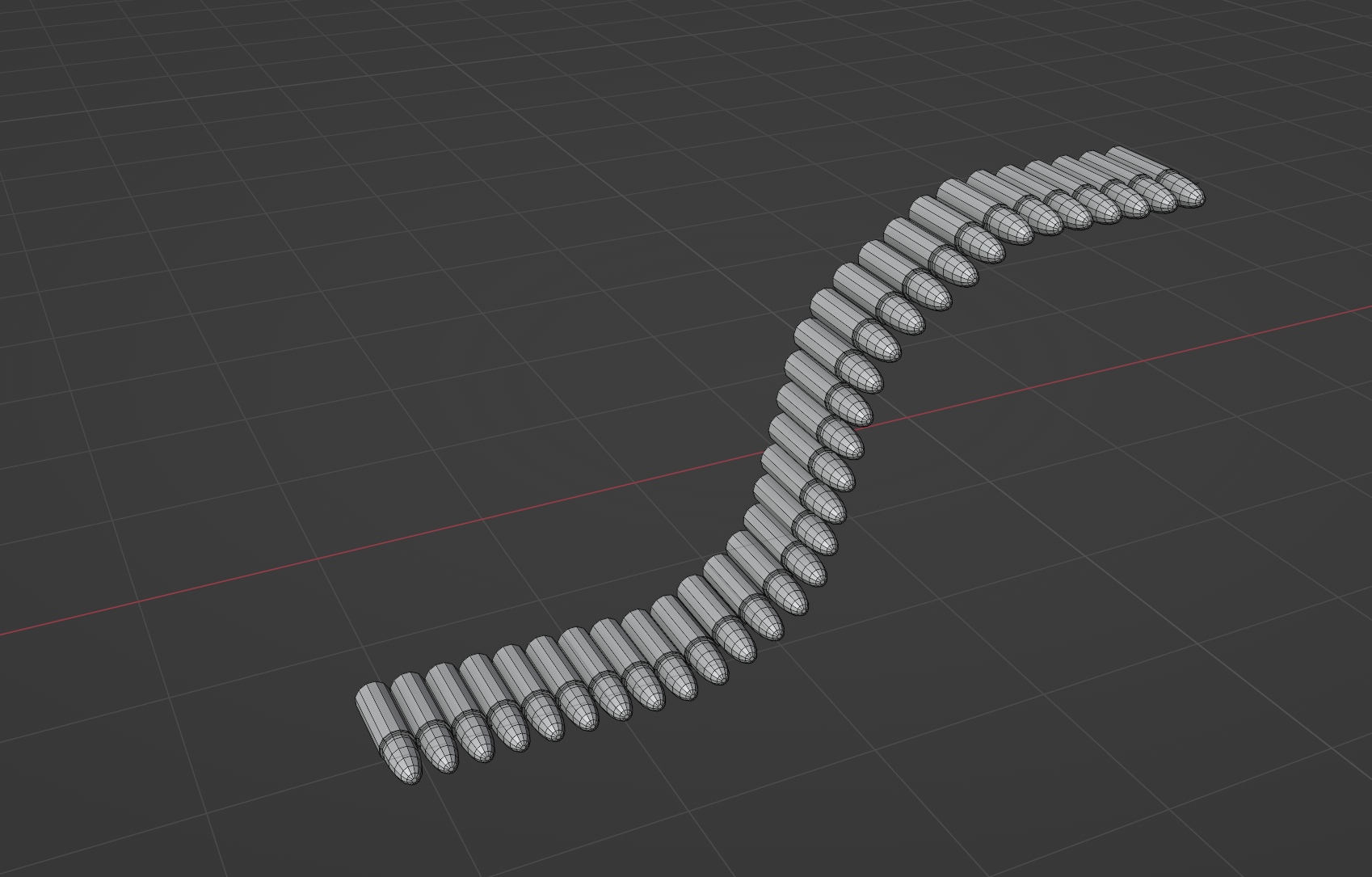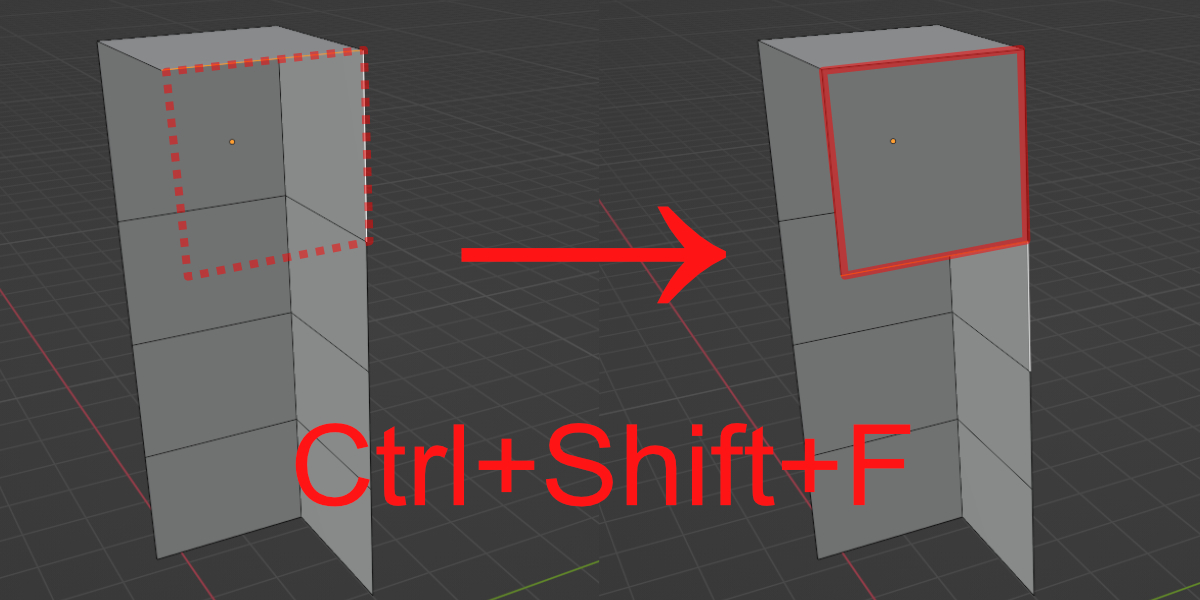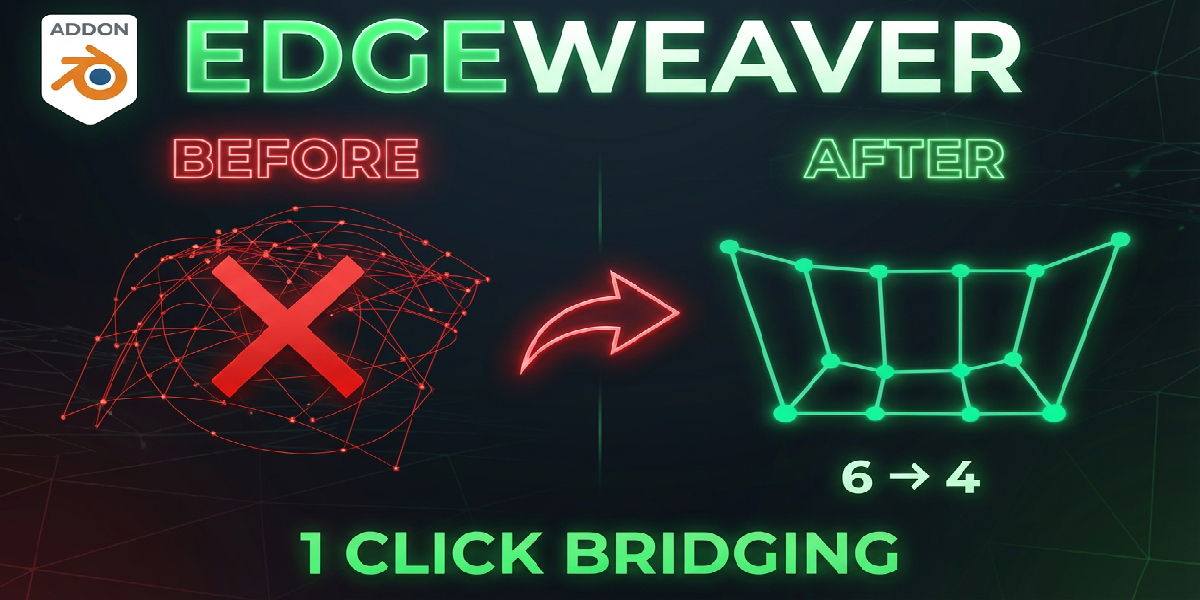
Quad Filler 1.0 is a Blender add-on for bridging two open edge chains in Edit Mode. Select both chains in Edge Select mode and run the tool to create a quad-first bridge. Casey_Sheep describes version 1.0 as the full release after beta, with expanded edge-count modes. It is intended for patching gaps and connecting open boundaries during mesh modeling.
Supported edge count modes
The product description lists these pairings and outputs:
| Edge counts | Reported result |
|---|---|
| 5 edges to 3 edges | All quads |
| 4 edges to 2 edges | All quads |
| 4 edges to 1 edge | Quads plus one five sided n-gon |
| 3 edges to 2 edges | Quads plus one triangle |
| 3 edges to 1 edge | Quads plus one triangle |
| 2 edges to 1 edge | Quads plus one triangle |
| N edges to N edges, where N is 1 through 49 | All quads |
Quad Filler describes its results as quad first. The listed unequal count modes can include a triangle or n-gon, so inspect those faces and refine them if the surrounding mesh needs it.
Using the add-on
- Enter Edit Mode and select Edge Select mode.
- Select two open edge chains.
- Run Quad Filler with the default Shift+F shortcut, or choose it from the right click context menu.
- Continue editing the resulting bridge.
You can assign a different shortcut. The product description also says the key field can record a new shortcut when clicked, following the style of Blender's Keymap editor.
Compatibility and limits
The Superhive listing gives two Blender compatibility ranges: its product description says Blender 3.4 to 5.0, while its Details section says 3.4 to 5.2. The listing does not resolve the difference, so confirm compatibility with Casey_Sheep before relying on a specific version. See the Quad Filler product listing.
Quad Filler supports open edge chains; closed loops are not supported. The developer also notes that highly irregular topology can produce unexpected results. Casey_Sheep describes hard surface modeling and cleanup passes as intended uses for the add-on.