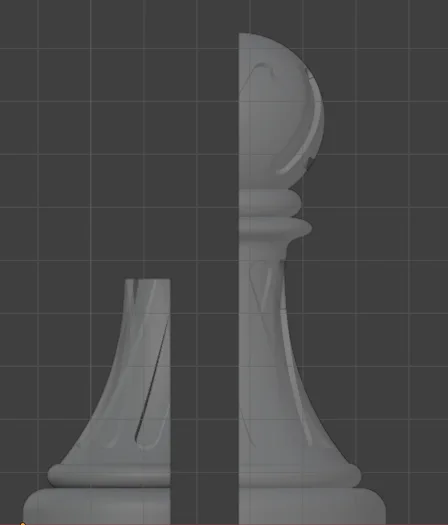
One-Click Split - Blender Add-On is a mesh-cutting tool for Blender from Shift4cube. It divides a mesh into two halves along a world or local axis, or with a movable, rotatable guide plane. The developer describes it for mockups, hard-surface blocking, 3D printing prep, and fast prototyping.
Choose an axis or guide plane
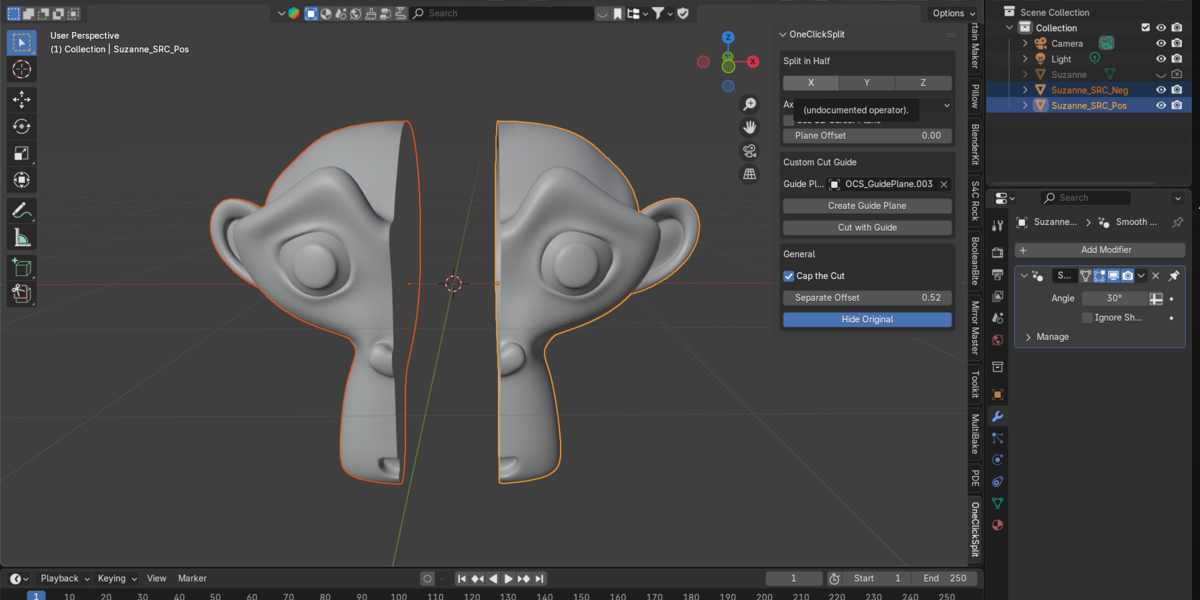
Axis splitting cuts along X, Y, or Z. Choose world or local axes depending on the direction you need. For a custom angle, use the guide plane and move or rotate it before cutting.
Two controls shape the result:
- Cap the Cut fills the cut surface or leaves it open.
- Separate Offset pushes the two halves apart for a clearer split view.
Run a split from the N-panel
Select a mesh object, open the N-panel, and find OneClickSplit. Choose Axis or Guide Plane, then set the cap and offset options as needed. After the split, the original object is hidden. The add-on works with evaluated meshes and takes non-applied modifiers into account; the product listing does not describe the exact modifier behavior, so check the result on your model when that matters.
Check mesh and Blender compatibility
One-Click Split works on mesh objects only. Its Superhive product listing says Blender 3.0+ under requirements, while its Blender version field says 3.5–4.5 and notes testing on 4.5. The AnyPlugins catalog entry also lists 3.5–4.5. Check the current product listing for the version that fits your installation. Superhive identifies the license as MIT; AnyPlugins lists the add-on as free.