Cveld Flowting Windows is a Blender add-on from Color Variations of Eldorado - cvELD -. It opens editors in separate windows at the mouse cursor and keeps those windows within the monitor. The listing describes flicker-free performance on Windows using native technology.
Open editors from the cursor
After enabling the add-on, its default shortcuts open these editors with the listed window sizes:
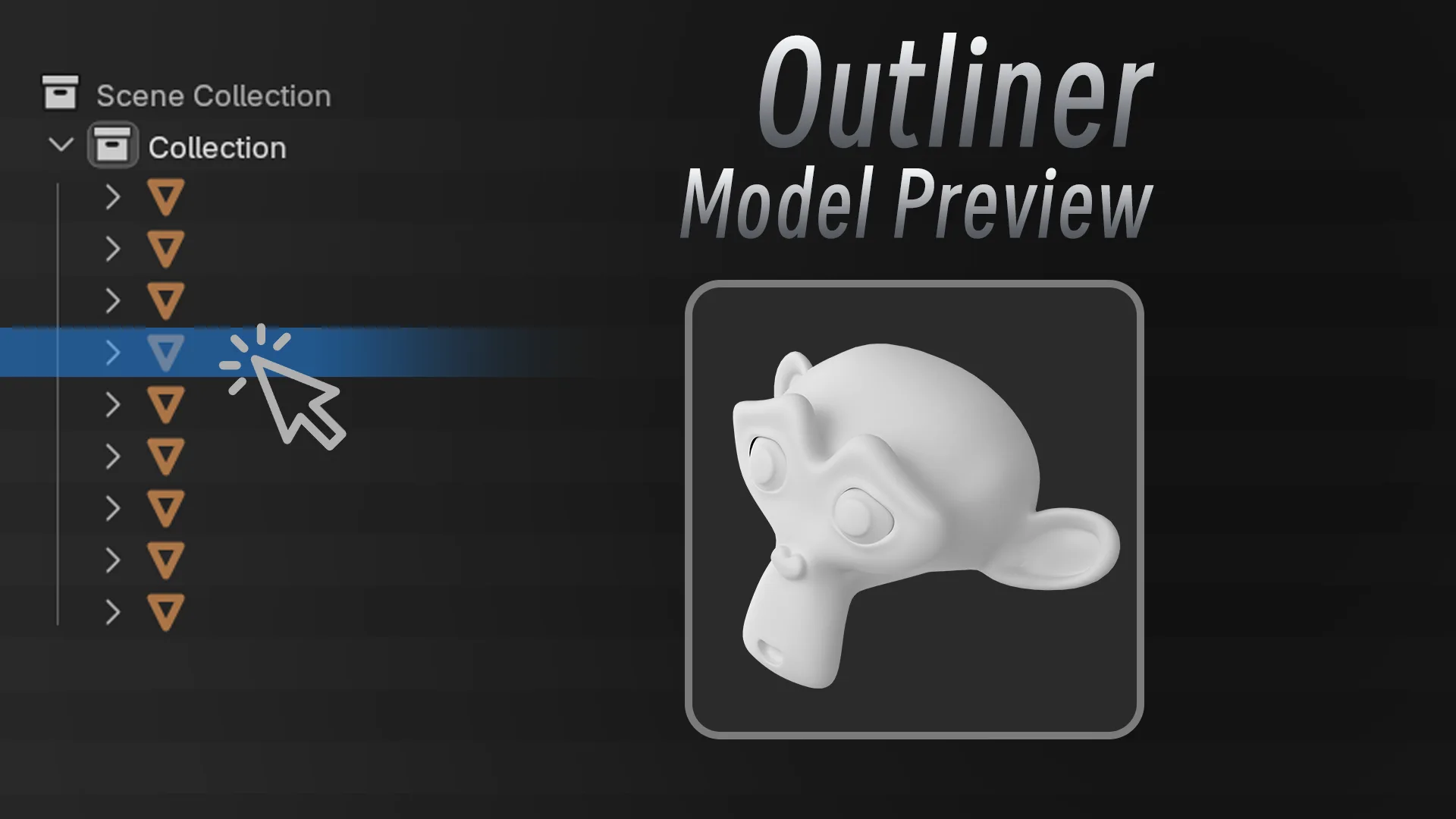
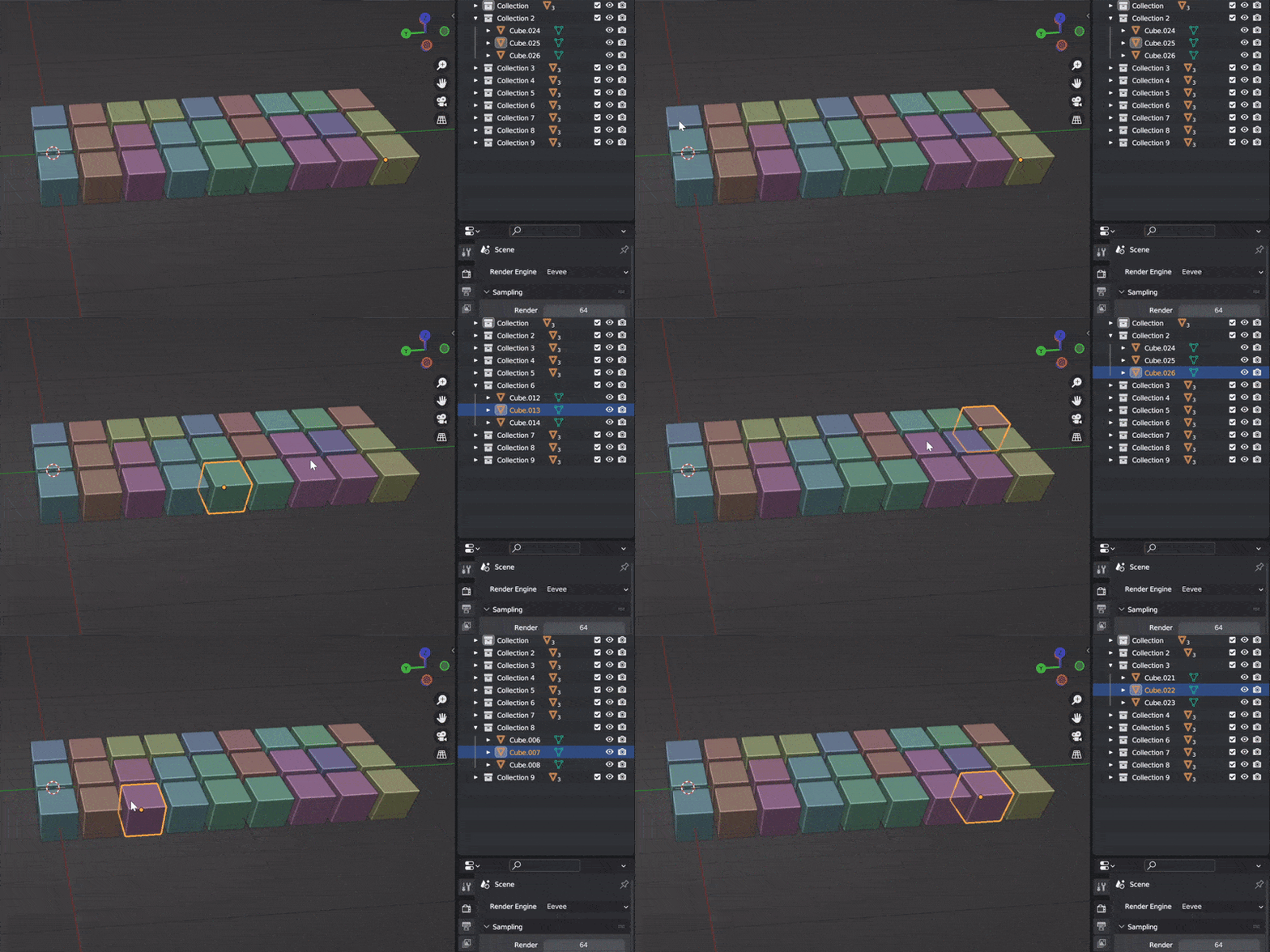
- Outliner:
8, 600 × 980 pixels - UV Editor:
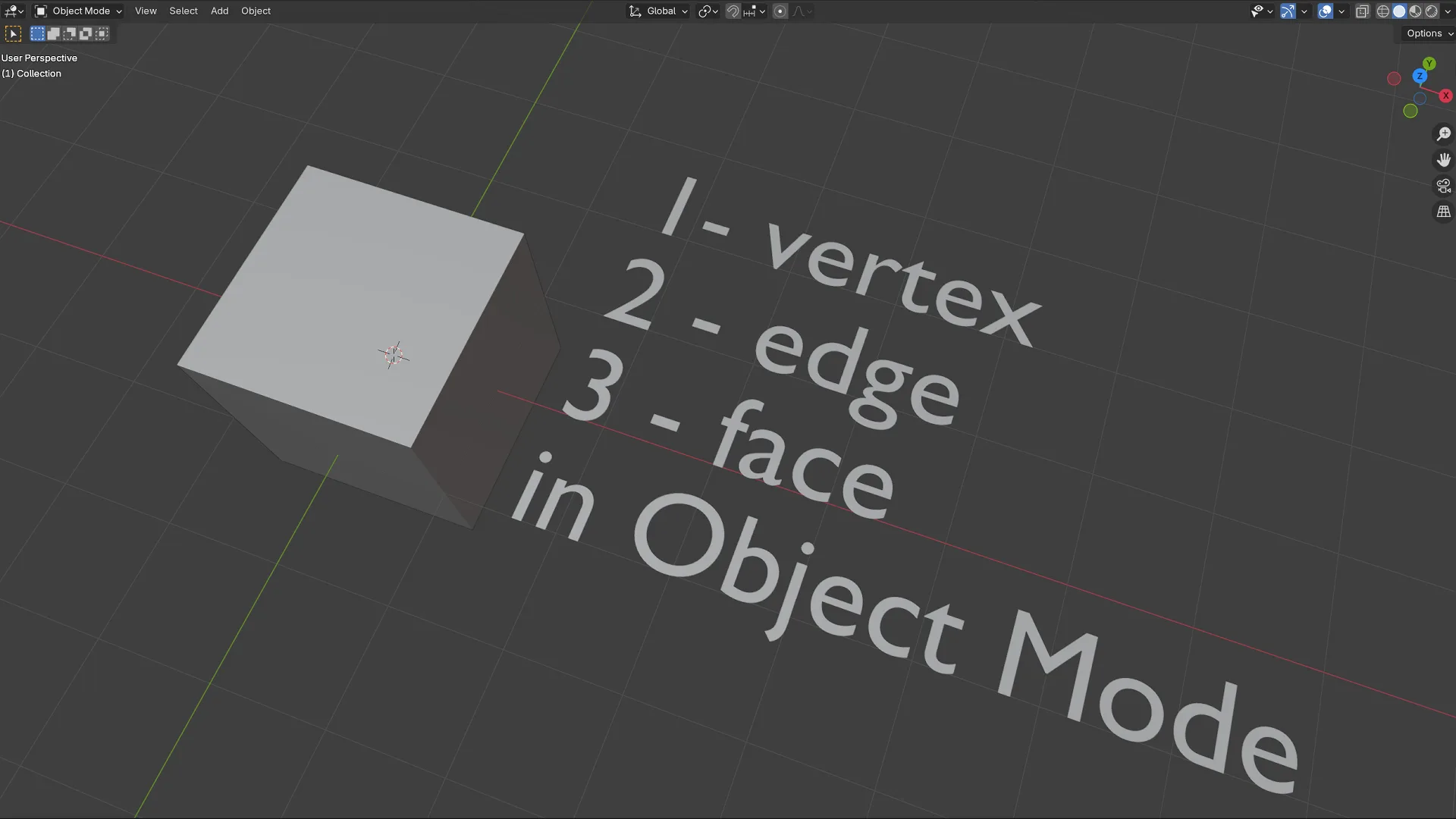
7, 800 × 800 pixels - Graph Editor:
0, 1920 × 800 pixels - Shader Editor:
9, 1920 × 800 pixels - Geometry Nodes:
6, 1920 × 800 pixels
These are defaults; you can change the sizes and shortcuts. Press Shift + Ctrl + 0 to close all floating windows. The commands are also available from Blender’s Window > Floating Windows menu.
Customize the editor list and shortcuts
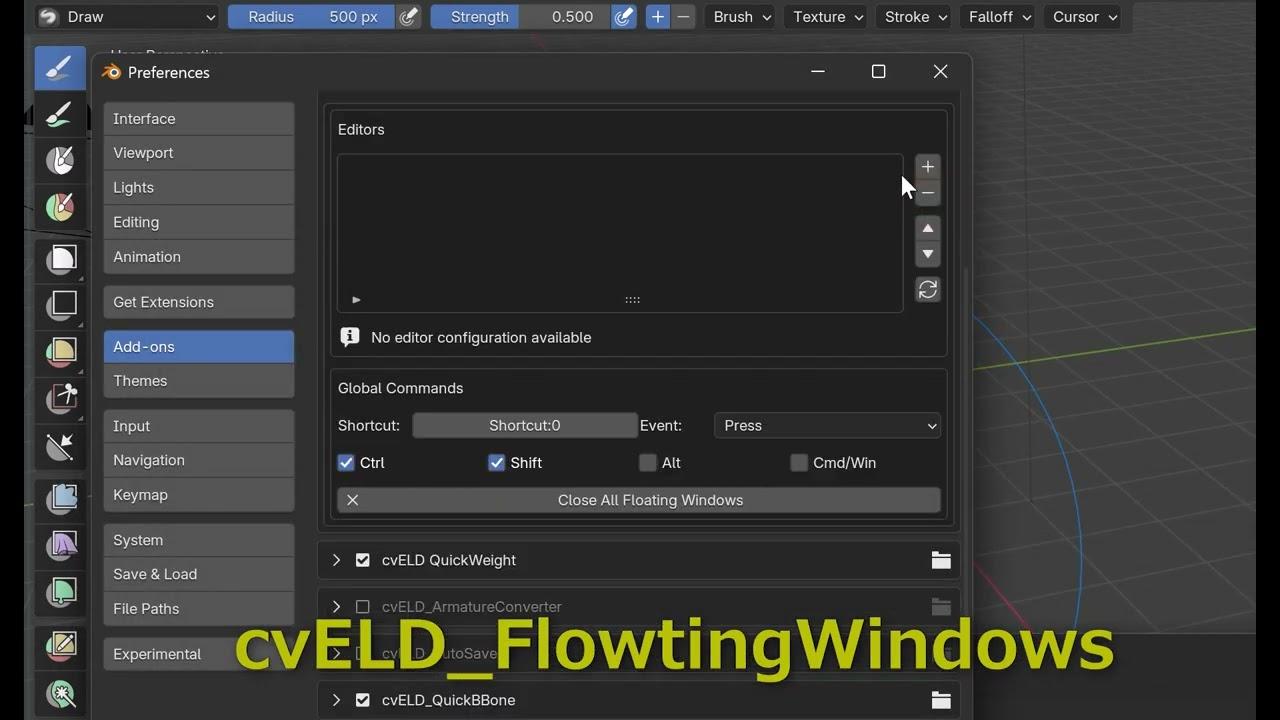
In Edit > Preferences > Add-ons > cvELD FloatingWindows, you can add, remove, or reorder editor entries, choose editor types and subtypes, set window dimensions, and assign keys with Shift, Ctrl, or Alt modifiers. A separate shortcut can be set for the close-all command. The listing says changes apply immediately without a restart.
Install and troubleshoot
To install, go to Blender's Edit > Preferences > Add-ons > Install, select the downloaded folder or ZIP, then enable cvELD FloatingWindows. If the add-on does not enable, check Blender’s console for errors. A shortcut conflict with another add-on can also prevent a command from working.
Check compatibility and platform limits
The product listing's overview says Blender 4.4 or later, while its Details section lists Blender 3.6–5.0. Version 1.3 notes full support for Blender 5.0 and 5.01’s Extension system. The current product listing does not resolve the version range; confirm support for your exact Blender version before installing.
The developer says the code also supports macOS and Linux, but only Windows has been verified and support for the other platforms is not guaranteed. The close-all command works best on Windows; system restrictions may affect it on macOS or Linux.
Language support and license
Japanese translations are included. Version 1.3 added machine-translated text for Chinese, Spanish, French, German, Brazilian Portuguese, Korean, Thai, and Arabic; the release notes invite reports of translation errors. The add-on is listed under the MIT license. See the product documentation for its installation and preference details.