Cycleacoustics Reverb Generator is a Blender add-on that creates stereo convolution reverb impulse responses from modeled spaces such as rooms, halls, and caves. It uses Blender’s Cycles render engine to trace sound paths from an emitter to a listener represented by the camera. You can use the resulting impulse response in audio software that supports convolution reverb.
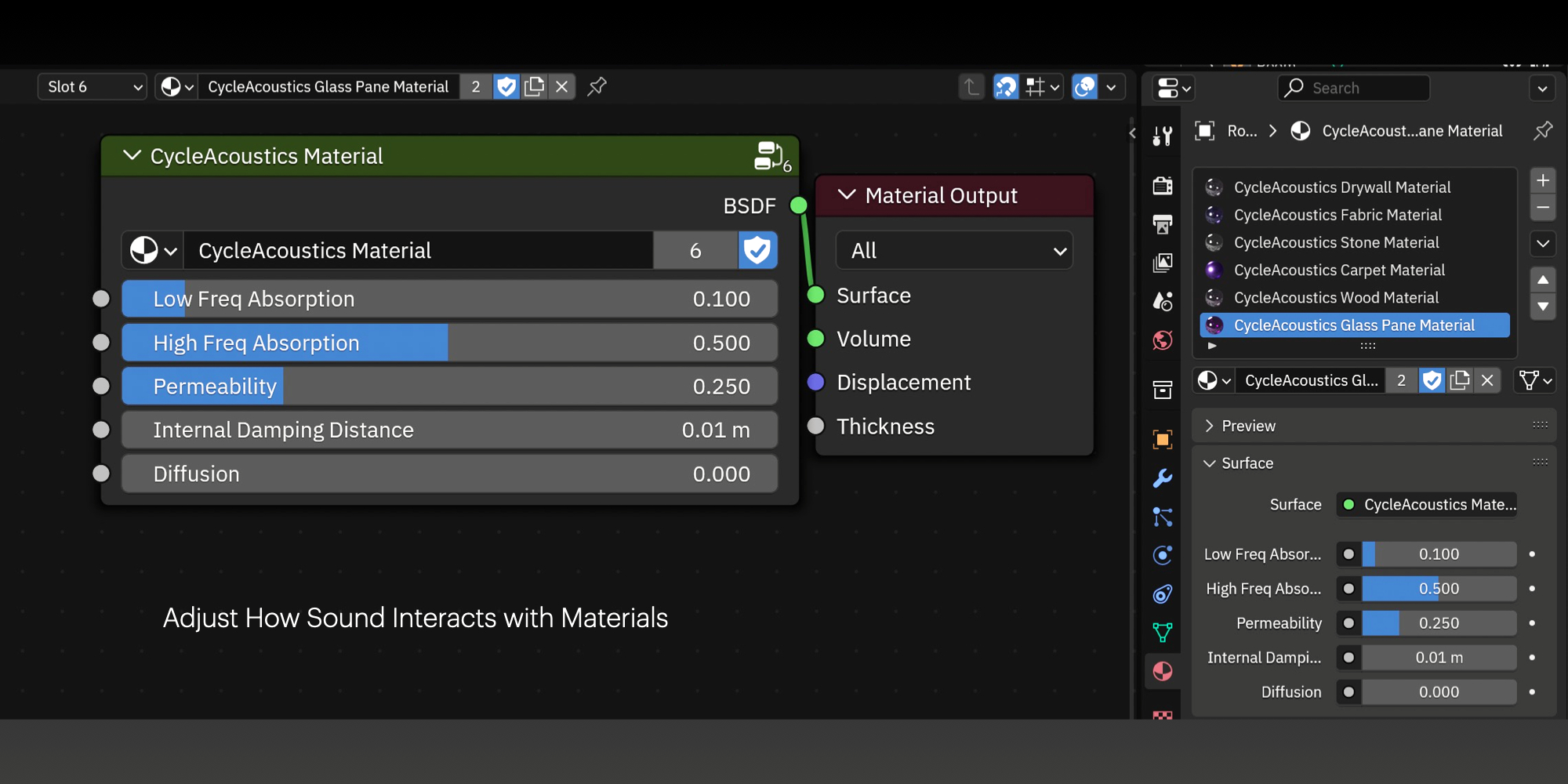
The add-on uses prepared CycleAcoustics materials to track ray travel distance, bounce count, and high and low frequencies. A 360-degree mirror-ball camera render supplies the scene information used to build the impulse response. The simulated speed of sound sets the timing, so a scene modeled to scale can produce sound travel times that correspond to its dimensions.
Set up a scene and render
Start with one of the included Blender template files. The templates provide the required CycleAcoustics materials and render setup. For the calculations to work as intended, set the Cycles sample count to 1. Raising the sample count is not the way to get a fuller reverb.
Use a square render resolution. A larger resolution captures more reflections and can make the reverb sound fuller, though additional pixels eventually make little audible difference. Larger rooms may need higher resolutions to capture enough reflections for their longer tails. Impulse response generation can take seconds to minutes depending on the resolution and number of reflections.
Set the scene scale with the speed of sound in Blender units per second. The documentation gives 343 as the default. The add-on supports 44.1 kHz and 48 kHz audio sample rates. You can also save a render result as a 32-bit RGBA EXR file and generate the impulse response from it later.
Lite and Full editions
- Lite includes basic processing and the Living Room & Kitchen environment.
- Full adds psychoacoustic processing, an option to exclude direct sound for wet-only impulse responses, and four environments: Living Room & Kitchen, Small Bathroom, School Gymnasium, and Concrete Traffic Tunnel.
Basic processing pans reflections left or right according to their direction without changing their frequency response. Full Edition’s psychoacoustic mode also delays reflections between the left and right channels based on direction and adjusts frequency response to simulate effects from the head, body, and ears. The wet-only option is useful when adding reverb to a dry signal with a separate dry/wet mix.
Compatibility and limits
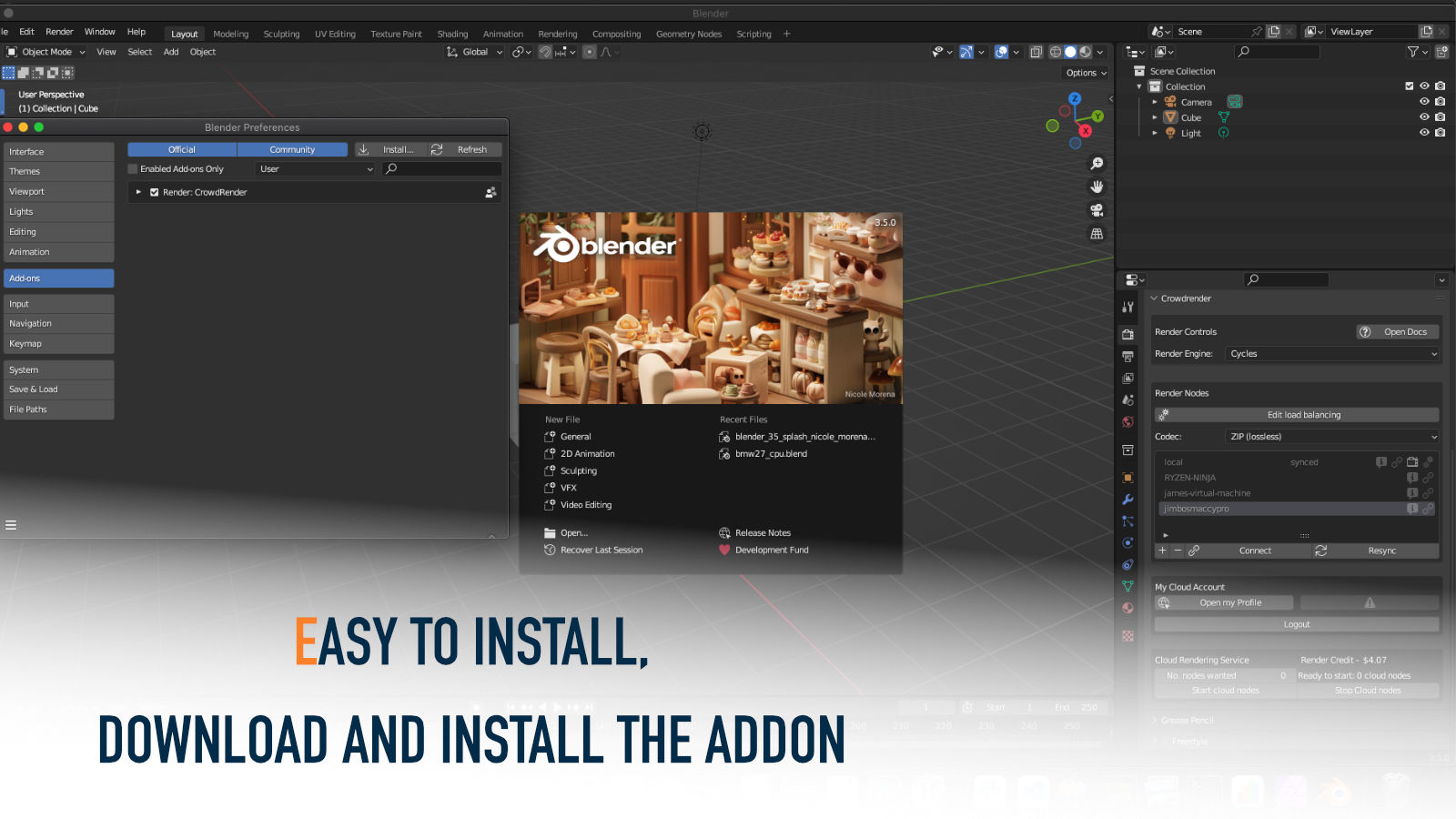
The marketplace listing gives a Blender version range of 4.0 to 4.5. The product FAQ says CycleAcoustics is available as both a legacy add-on and an extension to cover more Blender versions. For Blender versions older than 4.2, the FAQ directs users to the legacy add-on. Check the product FAQ for installation details.
CycleAcoustics does not provide real-time dynamic reverb, simulate materials that are not set up for CycleAcoustics, or model physical wave interference and diffraction. See the official documentation for controls and the product page for current edition details.