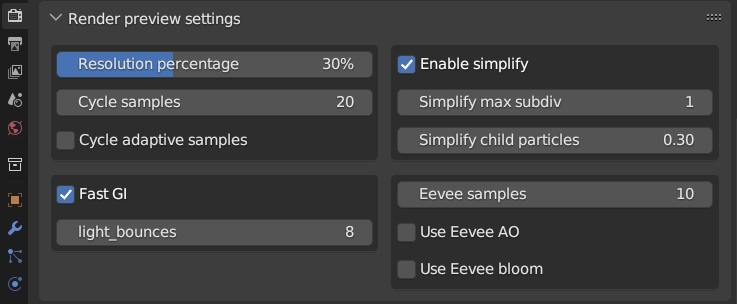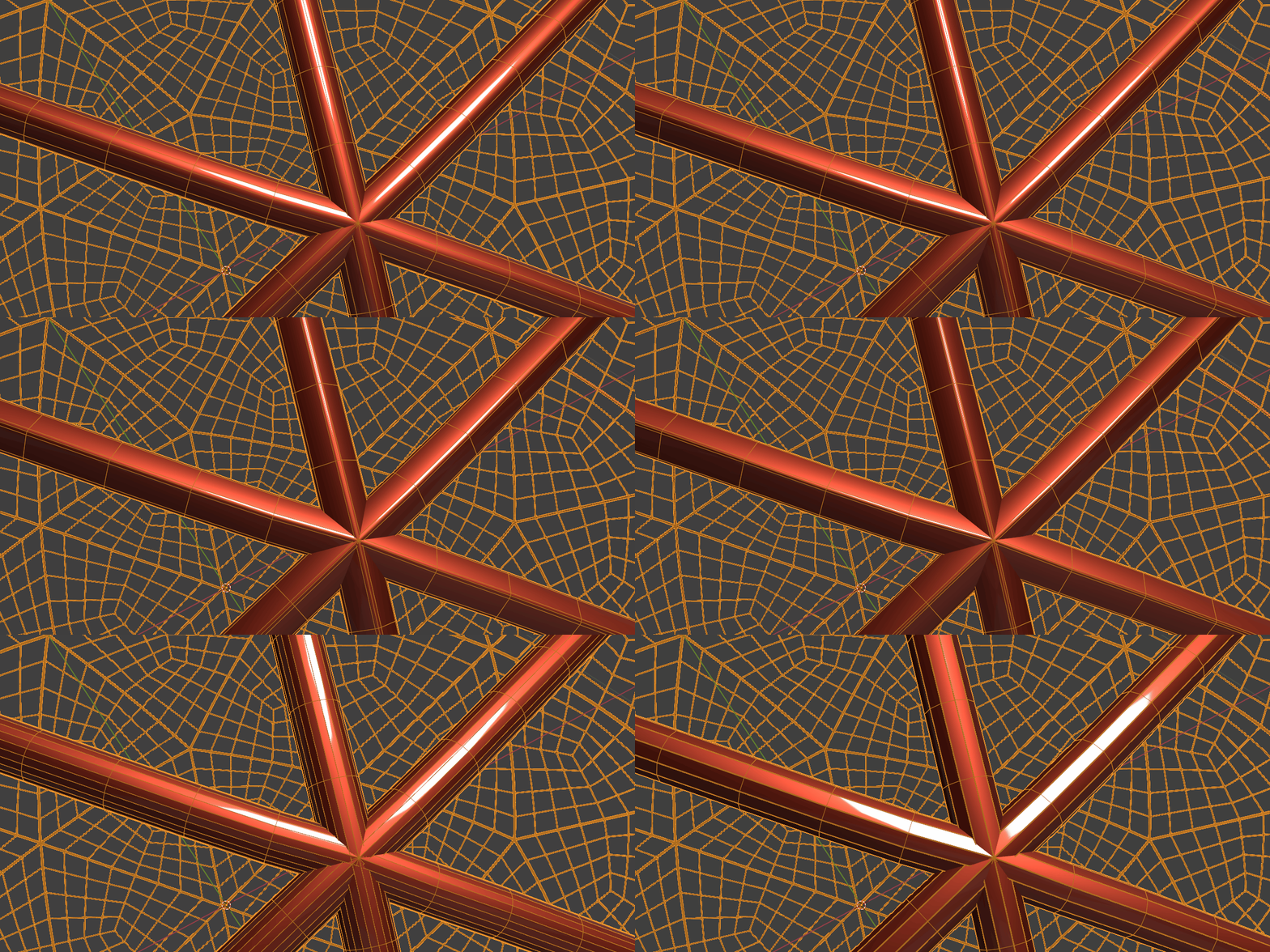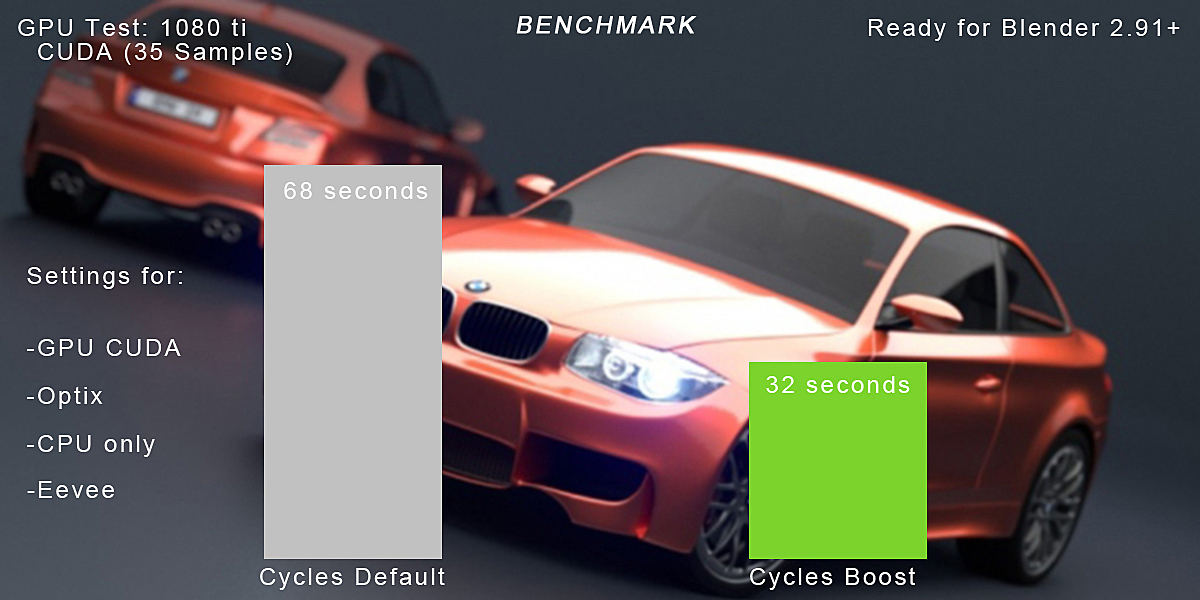
Cycles Boost is a set of Blender render profiles and settings for RTX, GTX and CPU users. It includes options for CUDA, OptiX, CPU-only rendering and Eevee, with different profiles for each render path.
Profiles for different render paths
- CUDA profiles have Low, Medium and High settings, with an optimization for Branched Path Tracing.
- CPU-only profiles cover AMD and Intel processors. They include Low, Medium and High settings, plus an Optimal option with Intel Denoise.
- OptiX profiles are optimized for RTX GPUs. These profiles also include a redesigned Cycles Boost AI with Normal, Ultra and Extreme settings, Blender's original denoiser, and a Lens Dirt Node.
- Eevee profiles have Low, Medium and High settings.
Performance claims
The product listing states OptiX optimization of up to 8x and volumetrics up to 10 times quicker renders. It does not give a benchmark setup for those maximum figures, so treat them as developer claims rather than expected results for every scene. Render time can vary with the project and hardware. See the Cycles Boost product listing.
Compatibility and setup
The marketplace version selector lists Blender 2.9 through 4.4. Elsewhere, the product copy names 2.92, 2.93 and 3.0, with update notes for 3.1.2+ and 3.6. These statements do not establish one clear tested range, so check the current release details before relying on compatibility with a specific Blender version.
The installation notes describe opening a modified Blend file with a selected profile and saving it as Blender's startup file. They also say to switch off the add-on's Cycles CPU rendering setting when using CUDA or OptiX. Check the installation documentation for the full procedure.