Cytools is a suite of Blender add-ons from CJK that combines AI-assisted scripting and texture generation with tools for scene setup, importing, and rendering. The developer describes the collection as a set of focused tools for repetitive or tedious tasks in a Blender workflow.
Its features range from generating Python scripts from text prompts to placing random lights and rendering selected cameras.
AI tools and requirements
- CYGPT: Operator generates Python and automates scripts from text input. It supports the gpt-3.5-turbo and gpt-4 models, and keeps a list of generated scripts that you can open or delete. Those GPT models require an OpenAI API key. Operator also has an experimental local Llama3-8b option through Ollama.
- CYGPT: Blendalle uses OpenAI's DALL-E to generate textures from prompts in Blender's Image Editor. It requires an OpenAI API key.
The other tools in the suite do not require AI credentials.
Scene and workflow tools
- CellGrowth simulates organic growth patterns with differential growth algorithms. Its controls include attraction and repulsion factors, noise scale, and split radius.
- Smart Importer detects a file's format so you can import it without choosing the format first.
- InstaFog adds a cube with a Principled Volume configured for a cloud-like result in EEVEE and Cycles. You can adjust scale, intensity, and lacunarity.
- LightGen places point lights for random lighting setups, while CubeGen adds cubes with randomized positions and scales.
- Wiggler adds rotational wiggling noise to a mesh or camera, with controls for strength and scale.
- Colorizer randomizes the base colors of objects, lights, and volumes. Viewpoints renders all selected cameras at once.
Blender compatibility, installation, and license
The marketplace listing names Blender versions 3.0 through 4.1. It does not establish compatibility with later releases, so check the current listing or developer documentation if you use a newer Blender version.
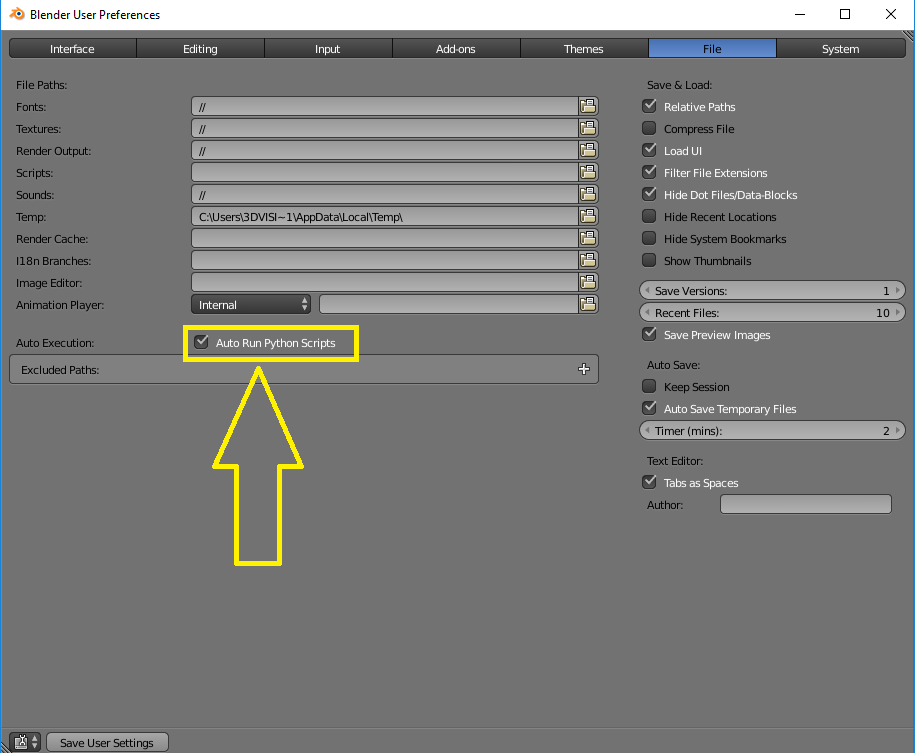
Download the latest zip, then in Blender open Edit > Preferences > Add-ons > Install. Select the downloaded Python script, install it, search for CY-Tools in the Add-ons tab, and enable it. Consult the developer documentation if the package or Blender interface differs.
The add-ons use the GPL. Its license terms allow use, study, modification, and distribution; modified copies must remain under the same license. AnyPlugins lists Cytools as free; the marketplace listing cautions that the base price does not guarantee access to future development. Check the current listing for applicable terms.