DAMTools is a Blender add-on by Synrg Studios that gathers modeling and mesh-editing operations in pie menus opened with Shift+W. Object Mode and Edit Mode have separate menus, each with tools suited to that mode and a row for six frequently used tools. It is aimed at Blender users who regularly move between modeling, cleanup, hard-surface work and preparing meshes for 3D printing.
Tools for object and edit modes
In Object Mode, Auto Bool applies Boolean operations to meshes that overlap selected cutter objects. Its preview lets you scroll between Difference, Union and Intersect before applying a result. Extract Faces lets you pick or paint faces across objects, then turn them into new objects. Other tools place parts on surfaces, create arrays, mirror geometry and arrange objects.
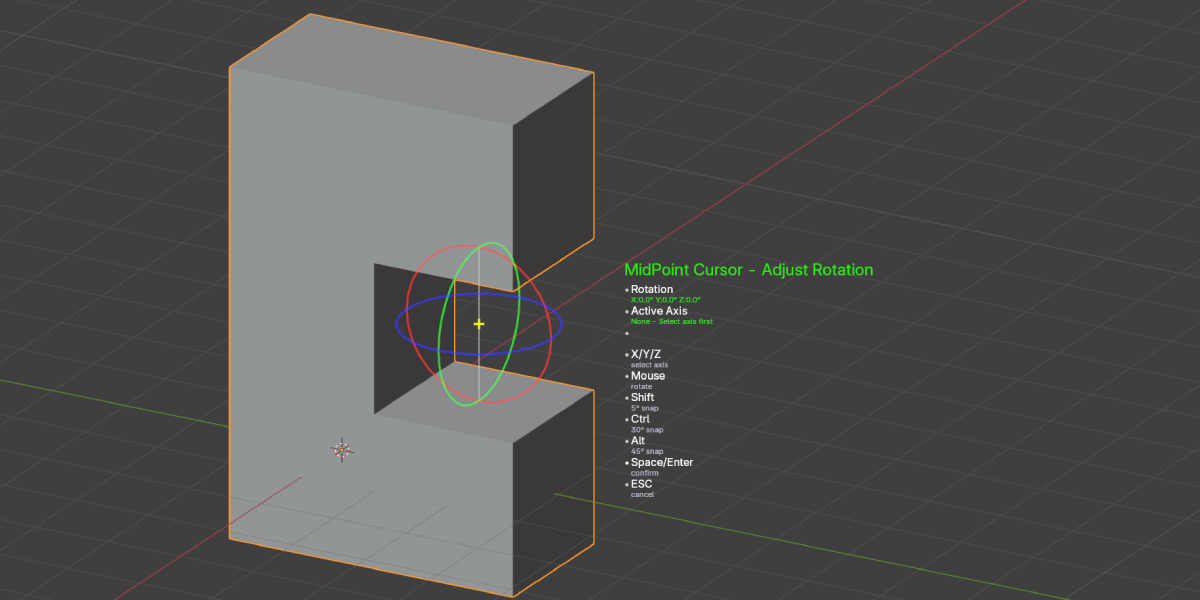
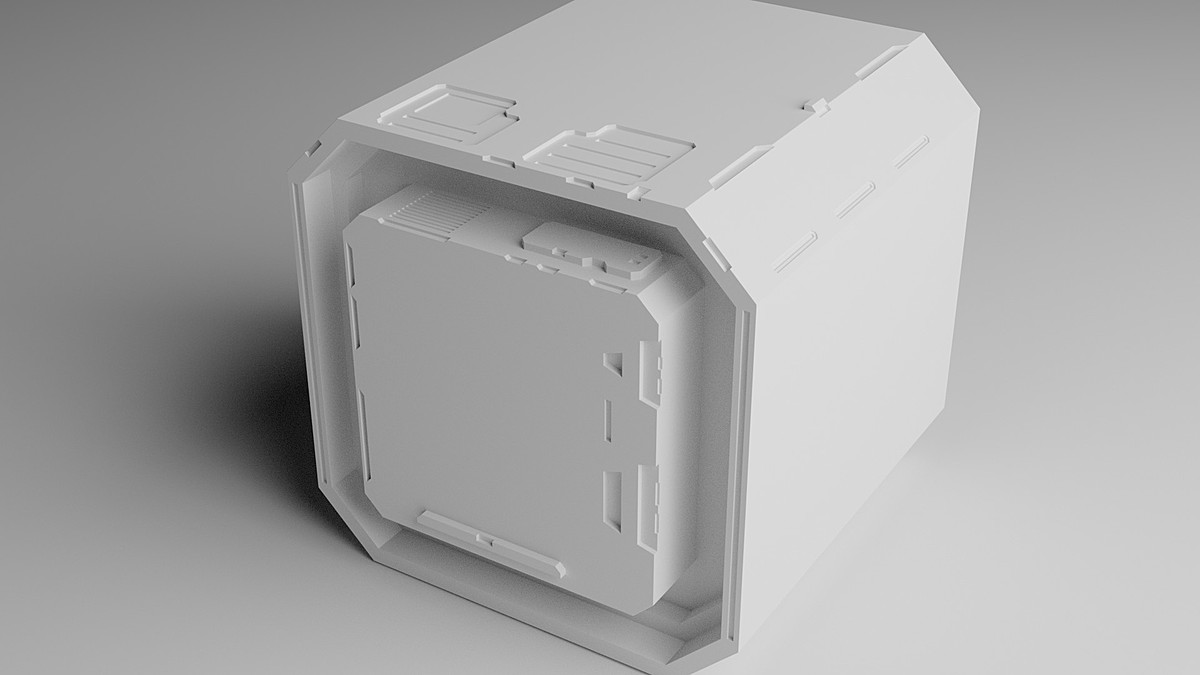
Edit Mode tools cover edge and surface work. edgeGuard adds edges on both sides of selected edges to hold them under subdivision. unBeveler and unChamfler can restore sharp edges from bevel or chamfer faces. Loft bridges two faces with matching vertex counts, while ManifoldExtrusion pushes planar face regions inward to make cavities or through-cuts in closed meshes. Panelizer creates chamfered panels, and Bolting places bolts around panels.
Interactive previews and controls
Interactive tools show a preview and display their controls in an on-screen card. For Auto Bool, the mouse wheel changes the operation and clicking or pressing Space applies it. Press Esc or right-click to cancel an interactive operation. Some tools also let you adjust values with the mouse or enter an exact number from the keyboard.
Exporting for 3D printing
SlicerExport sends the selected objects to Bambu Studio or PrusaSlicer. You can choose the scale and STL or OBJ format. DAMTools also includes batch import and export tools for file-handling tasks.
The DAMTools product listing describes the add-on, and the developer documentation is available in English and Spanish. The documentation page says the ZIP archive includes a PDF with the documentation.