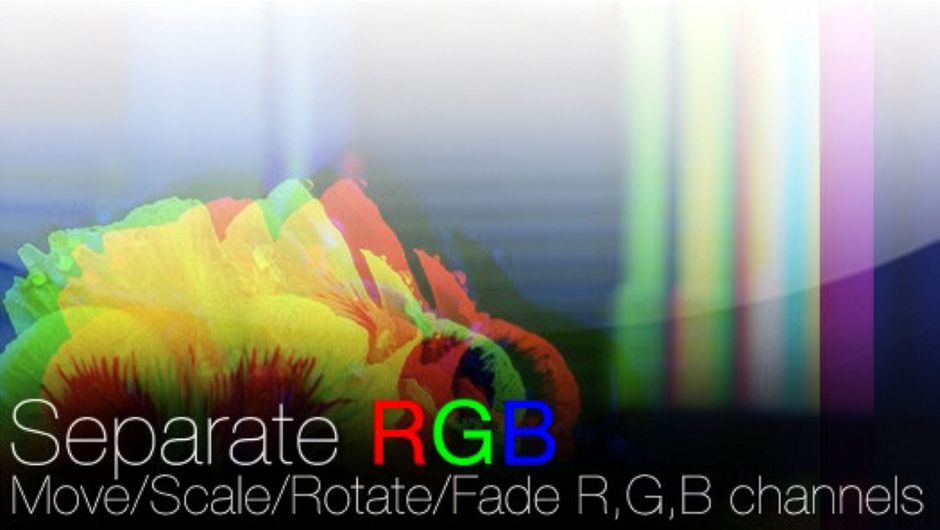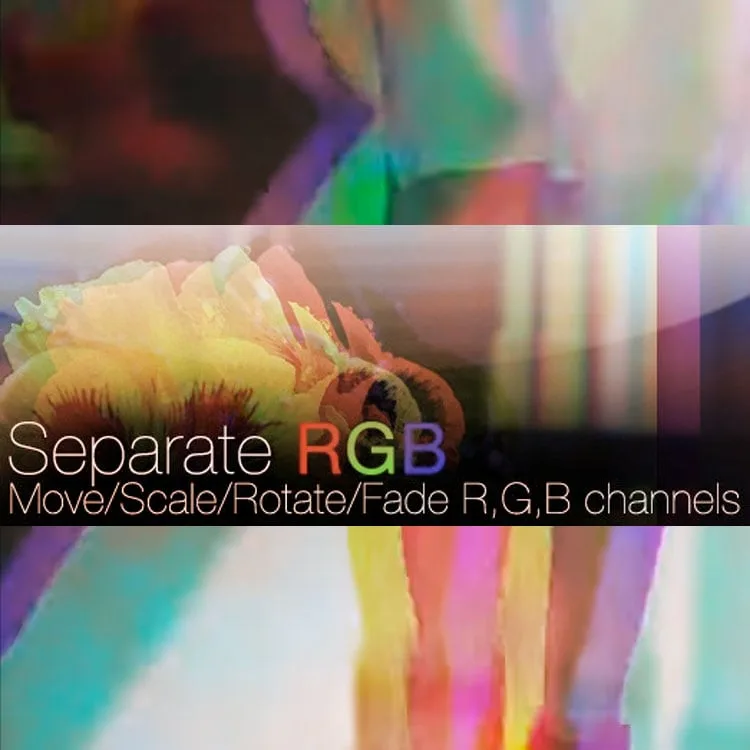
Diopter is a native Adobe After Effects plugin for applying blur and other optical treatments to a layer through a lens-shaped area. It fits shots where a blur or color treatment should affect only part of a layer.
Define the lens area
Choose an included shape, import or create a mask, or use another layer as a Luma Matte. Place, transform and feather the lens, then apply effects to the layer. This lets you limit a blur or color treatment to a selected area.
Choose the optical treatment
Diopter includes fast, realistic and directional blur, trail, optical distortion, brightness, color and chromatic aberration. Adjust the overall intensity and choose Screen, Add or Multiply blending.
Presets and included material
The package includes 30 HD presets, a presets gallery, 17 video clips, 19 stills and a user guide. You can start with a built-in preset or make your own.
Compatibility and rendering limits
The product page lists After Effects CS6 and later, macOS 10.7 and later, and Windows 7 SP1 and later. Its After Effects compatibility list extends through 2026, and the listing states support for Apple Silicon M1+ and Multi-Frame Rendering. It also says Diopter is not compatible with 16- or 32-bpc projects, so check the project bit depth before using it.
Diopter's product page lists Render Only licenses separately. aescripts describes these as command-line-render licenses: each render node needs its own, a Single User or Floating license is also required, and Render Only requires the Floating License Server. It cannot be used in the After Effects GUI.