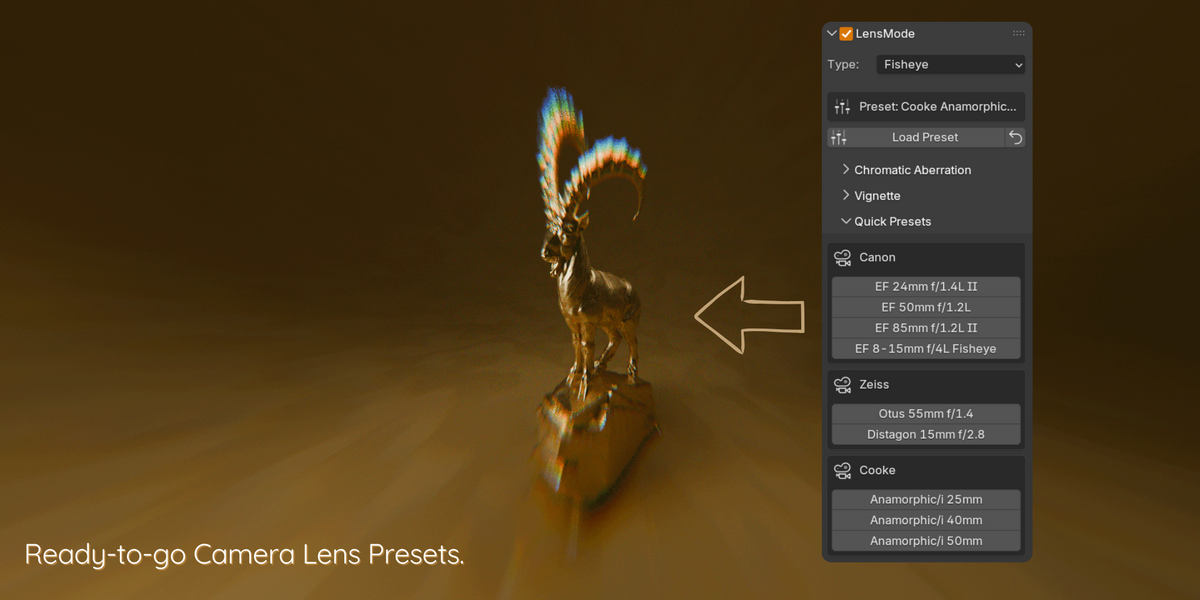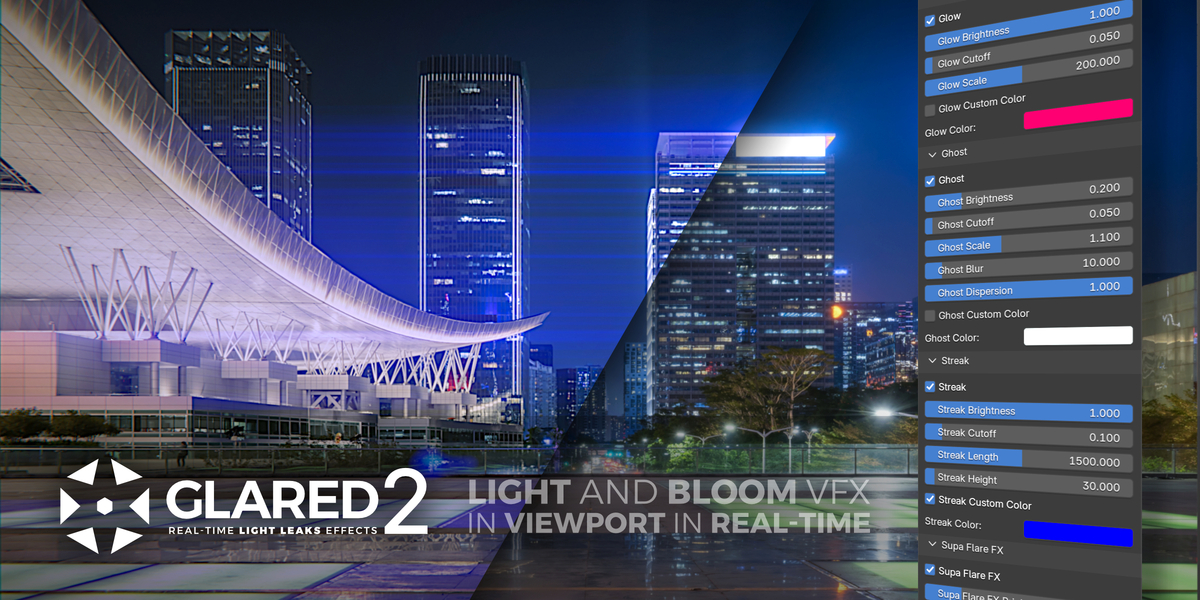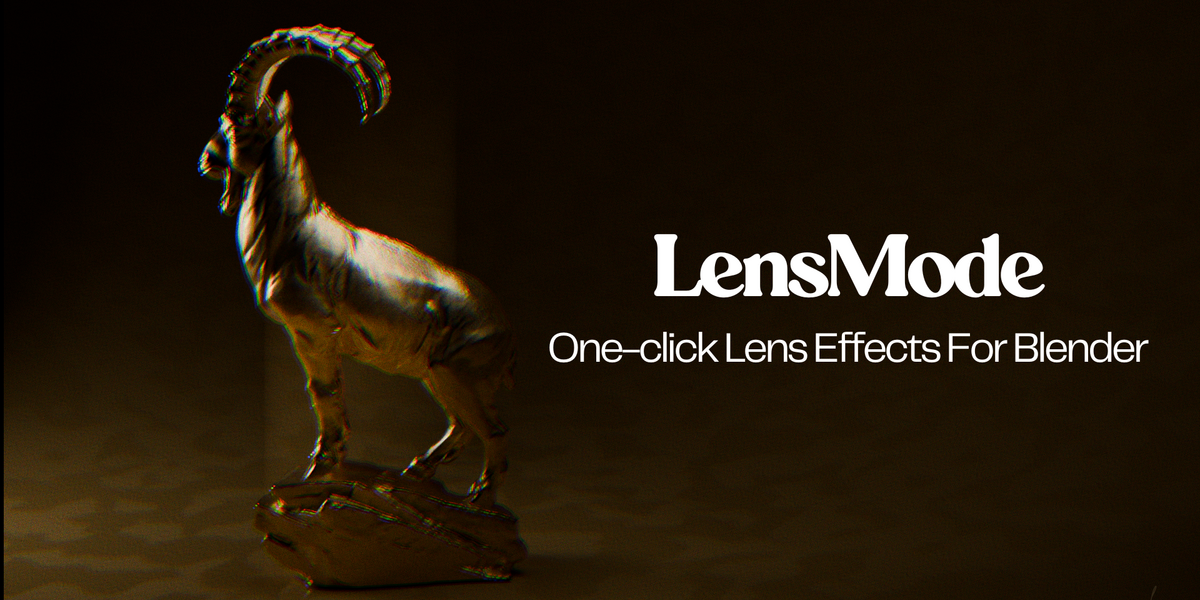
LensMode is a Blender add-on from Magnetiq for adding lens effects to renders. It creates compositor effects for lens distortion, chromatic aberration, vignetting, and anamorphic squeeze. You can start with one of its 15 presets, then adjust the settings to shape the look.
Adjust lens effects in the compositor
LensMode creates and updates compositor nodes, so you do not need to build the node setup manually. Its documentation describes controls for barrel and pincushion distortion, asymmetric warping, color-channel offsets, vignette shape and softness, and anamorphic squeeze. Effects are applied after the render completes. The product listing describes the workflow as non-destructive.
Preset names include profiles labelled Canon, Zeiss, Cooke Anamorphic, Panavision, Sigma, and Helios. The preset list and settings are described in the LensMode documentation.
Install and use LensMode
- Download the LensMode ZIP file.
- In Blender, open Edit → Preferences → Add-ons, choose Install, and select the ZIP file. Enable LensMode in the add-on list.
- Select a camera, open the 3D Viewport sidebar with N, and choose the LensMode tab.
- Enable the checkbox at the top of the LensMode panel, choose Load Preset, and render with F12 to see the effects.
For installation details, see the installation and quick-start instructions. If the panel does not appear, check that a camera is present and the add-on is enabled in Blender's Add-ons preferences.
Compatibility, package, and license
The product description says LensMode works with Blender 4.0 and later, while Superhive's compatibility field lists Blender 4.0–5.0. The developer identifies Blender 5.0 as the version it was built and tested with. Cycles and Eevee are both listed as supported render engines; compatibility after Blender 5.0 is not specified.
The package includes the add-on, 15 presets, documentation, and an installation guide. Superhive lists the license as GPL. Any Plugins lists LensMode as free, while Superhive's product text does not state a price. Check the Superhive product listing for current availability and terms.