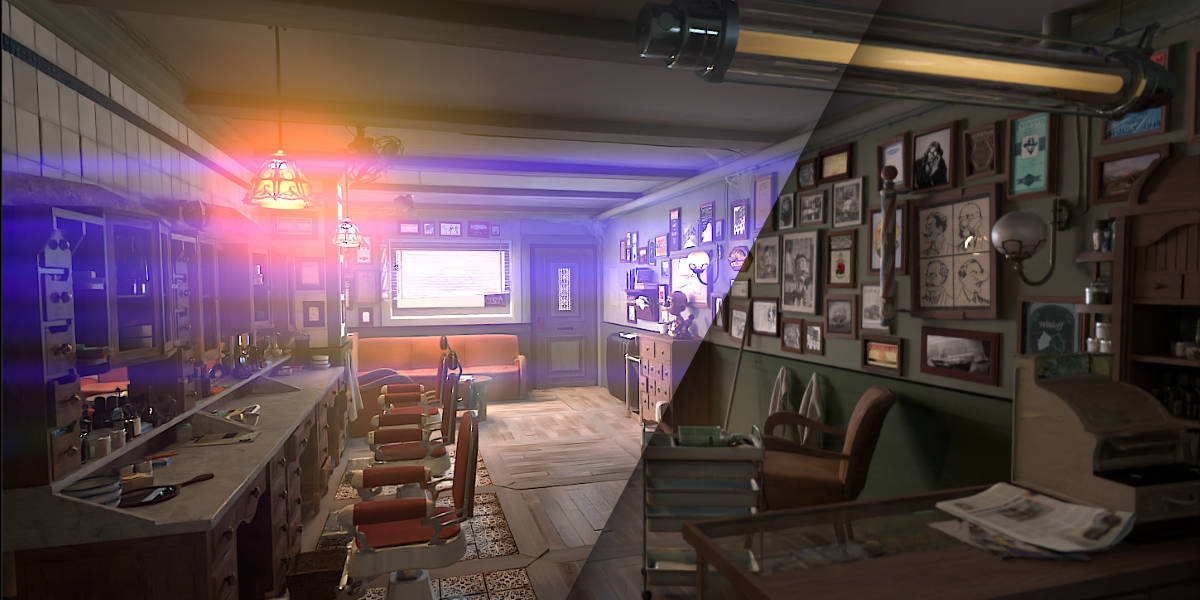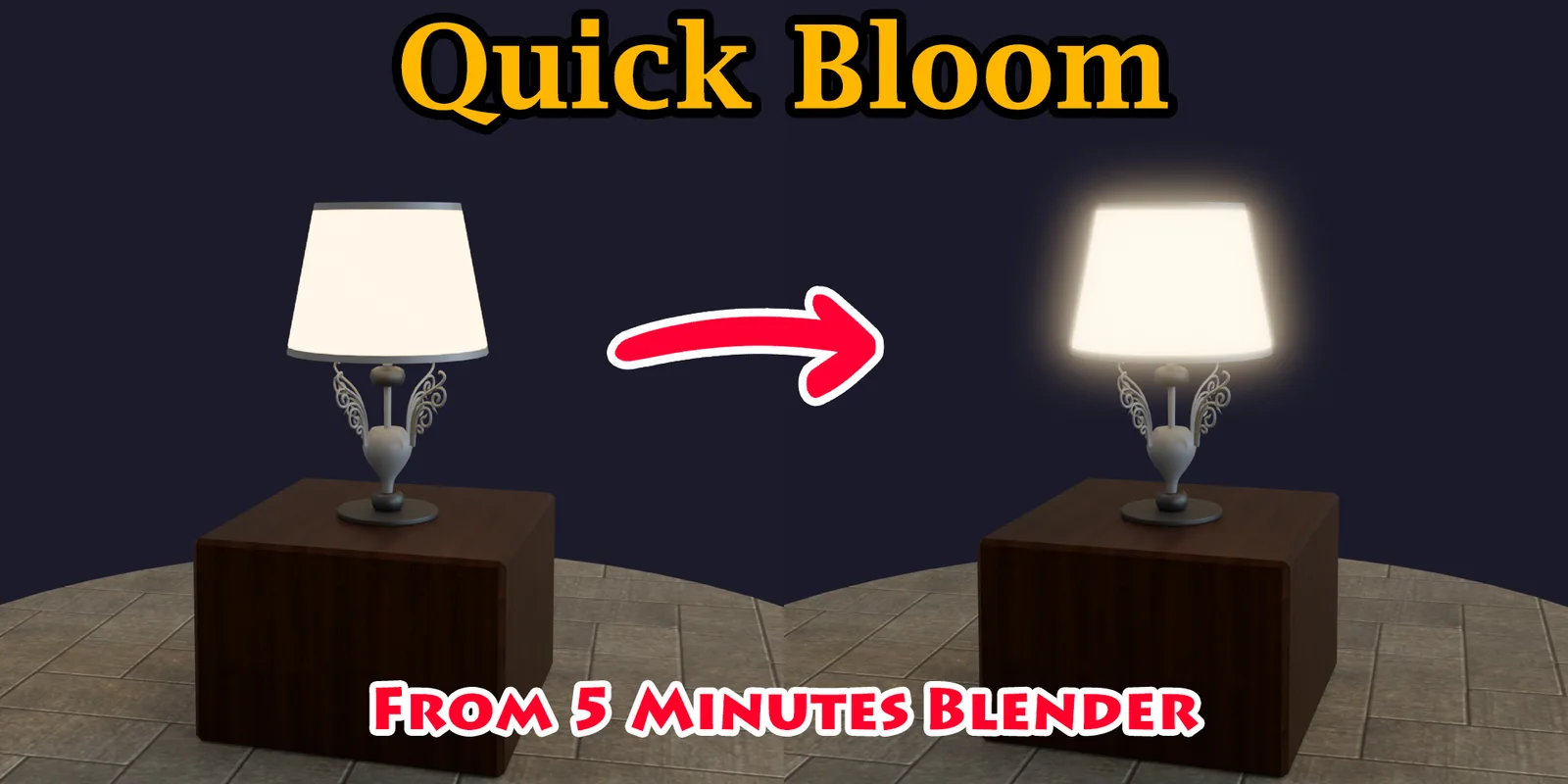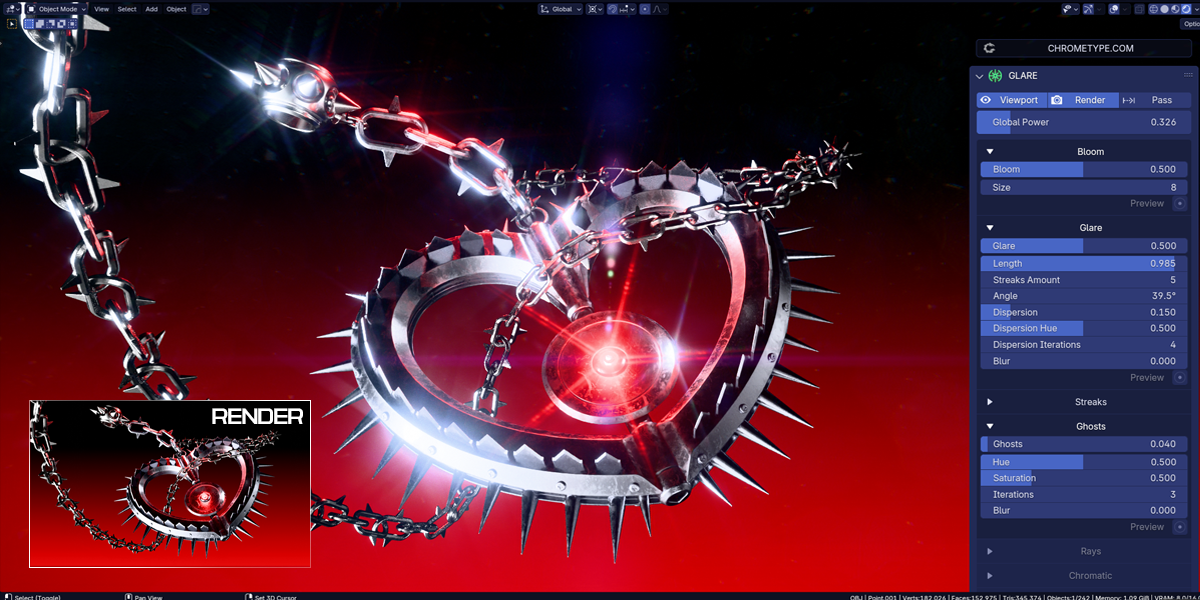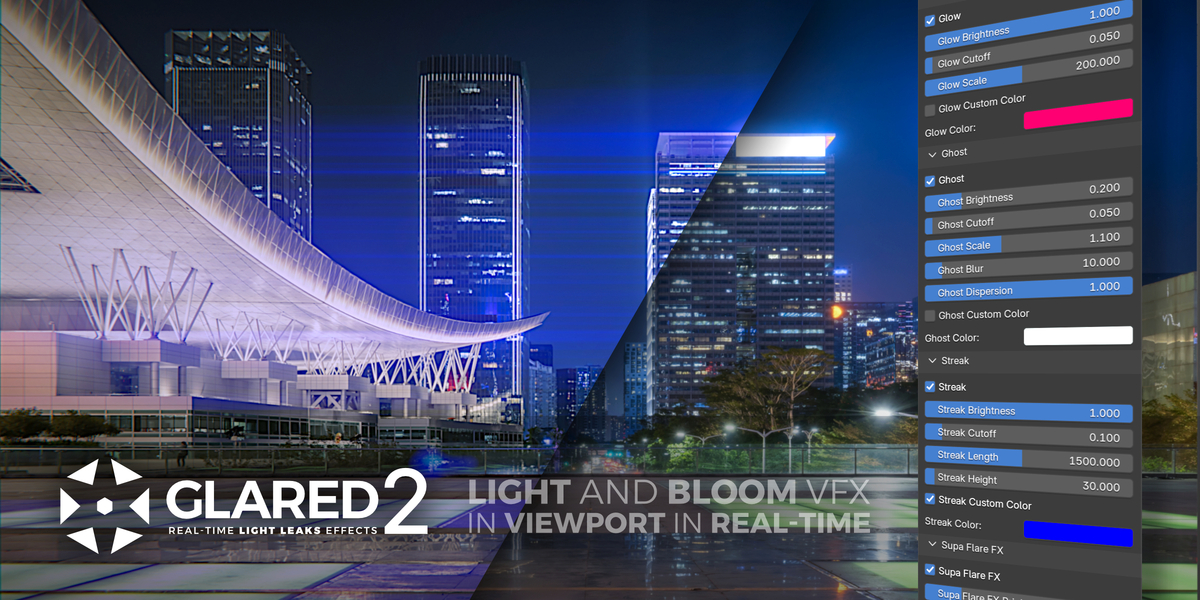
Glared2 is a Blender add-on for adding bloom, glow and lens-inspired effects to a composite. It works in screen space: bright areas in the input image drive effects such as streaks and ghosts, while controls for vignette, chromatic aberration and sharpening shape the finished image.
The add-on places its node group at the end of the compositor pipeline and exposes the effect controls in its panel. You do not need to build the effect nodes by hand. Imported footage or a custom compositor setup may still need additional connections so Glared2 receives the image you want to process.
Effects and presets
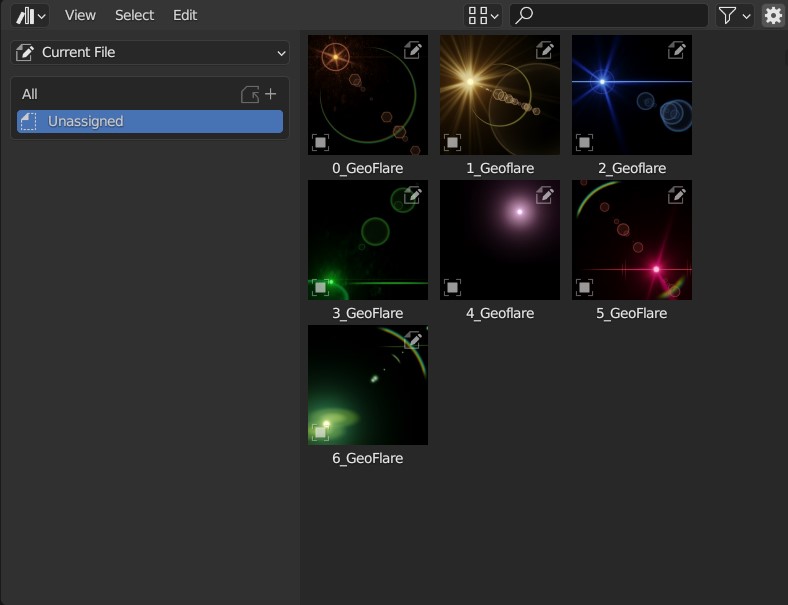
The effect set includes bloom and glow, anamorphic streaks, ghosts and reflection-inspired artifacts, light deformation and diffusion, lens dirt, vignette, chromatic aberration, and Unsharp Mask sharpening. The product page lists 12 factory looks, including Clean Cinema, Warm Vintage and Neon Cyberpunk. You can adjust a preset and save your own variations.
Preview and animation
Glared2 works with renders from both Eevee and Cycles. You can also use it with still images, image sequences and video footage supplied through the appropriate compositor input. To see effects in the viewport, enable compositor preview in the viewport shading settings. Preview speed depends on scene complexity, resolution, enabled effects and hardware.
Effect parameters can be keyframed, so the look can change over an animation. The controls let you adjust the treatment while developing a scene without editing the managed node group.
Separate effect-pass export
The product page lists Glared2 2.1.3 with an export workflow for the available light-effect passes. You can save them as separate OpenEXR files or in a multilayer OpenEXR, alongside a reference image. Pass dimensions follow the render settings. Some image adjustments, including detail and chromatic aberration, are represented in the processed base rather than as independent light overlays. Multilayer EXR import and layer handling depend on the receiving application. The Glared2 export guide describes the available options and reconstruction limits.
Compatibility and a compositing limitation
The product page lists Glared2 2.1.3 for Blender 5.2 and 5.3; the documentation says the latest release requires Blender 5.2 or later, with earlier compatible packages available back to Blender 4.1. Package features and installation steps can differ, so check the documentation for the package that matches your Blender version.
Glared2's final composited output does not preserve the original alpha channel; it becomes opaque. If your shot needs a transparent background, account for this before choosing the add-on. The product's FAQ also explains viewport setup, compatibility and export questions.