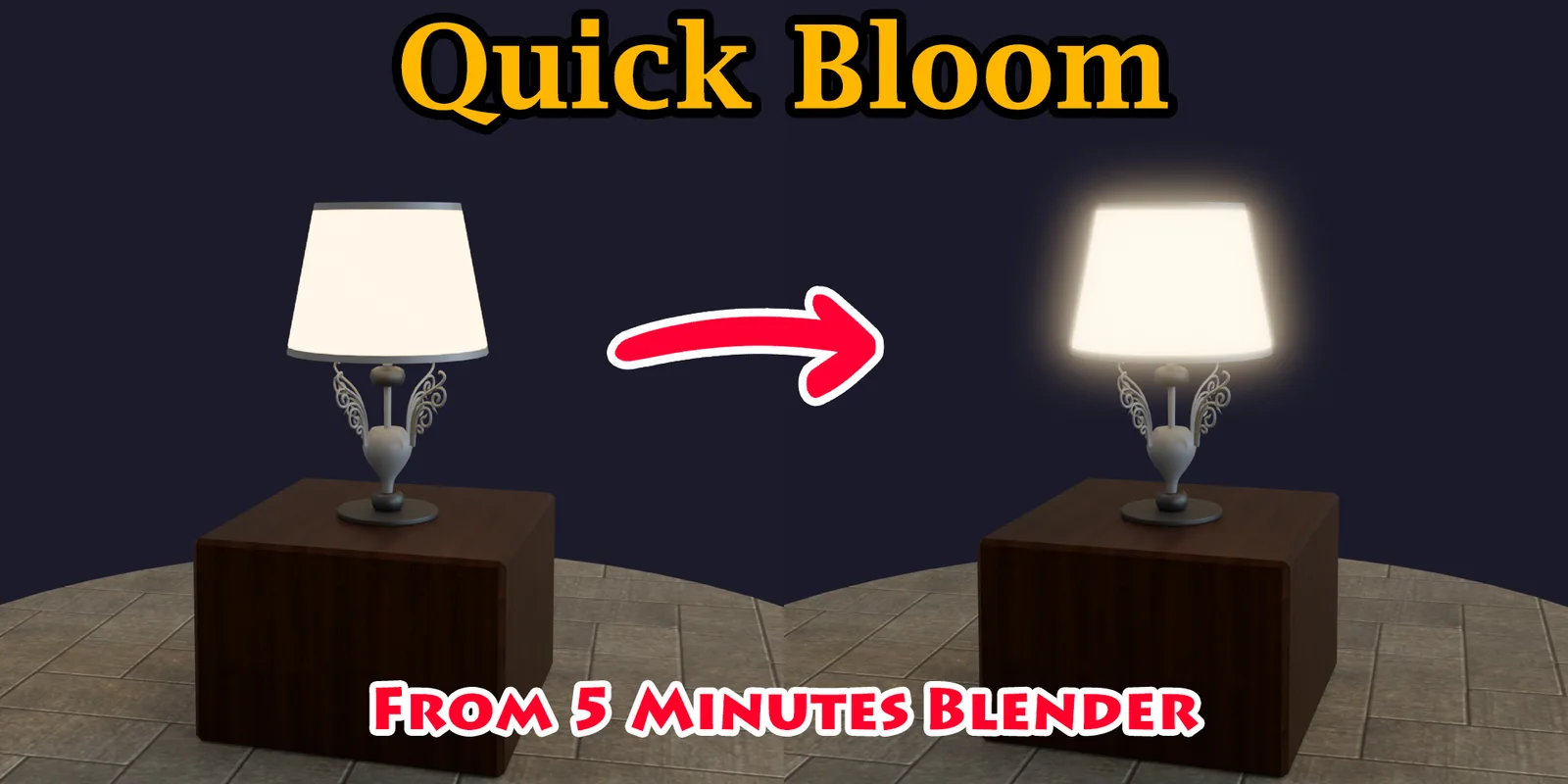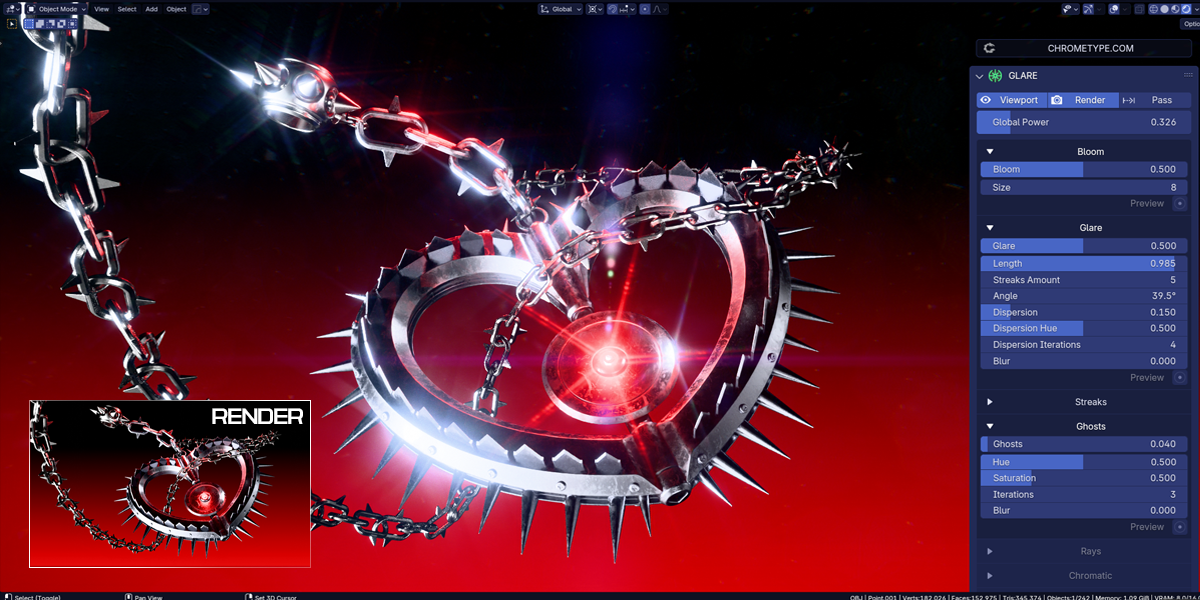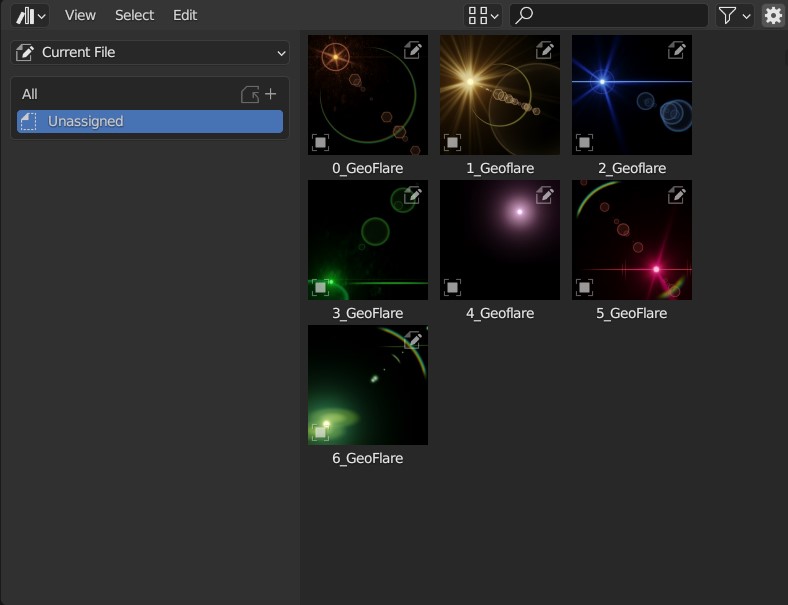
Geoflare is a Geometry Nodes object for Blender that creates lens effects in the viewport and in renders. Version 1.0 includes asset-browser presets and supports Eevee and Cycles. Its effects include flares, streaks, camera dirt, glow and horizontal reflections. An object occlusion effect lets scene objects block the source light.
Install and connect the scene
- Unzip the package and add its folder as a new asset library in Blender.
- In the Asset Browser, choose a Geoflare preset and add it to the scene. This creates an object named
X_Geoflarewith a Geometry Nodes modifier. - Assign the scene camera, the light that generates the flare, and a collection containing objects that can block that light. You can link objects to the block collection with Shift+M to keep their existing collection membership.
Adjusting the effect
Global power changes the overall intensity. Flicker controls variation in light intensity from 0, with no effect, to 1, the maximum. The field parameter controls the flare in relation to the light’s position in the camera’s field of view. The product notes example values of 0.9 for a 50 mm camera and 0.613 for an 18 mm camera. Render distance sets how far the effect sits from the camera and can help when elements clip.
Each element has its own color and intensity controls: hue and saturation set color, while value sets intensity. You can also adjust scale, turn elements on or off, and change the element type where that option is available.
Rendering notes and limits
The lens effect sits close to the camera, so check the camera’s near clipping distance. With a very distant light, the flare elements can move away from the camera and clip; render distance may help. If Cycles shows artifacts, the product page suggests raising the transparent max bounces setting in Light Paths. In Eevee, bloom is recommended. A low F-stop for depth of field can disrupt the effect. For another light source, duplicate the Geoflare object and assign that light.
Version and license information
The Geoflare listing on Superhive names Blender 3.4 for version 1.0 and records an earlier update for Blender 3.3. It does not establish compatibility with later Blender versions. The listing labels the license as Creative Commons; check its current terms before using the asset in distributed work.