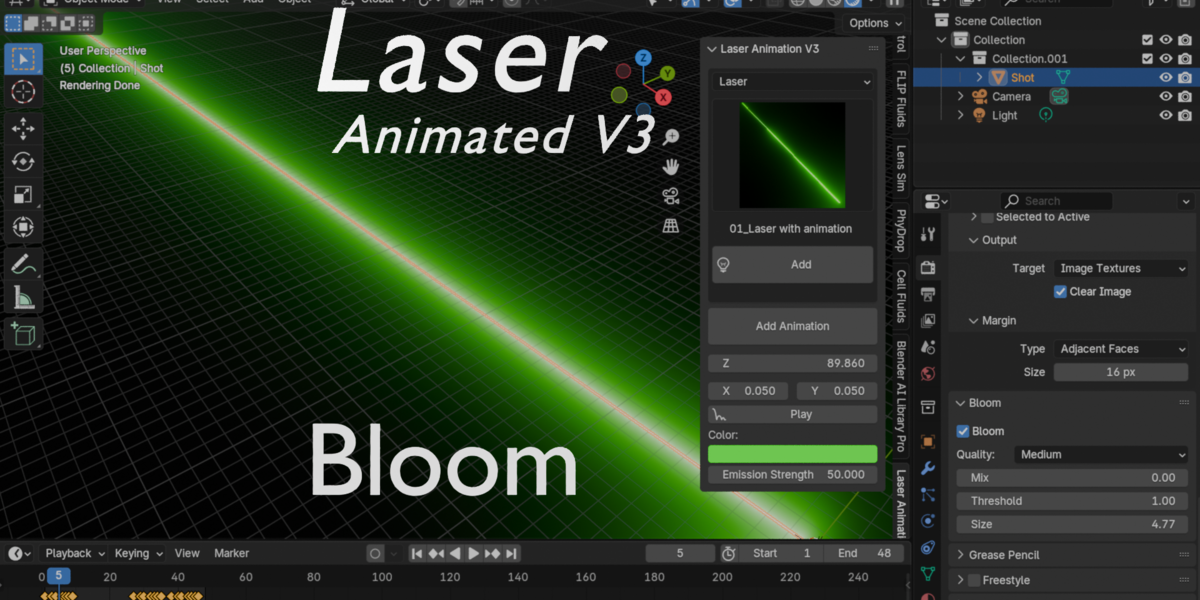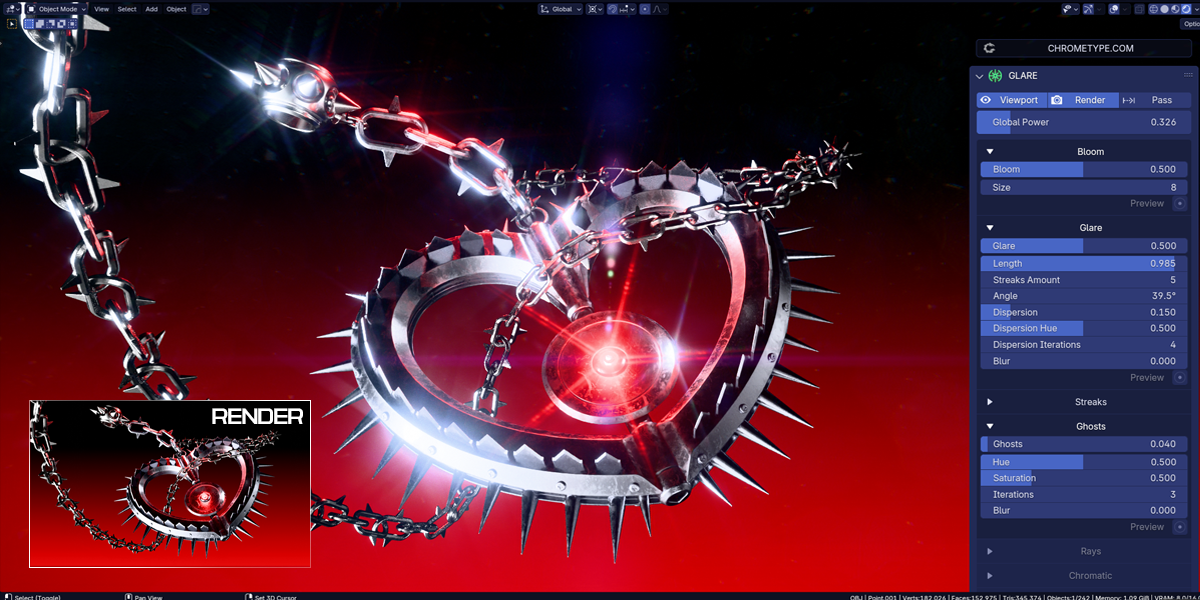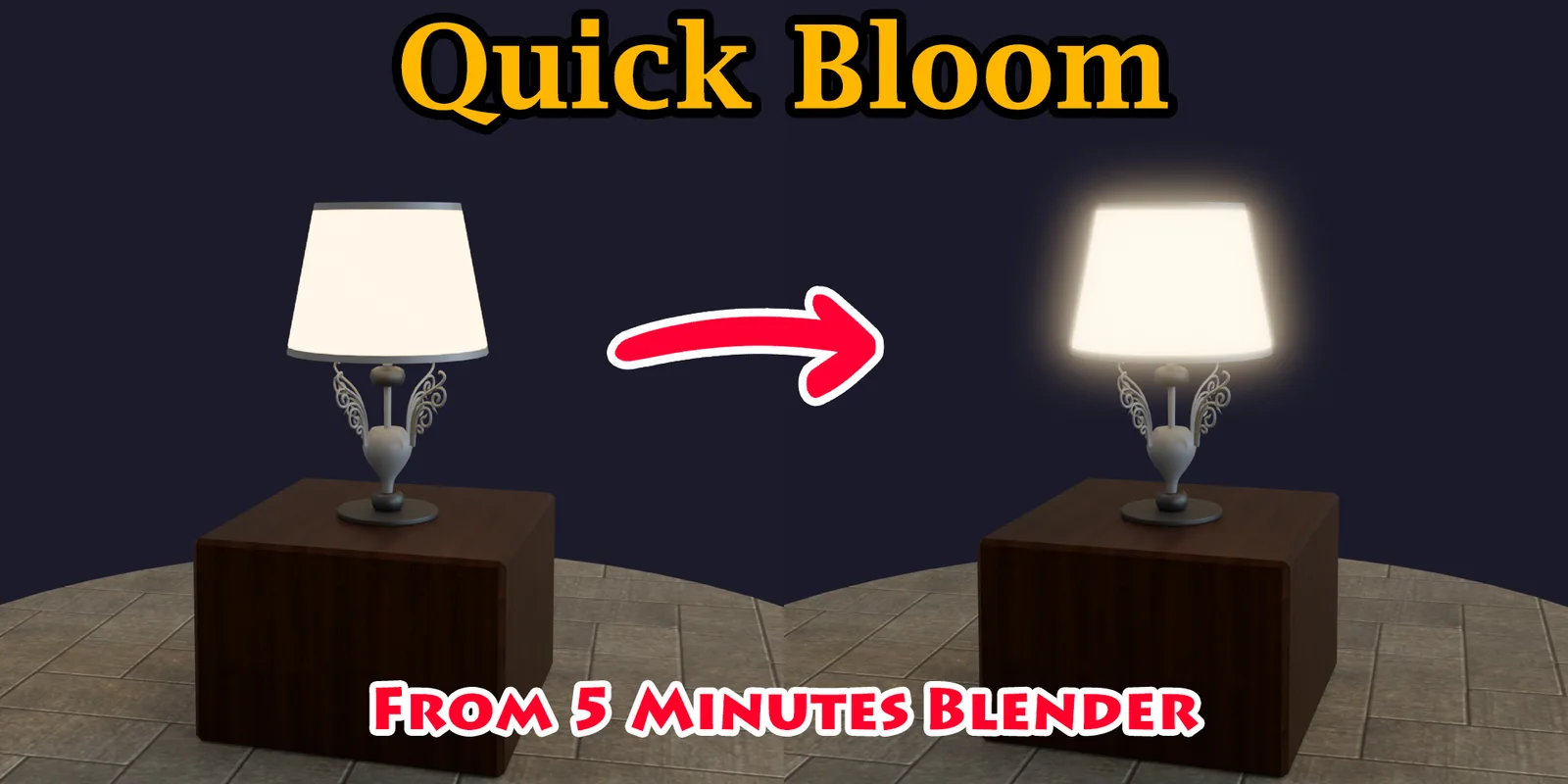
Quick Bloom is a free Blender add-on from 5 Minutes Blender. It adds a Bloom effect to scenes rendered with Eevee or Cycles, with controls for the glow's spread, quality, light threshold, and color. The creator presents it as an alternative to Blender's removed Bloom feature.
Adjust the Bloom effect
Bloom Size controls how far the glow spreads across the image. The creator's examples set size 9 to cover the full screen, size 8 to cover half, and size 7 to cover one-quarter. Bloom Quality controls resolution: Low or Medium can be used while testing, while High is suggested for a final render.
Light Threshold sets the minimum light level included in the effect. Raise it if too much of the scene glows; lower it if the Bloom is hard to see. Bloom Color is optional. When it is off, the effect uses the natural glow color of lights and light-emitting objects.
Control the optional blur
When enabled, the Blur effect blurs the whole scene by default. Use Include Objects to name objects or collections to blur. You can enter several object names separated by commas, use a collection name, or combine both. To leave most of the scene blurred while keeping particular items clear, list those items under Exclude Objects and leave the include field blank.
Blur Amount sets the blur in pixels. Blur Percentage sets it relative to the image size and adjusts for the render's aspect ratio.
Check compatibility and setup details
The product description says Quick Bloom is intended for Blender 4.2 and newer, while the listing's separate Blender Version details show 3.4 to 5.0. Since those version statements differ, check the current product listing for the release you plan to install.
The creator's documentation page says the download package includes a PDF with installation steps, screenshots, and explanations of the input fields. A video tutorial covers the functions and options.
The listing also marks Use Existing Node Tree as under construction and not yet implemented, so that option is not currently available.