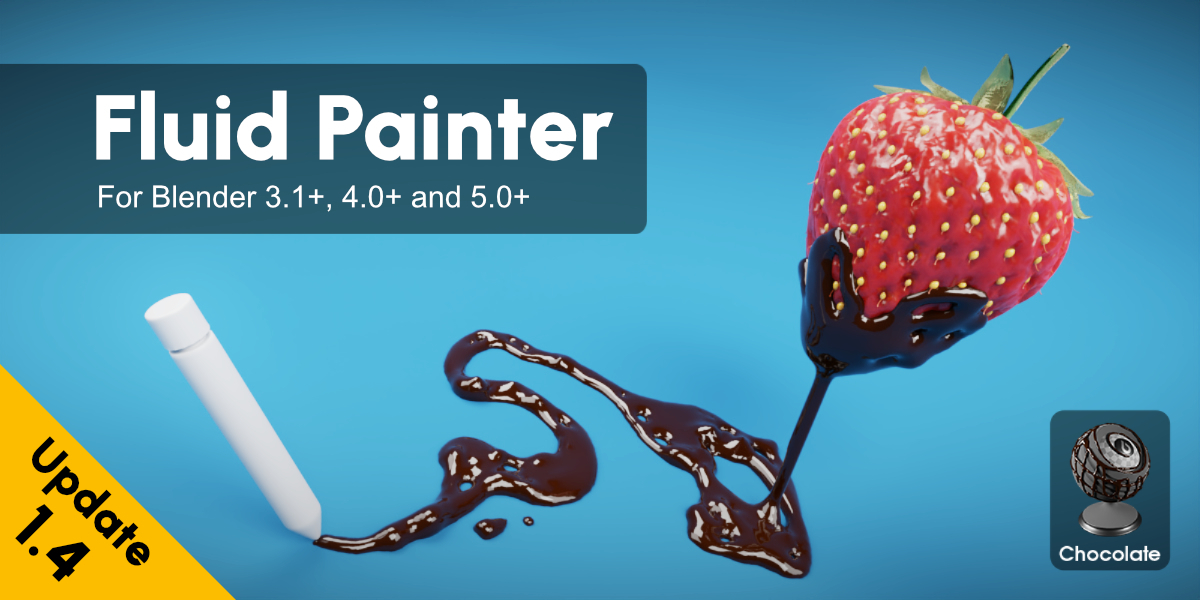
Fluid Painter is a Blender add-on that uses Geometry Nodes to create curve-drawn fluid effects on 3D surfaces. Draw a curve over an object, choose a preset, then adjust the result with the add-on’s parameters. The workflow suits surface details such as leaks, drips and liquid coatings.
Choose between Fluid and Fluid+ presets
Fluid presets draw over 3D surfaces and are recommended by the publisher for leaking effects. They do not need a drawing object assigned. Fluid+ presets adjust dynamically to a drawing surface and flatten onto it. To use Fluid+, select one or more objects before adding the preset; Fluid Painter assigns the selected object automatically.
Shape drops and fluid motion
The drop system adds a drop at the end of each fluid shape. You can adjust its size, length and curvature, then move it along the spline. Randomization controls for movement and speed help vary repeated patterns. Drop Loop supports seamless drop animations, while streaming start and stop controls govern when drops flow.
A two-layer scattering system places spheres or cylinders inside or over the fluid, for details such as bubbles. The add-on also includes a tool to stick fluids over animated objects, including rigged or simulated objects.
Presets, render engines and export
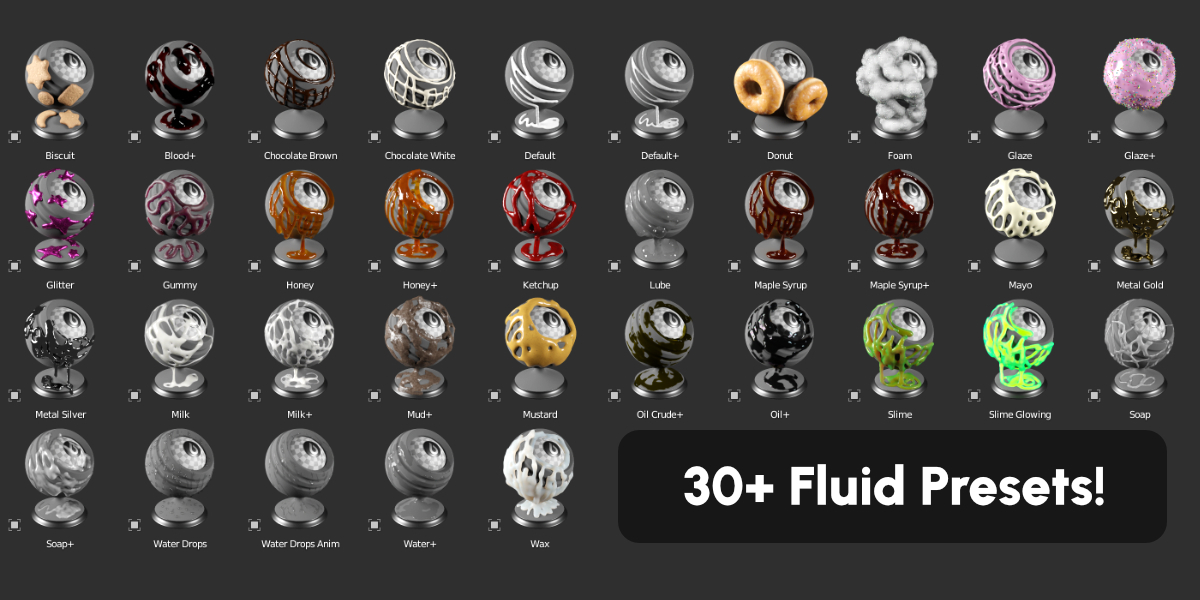
The preset library contains more than 30 options compatible with Eevee and Cycles. Starting points include chocolate, honey, ketchup, glaze, foam, soap and water. You can also use the included default presets to build a fluid from scratch. Finished fluids can be converted to meshes and exported for use in other 3D software; the product page does not specify supported export formats.
Version and Blender compatibility
The 1.4.1 update notes list a String Slack control for Fluid String, a Drop Starting Spline setting, and separate viewport and render resolution controls. The publisher’s page also shows a 1.4.2 update notice for full Blender 5.2 compatibility and lists Blender 3.1–5.2 in its version details. Check the publisher’s product page for the package and release notes. Its documentation page links to manuals, a quick-start guide and tutorials.